Have a Coca-Cola rep? Some participating bottlers cover the full cost. Ask about special pricing →

Convenience store menu boards for your hot food and combos.
A custom convenience store digital menu board, made from a photo of your menu. Put your hot food, combos and drinks on the TVs over the counter, and change a price or a sold-out item from your phone.
500+
restaurants run their menus on Just a Menu
Instant
custom boards, ready to go
1 photo
of your menu is all we need. Let’s chat →
Illustration
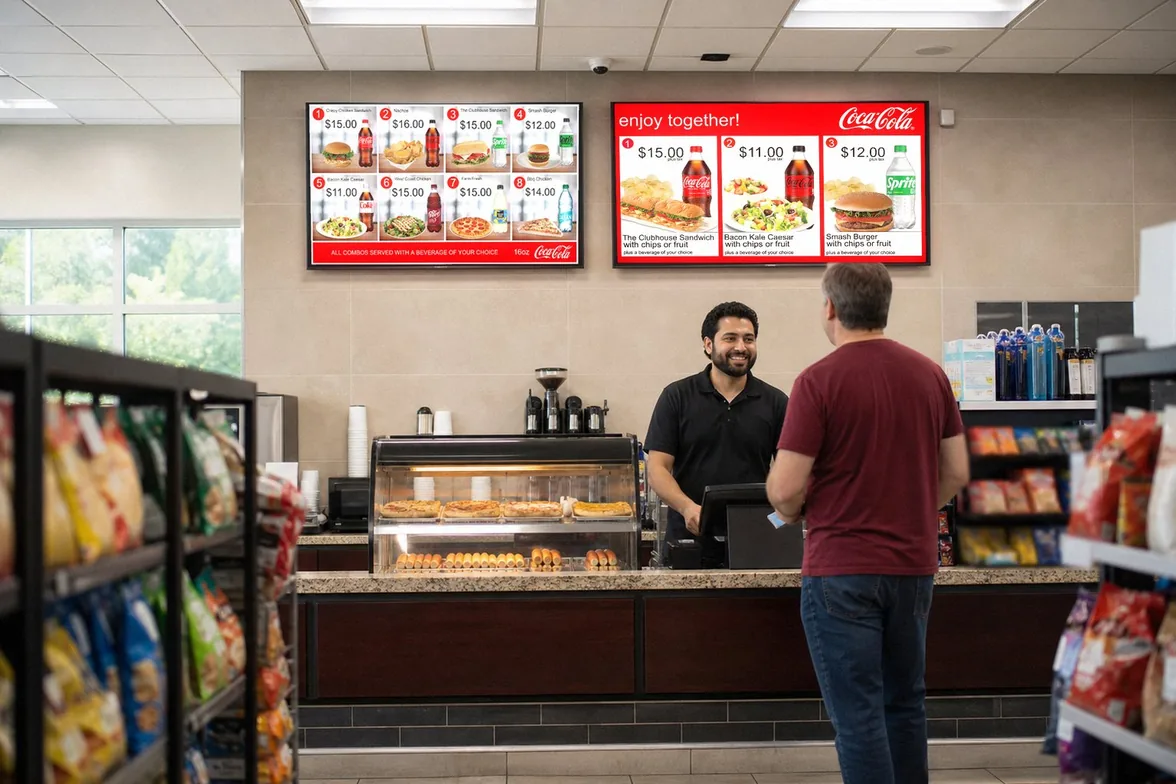
A real convenience store
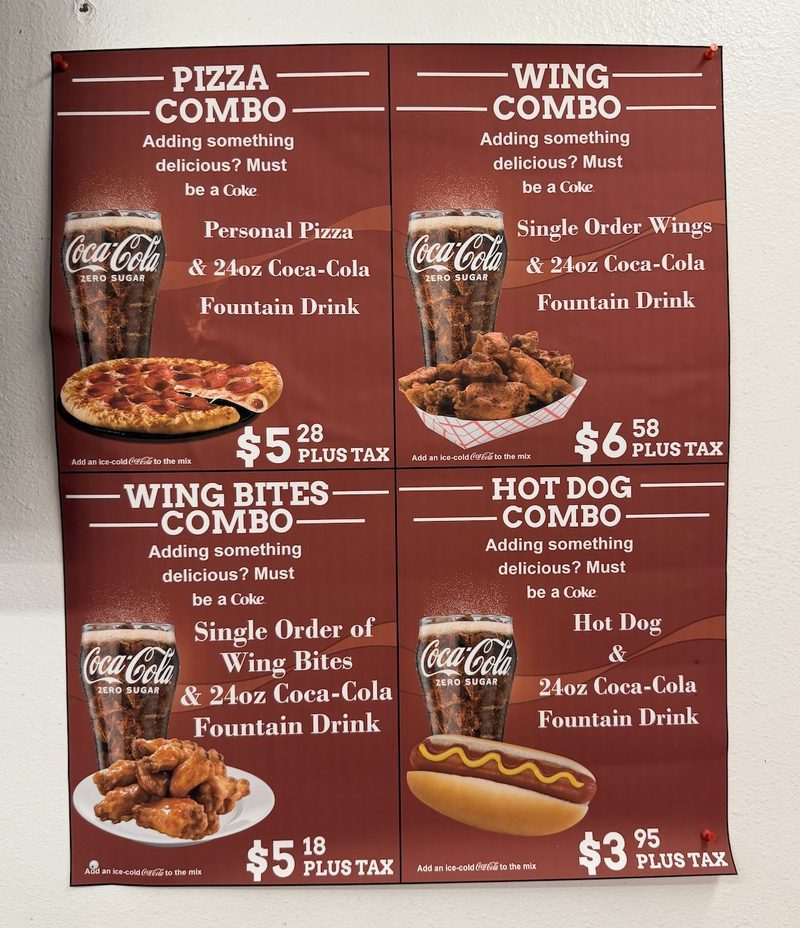
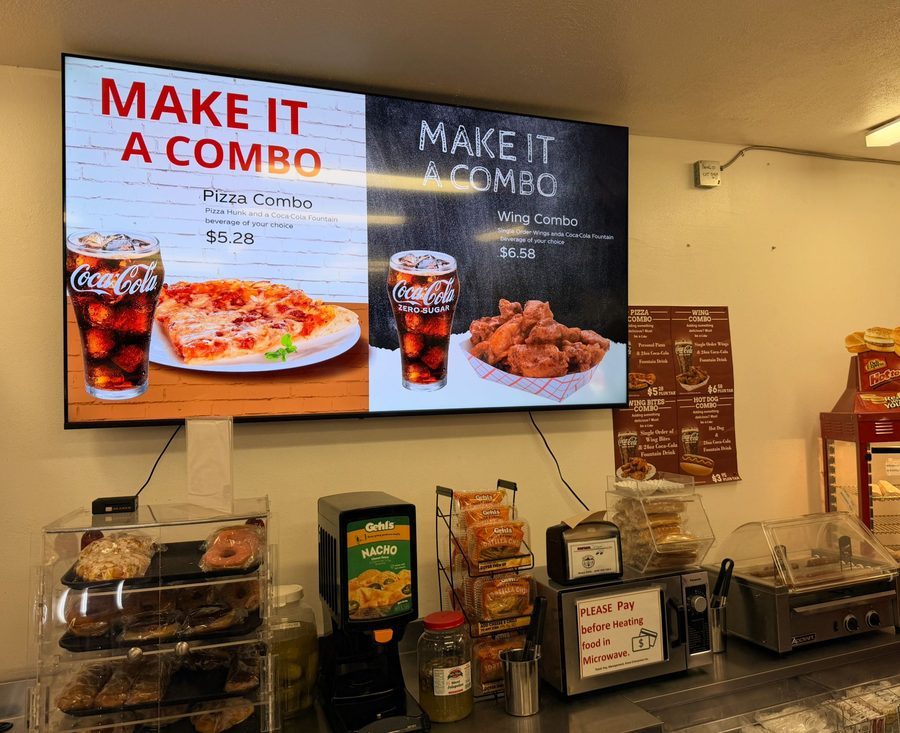
From a taped-up combo sheet to combo screens.
A convenience store that runs Just a Menu. Before: a laminated sheet of combos, taped up in the store. After: the pizza and wing combos on a TV.
Made for the counter
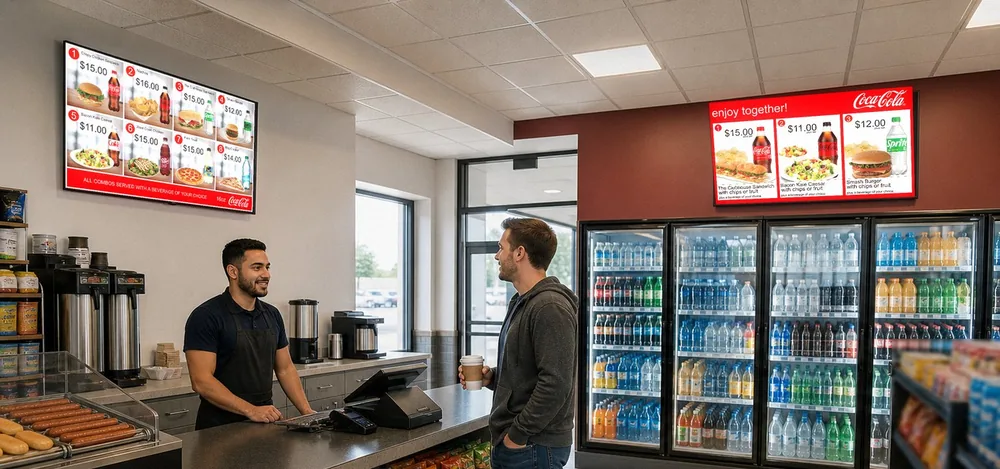
Hot food, combos and cold drinks, where customers look.
Customers decide at the counter and at the cooler door. Put the combo in front of them there, and keep it right from your phone.

Illustration
Combos · Scene Magic
Make it a combo, in about a minute.
Pick a food item, then answer one question: “Which drink goes with it?” Scene Magic builds a finished combo slide with your real item and price. It plays in the loop with your menu, over the counter or above the coolers.
- ✓A breakfast combo in the morning and a lunch deal at noon, on a schedule
- ✓Drinks from the Beverages tab, bottled or fountain, with product photos and prices
- ✓One TV or as many as you need side by side, each with a JAM Player
Menu Workspace
Sold out of something? One tap.
Switch an item from Available to Sold Out on your phone, and it hides or grays out on your screens. Change a price the same way.
- ✓Your TV boards, QR menu and print PDFs update from the same menu
- ✓Print a counter menu or a combo flyer as a PDF in the size you need. Print menus →
- ✓A QR menu with a language picker and allergy info, on a code that never changes

Real screen · sample menu
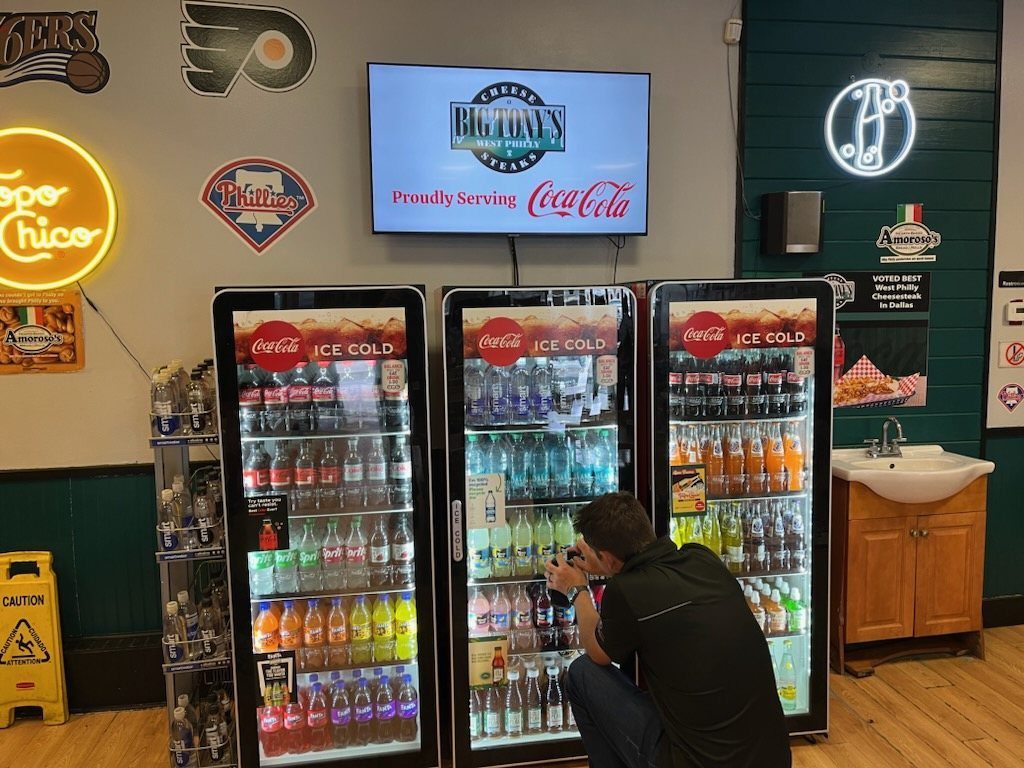
Real install: Big Tony’s West Philly Steaks · Dallas, TX
How it works
Your combo boards, built for your store.
Snap it. We build it. Plug it in. The boards themselves are pixel perfect: real designs, not AI images. See every step →
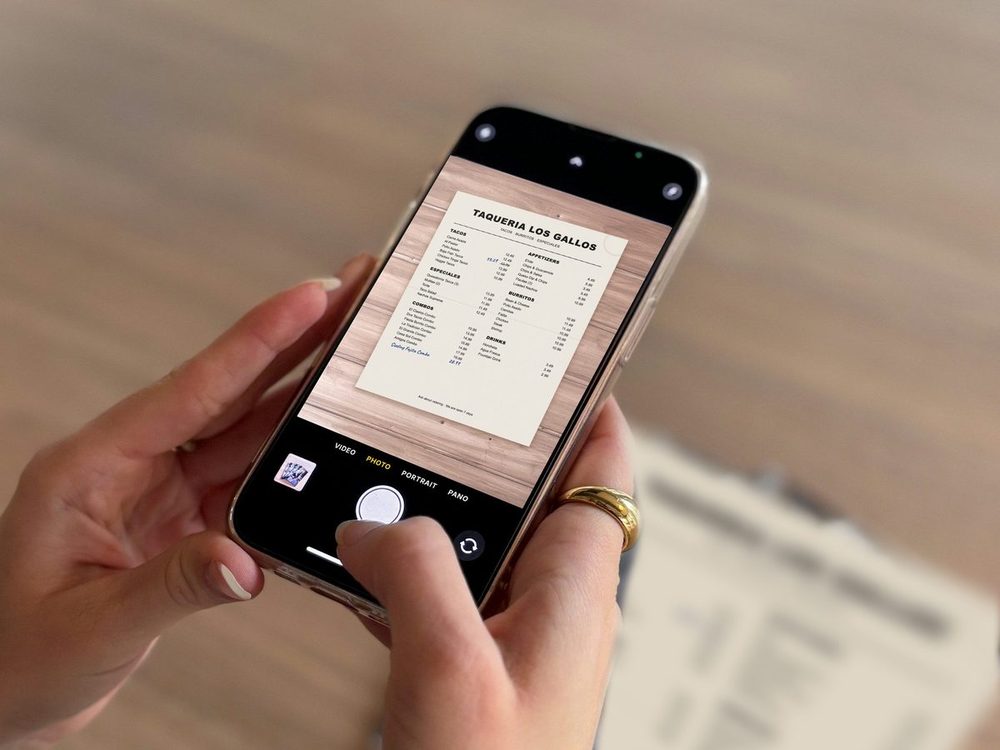
Our demo menu
1
Snap your menu
Take a photo of your menu, or upload a PDF. We read the items, prices and sizes. You check them and accept.
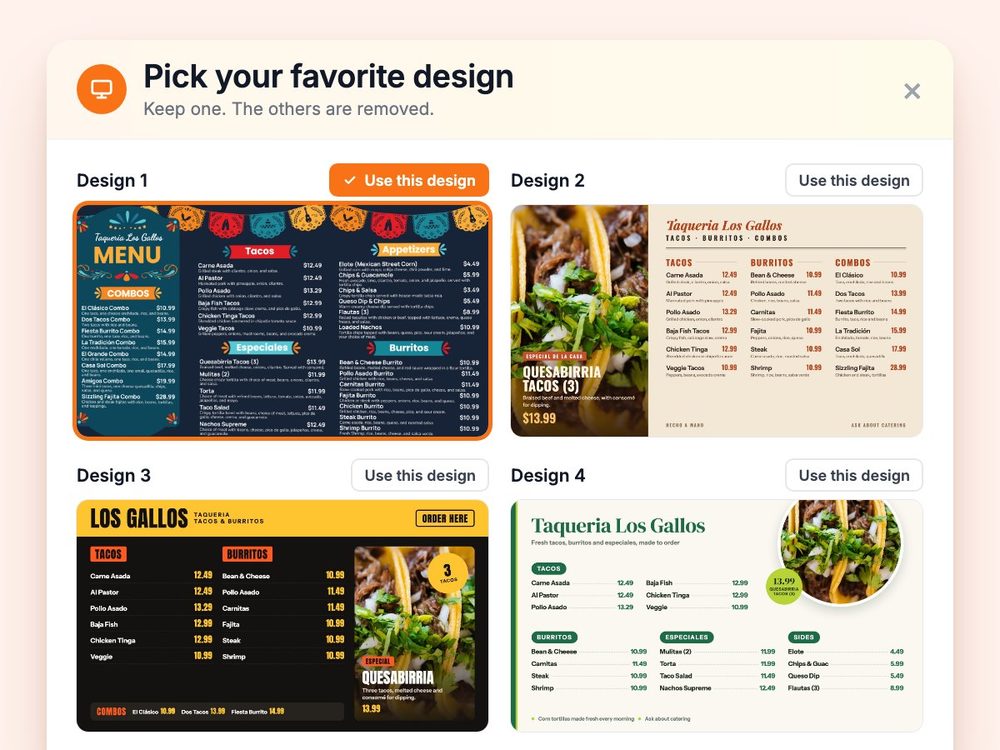
Our demo menu
2
We instantly create your custom boards
Your menu, logo and colors on boards for one TV or a whole wall. Add a photo of your store and we match its look. We’ll even make up to four versions, so you can choose the one that feels most like you.
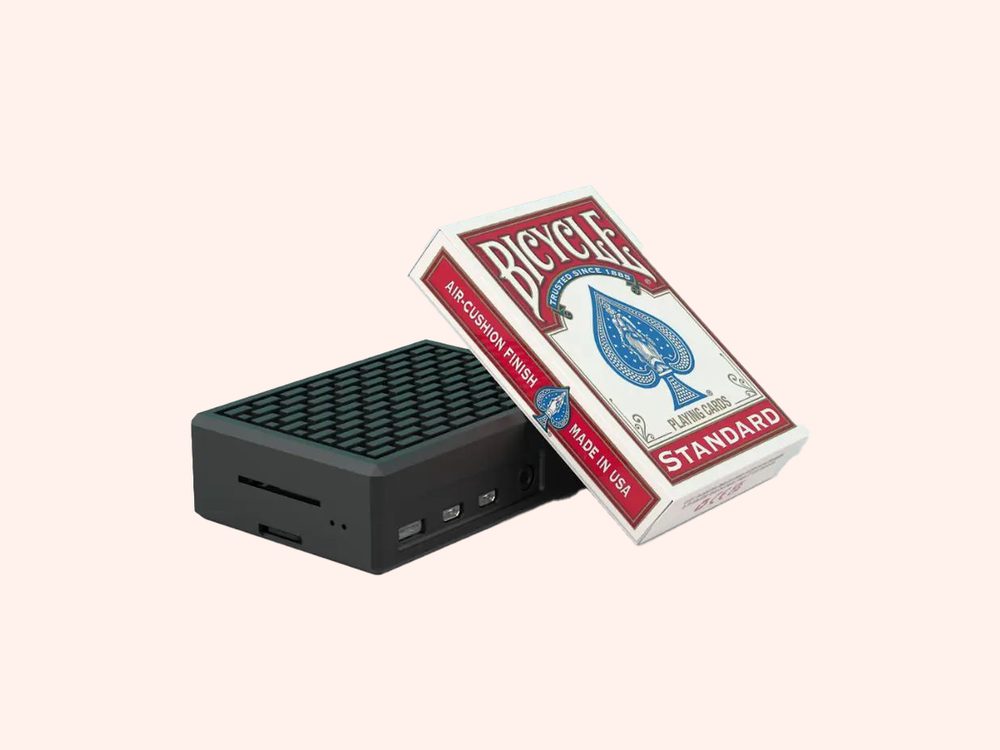
3
Plug in and go
A JAM Player plugs into any TV with HDMI and connects to your business Wi-Fi. Your menu goes up on the screen, and your QR menu is ready too. Tweak anything anytime, or don’t. It’s ready as is.
Have a Coca-Cola rep?
Ask about special pricing.
If your store buys its Coca-Cola from a participating Coca-Cola bottler, you may get special pricing, and some bottlers cover the full cost. Ask us or your Coca-Cola rep, and we’ll find out what yours covers.
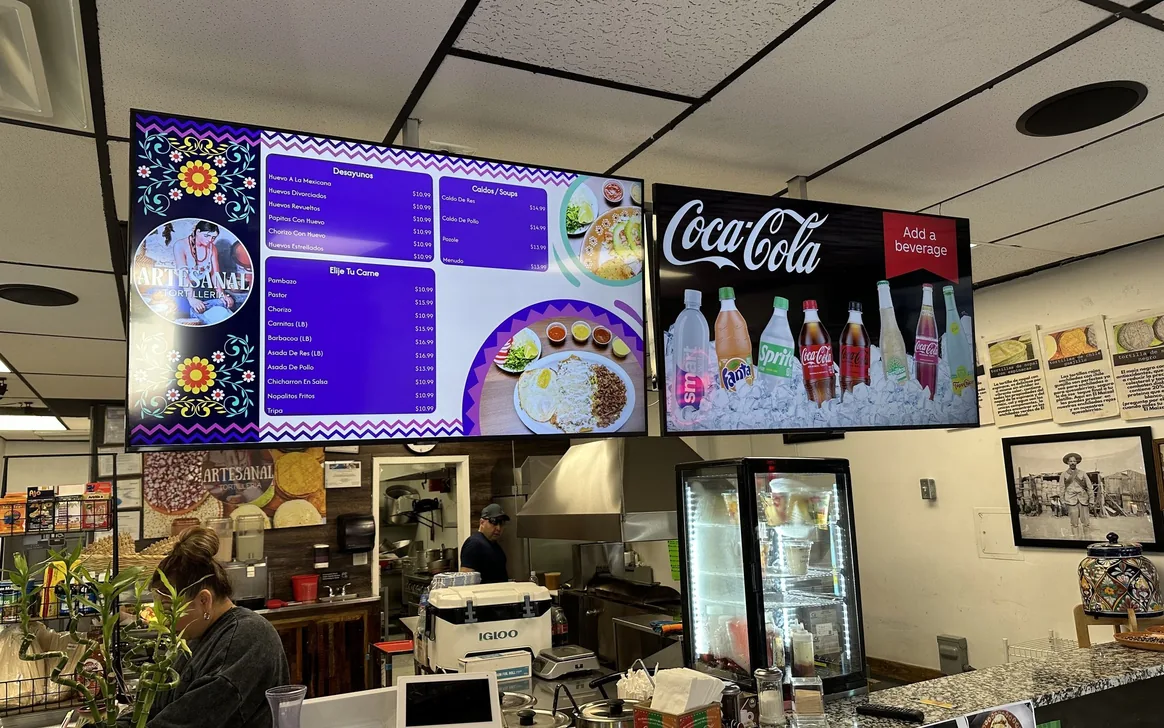
Real install: Artesanal Tortilleria · San Antonio, TX
Convenience store questions.
Still have one? Call (202) 886-2442 or email sales@justamenu.com.
Can I show combos with a drink?
Yes. Scene Magic makes a combo slide from a food item and the drink you pick, and you can schedule it for breakfast, lunch or the days you choose.
Can I put a screen above the coolers?
Yes. Any TV with an HDMI input works, wherever you hang it. Each TV gets its own JAM Player, which connects over your business Wi-Fi.
Can I change prices from my phone?
Yes. Change a price or mark an item sold out in Menu Workspace, and your TVs, QR menu and print PDFs update from the same menu.
Does it work with my POS?
Yes. Change a price or 86 an item in Square, Toast, Oracle or Clover, and your boards follow on their own. On another POS? We’ll integrate it by request, at no charge. See integrations.
What do I need to start?
A photo or a PDF of your menu, a TV with an HDMI input, and Wi-Fi. About the JAM Player →
What does it cost?
It depends on where you get your Coca-Cola. Participating Coca-Cola bottlers offer special pricing: they pay part or all of it for the accounts they choose, and can change that. Ask us or your Coca-Cola rep, and we’ll tell you your price before anything is installed. Everyone else: contact us for pricing.
Let’s talk about your store’s menu boards.
Once you’re set up, a photo of a poster, a price sheet or a paper menu is enough. Just a Menu turns it into finished menu boards for the TVs over your counter.
Talk to a real person. We reply within one business day.
Illustration