Have a Coca-Cola rep? Some participating bottlers cover the full cost. Ask about special pricing →

Home/Menu board templates

Free menu board templates

Free menu board templates for your TV.

Six layouts made for a TV across the room: one screen, two or three in a row, wide or tall. Download them free as PNG and PDF. Or, with Just a Menu, snap a photo of your menu and it fills a finished design in for you.
No sign-up. 1920×1080 per screen, the size a TV shows. Filled with a sample menu, or blank.

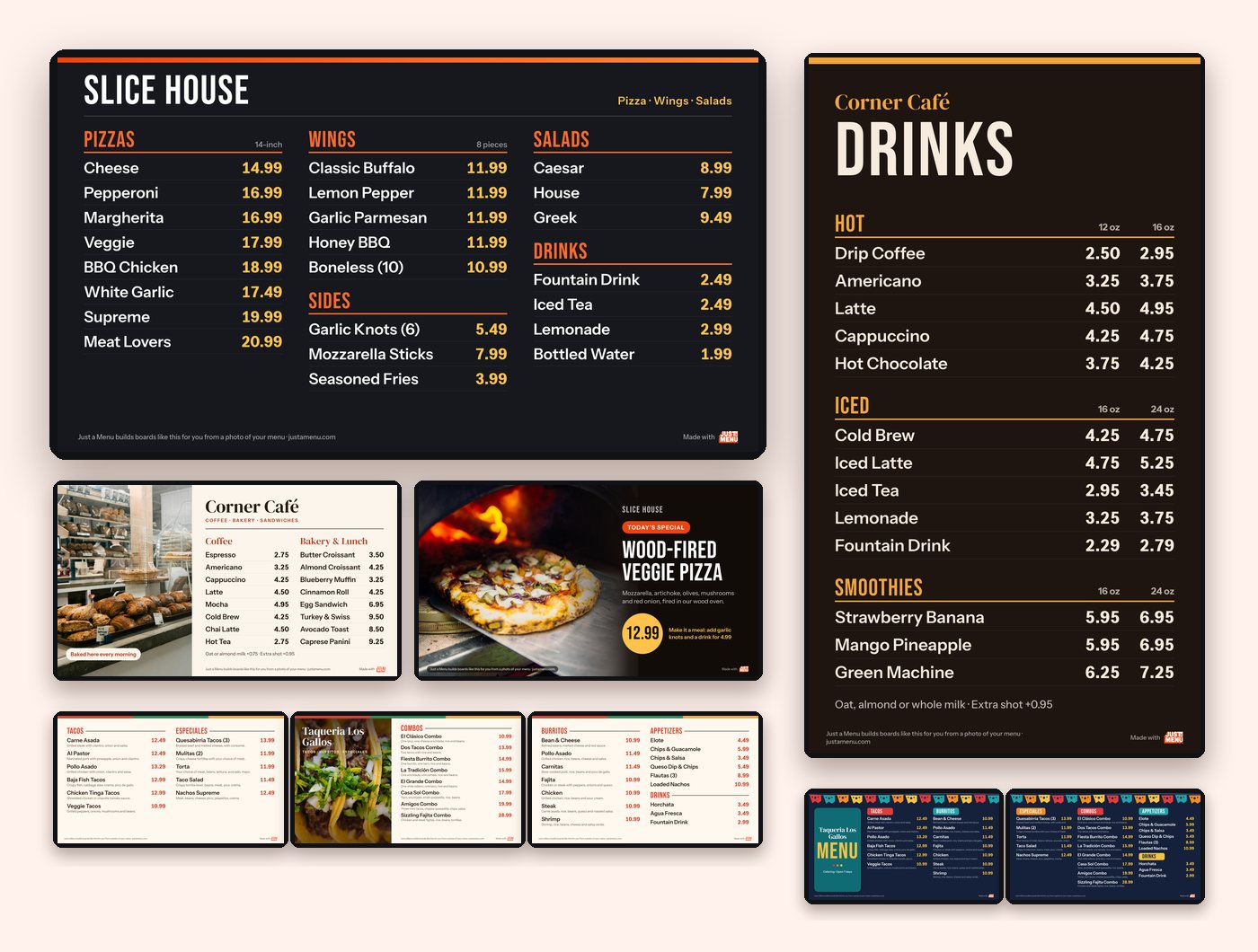
Six free menu board templates on TVs: pizza, tall drinks, cafe, special of the day, and three- and two-screen taqueria

Sample templates

Six free layouts

Pick a layout. Download it free.

Each screen is 1920×1080 (the tall board is 1080×1920), with text big enough to read from the back of the line.
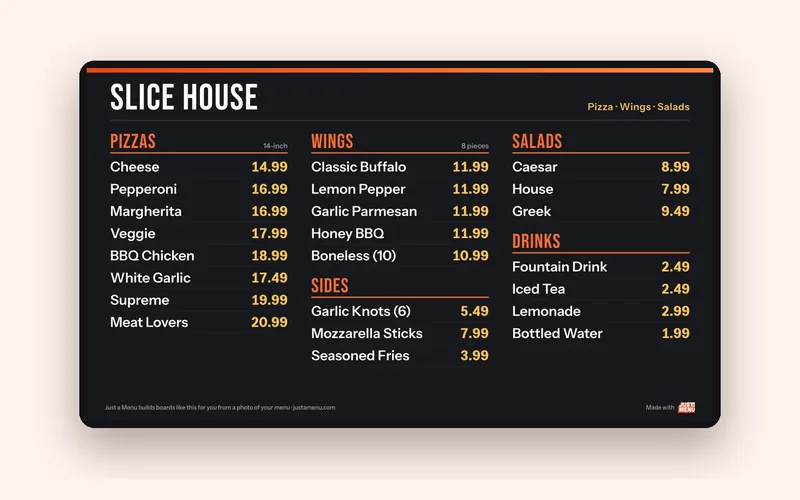
A dark three-column menu board template for a pizzeria, with pizzas, wings, sides, salads and drinks

Sample template

Classic three-column

One wide TV, five categories, 23 items. The layout most counters need.

  • 1 TV
  • Wide
  • 23 items
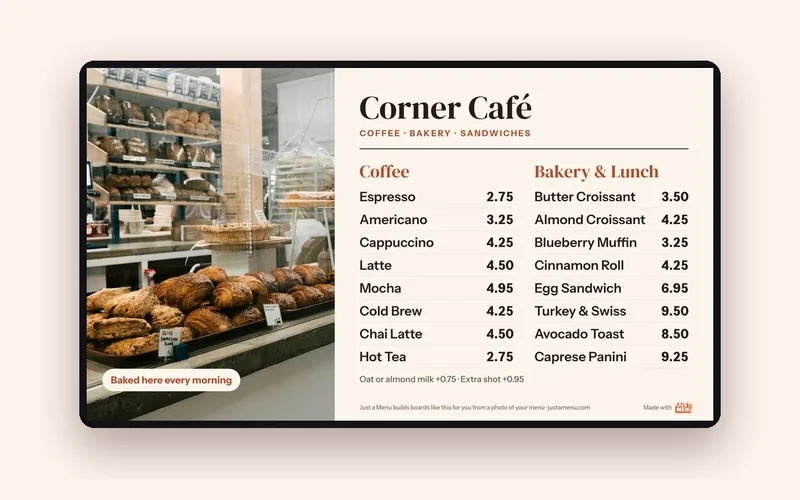
A light cafe menu board template with a large bakery photo on the left and coffee and bakery items on the right

Sample template

Menu with a photo

Two categories and one big photo of what you most want to sell.

  • 1 TV
  • Wide
  • 16 items
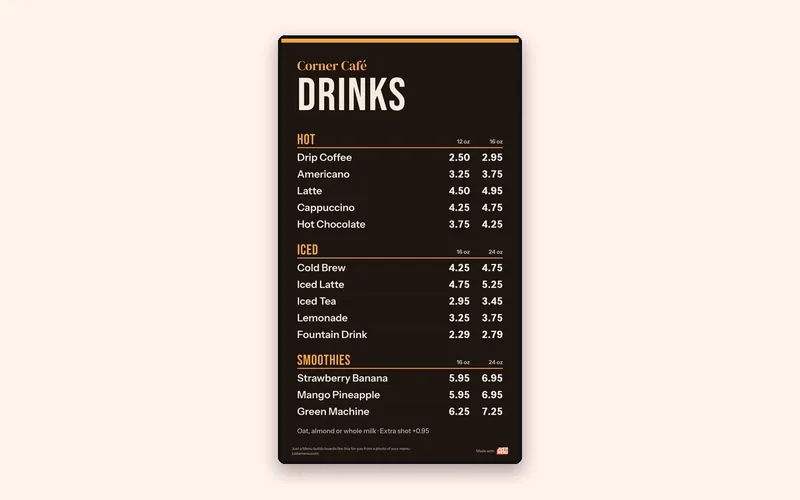
A tall portrait drinks board template with hot, iced and smoothie drinks in two sizes

Sample template

Tall drinks board

A portrait screen for a narrow wall or a pillar, with two sizes and two prices on every line.

  • 1 TV
  • Tall
  • 13 drinks
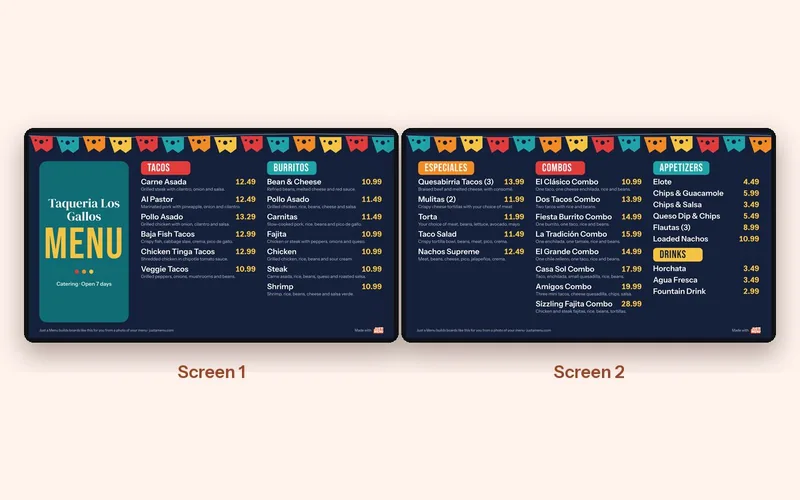
Two-screen taqueria template: tacos and burritos on screen 1; especiales, combos, appetizers and drinks on screen 2

Sample template · Our demo menu

Two-screen set

Your name and the everyday items on the left. Specials, combos, sides and drinks on the right.

  • 2 TVs
  • Wide
  • 35 items
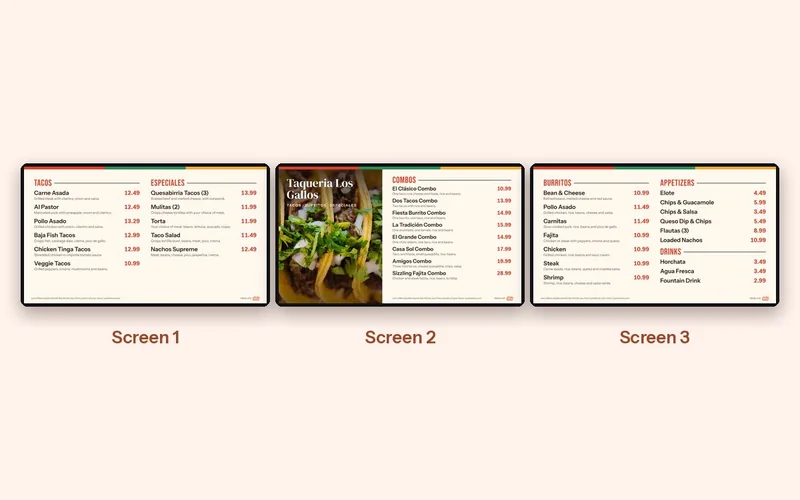
A three-screen taqueria menu board template in a row, with a taco photo and the combos on the middle screen

Sample template · Our demo menu

Three-screen row

Combos and a big photo in the middle, where eyes land first. Everything else on the sides.

  • 3 TVs
  • Wide
  • 35 items
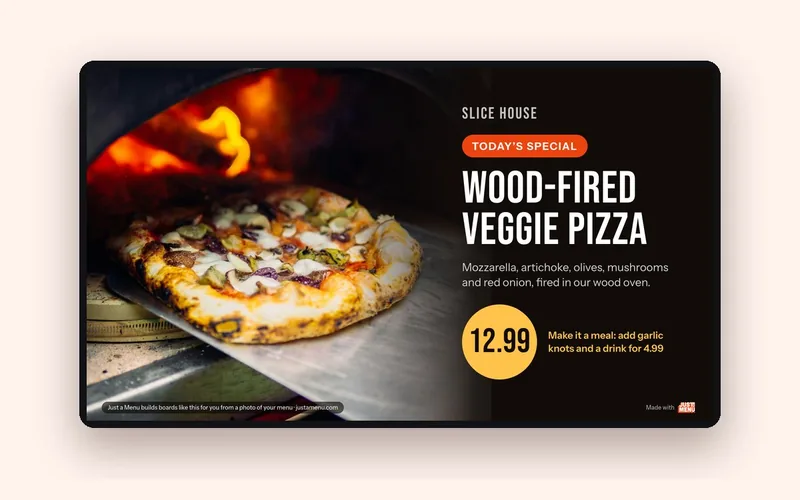
A special of the day menu board template: a wood-fired pizza photo, the dish name, a short description and a large price

Sample template

Special of the day

One dish, one price, one screen. Show it between your menu boards, or on its own TV.

  • 1 TV
  • Wide
  • 1 item
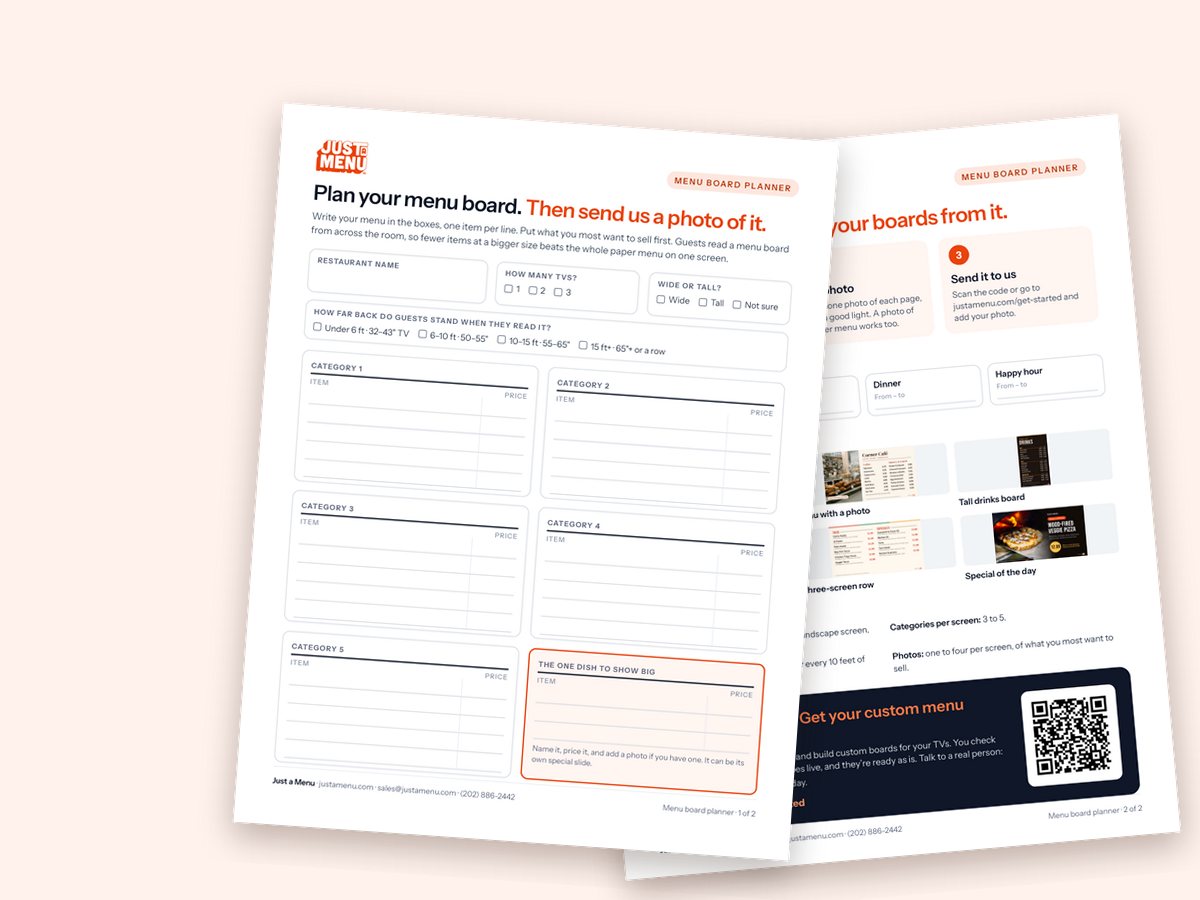
Two-page menu board planner: five categories with items and prices, a featured dish, times of day, layouts and a QR code

Sample

Print and plan

All six in one PDF, plus a planner to write your menu out.

The PDFs print sharp at any size. The planner is two letter-size pages: write your menu in the boxes, pick a layout, then take a photo of it.

Filled in the planner? Once you’re set up, snap a photo of it and Just a Menu builds your menu boards from it. Let’s chat →

Real restaurants

These are templates. Here’s the real thing.

Real Just a Menu boards in real restaurants, each built from that restaurant’s own menu.

500+

restaurants run their menus on Just a Menu.

See more real designs →
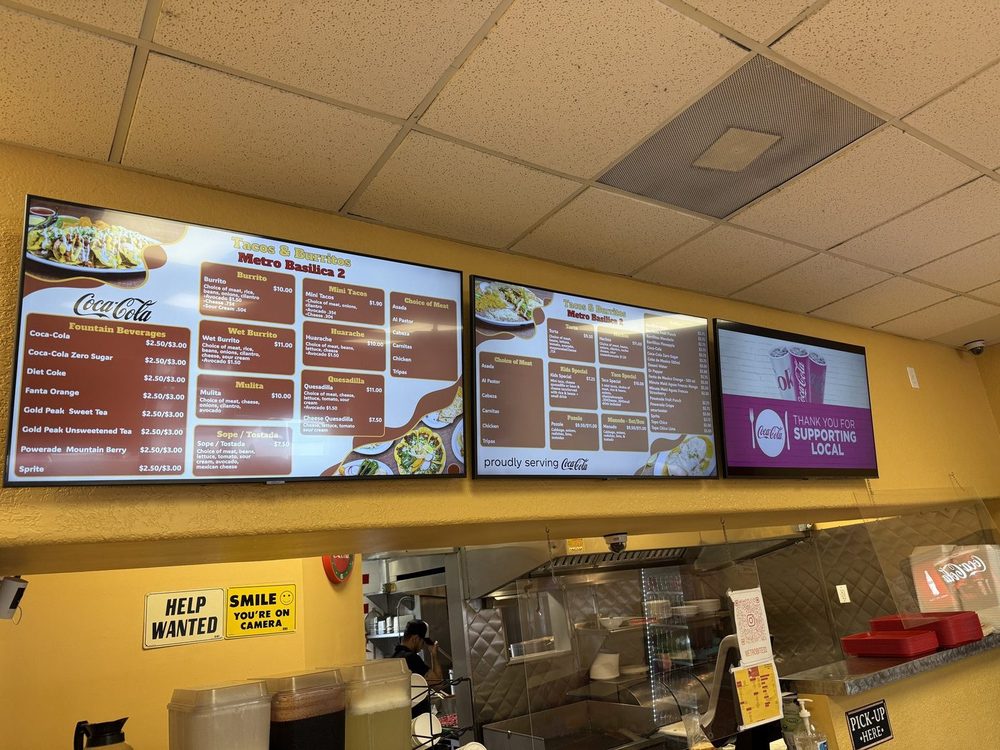
Three menu boards side by side over the counter at Tacos & Burritos Metro in Phoenix

Tacos & Burritos Metro

3 TVs in a row · Phoenix, AZ

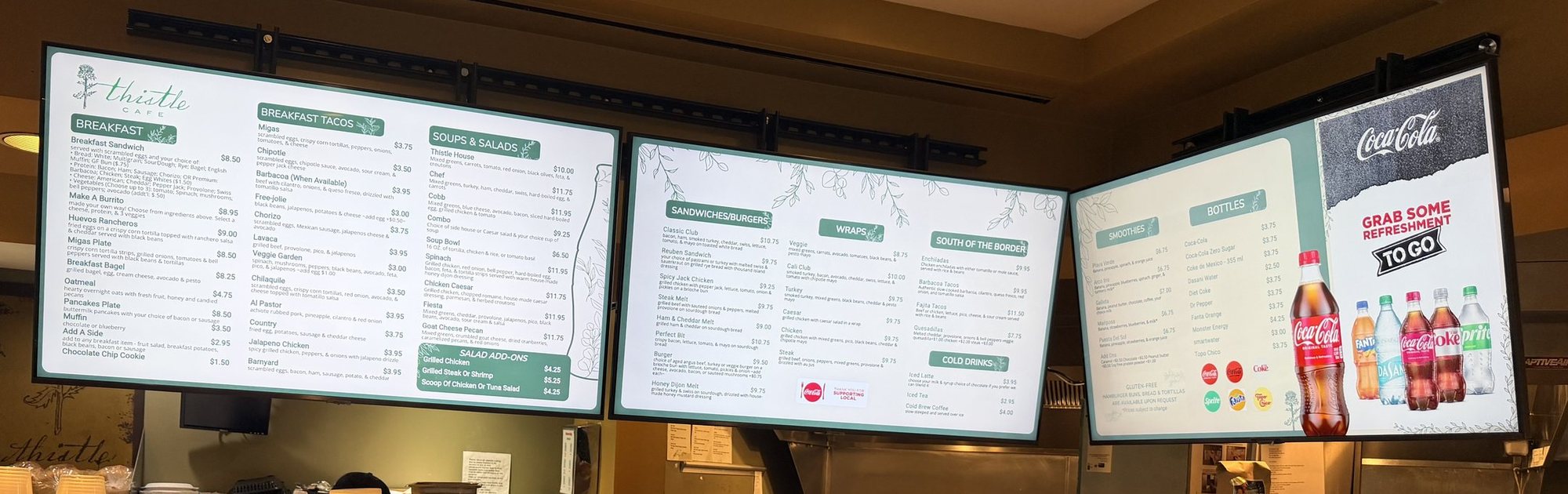
Three light green menu boards at Thistle Cafe: breakfast, sandwiches and wraps, and a drinks board

Thistle Cafe

Drinks board on the end · Austin, TX

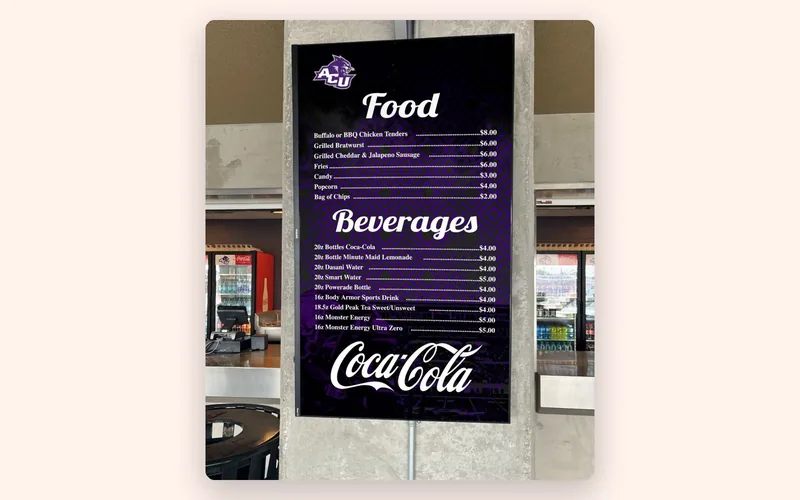
A tall portrait menu board listing food and beverages at a university food venue

Abilene Christian University

Tall board · Abilene, TX

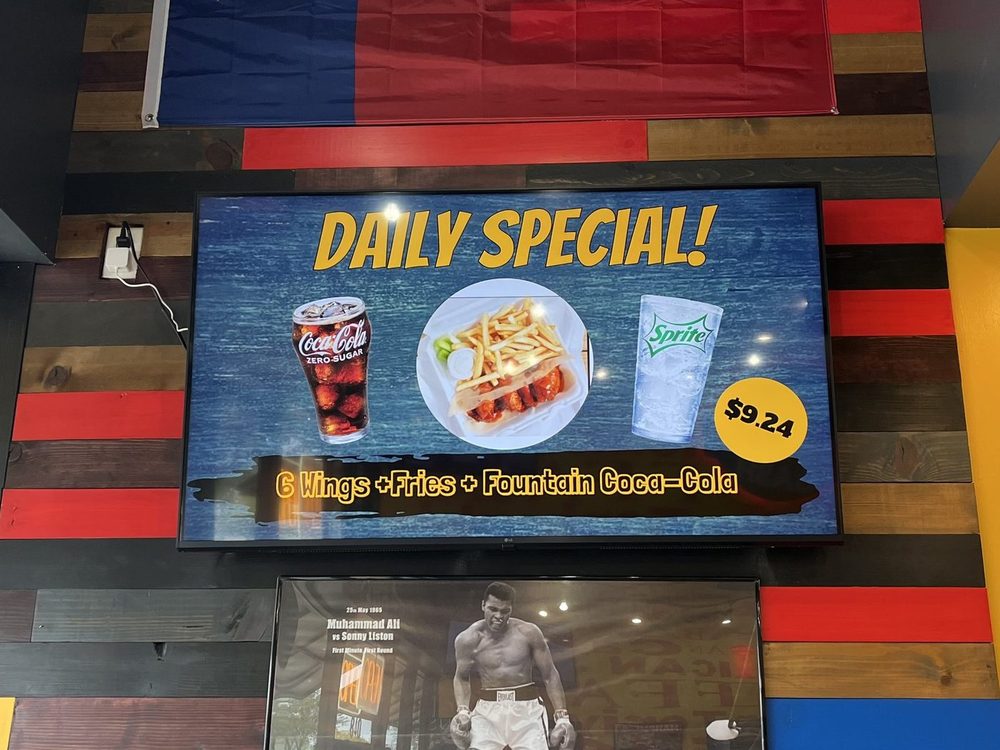
A Daily Special screen at Wing Dash in Dallas: wings, fries and a drink combo

Wing Dash

Special of the day · Dallas, TX

Same rules as the templates: big text, a few categories per screen, prices in line.

Get yours built

Or skip the typing.

A template is a good start. Here’s the difference between filling one in yourself and letting Just a Menu do it.
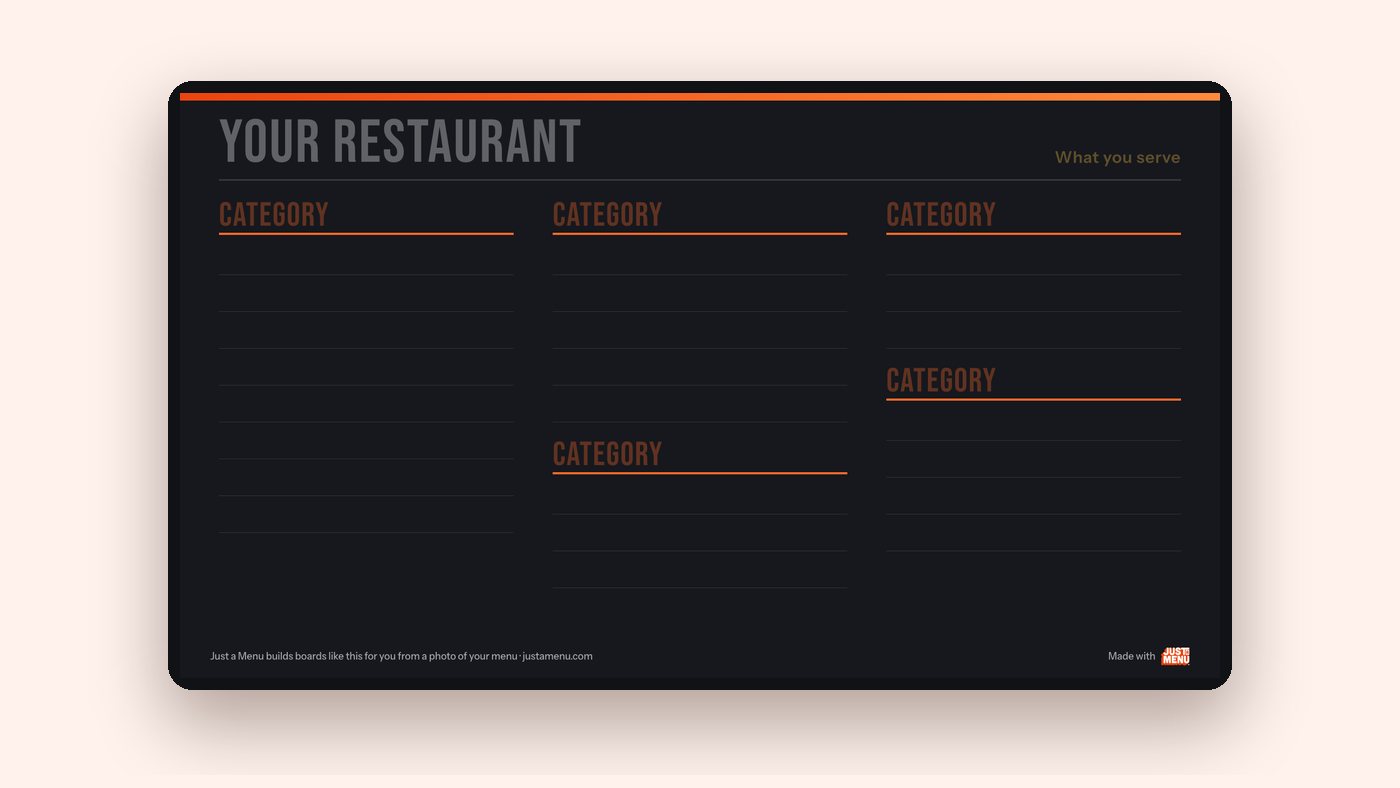
The blank three-column menu board template on a TV, with empty lines and faint category labels

Sample template, blank

Do it yourself

Download a template and type your menu in.
Open the PNG in an image or slide editor, type over the sample, and show it from a USB stick.

  • –You type every item and price.
  • –A price change means editing and copying the file again, for every screen.
  • –Your QR menu and print menus are separate jobs.
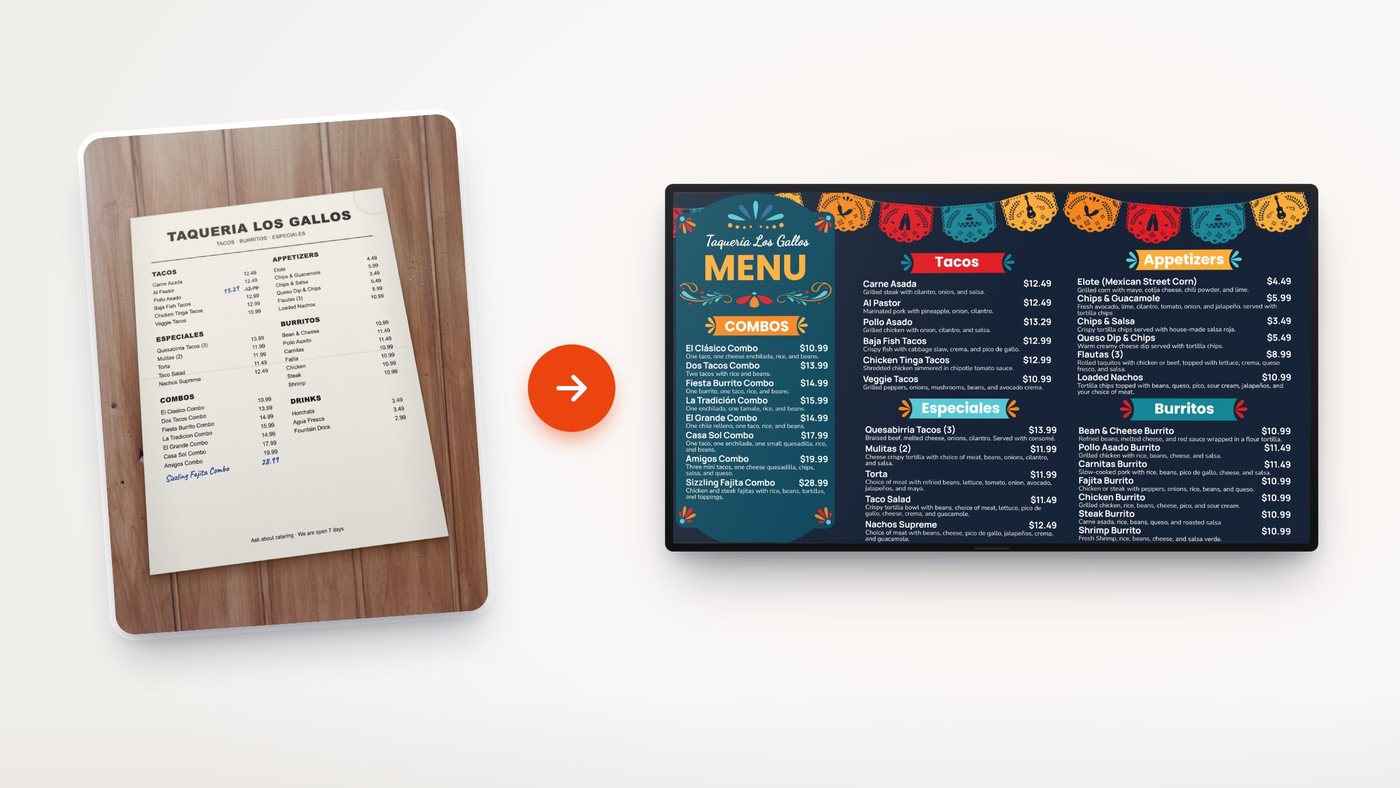
A paper taqueria menu next to the finished menu board built from it

Our demo menu

Just a Menu fills it in for you

Snap a photo of your menu. Pick a finished design.

Just a Menu instantly turns a photo of your menu into custom, pixel-perfect boards, already filled with your items and prices. Ready to go, editable if you want. Change a price once and your TV boards, QR menu and print menus follow.

Special pricing through participating Coca-Cola bottlers

How to use a template

From download to your TV.

Three steps. The templates are pictures, so any TV that shows photos from a USB stick can show them.

1

Add your menu

Open the PNG in any image or slide editor and type over the sample items. The blank version has empty lines, with a faint label where each heading goes.

2

Check it from across the room

The text is sized to read from about 10 to 15 feet. Keep it that big: cut items instead of shrinking text.

Size guide →

3

Put it on the TV

Most TVs show a picture from a USB stick. For prices that change, several screens and times of day, a JAM Player behind each TV keeps them up to date.

How the JAM Player works →
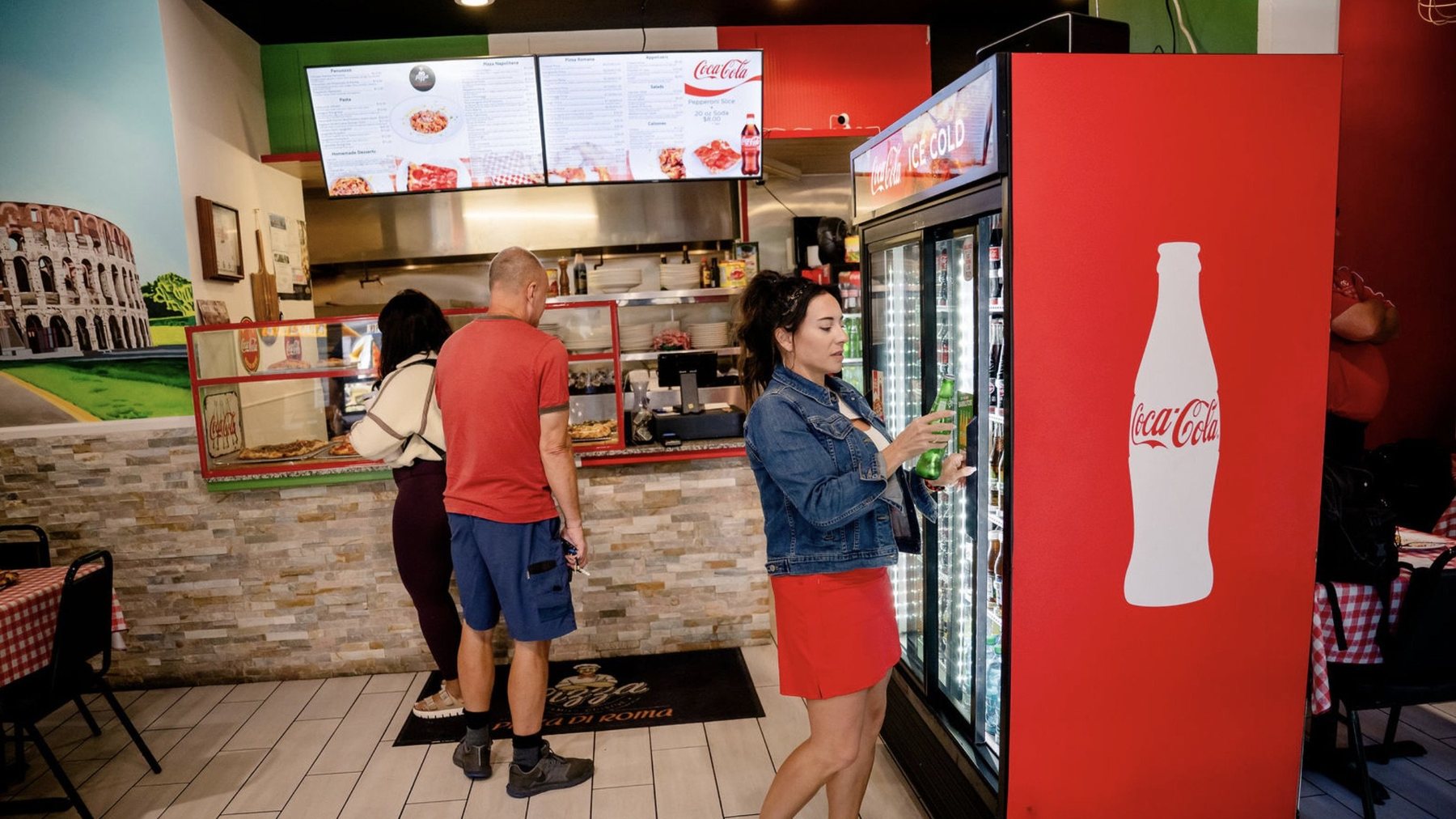
Guests ordering under the menu boards at Pizza Di Roma in Austin

Real install: Pizza Di Roma · Austin, TX

Built into every template

What makes a menu board easy to read

Guests read a menu board from 6 to 15 feet away, with a few seconds to decide. The templates follow the same rules we use for real boards.

  • ✓3 to 5 categories per screen.
  • ✓Roughly 20 to 30 items on a landscape screen, fewer with photos.
  • ✓One or two fonts, and light on dark or dark on light.
  • ✓Prices in line, so they’re easy to compare.
  • ✓One to four photos of what you most want to sell.

Template questions.

Still have one? Call (202) 886-2442 or email sales@justamenu.com.

Are these menu board templates really free?

Yes. Download them and use them in your restaurant. There’s no sign-up and no email to give.

What size are the files?

1920×1080 pixels per screen (1080×1920 for the tall board), the size a TV shows. The two- and three-screen sets come as one file per screen.

Can I edit them?

The PNGs open in any image or slide editor. Type over the sample text, or start from the blank version. The PDFs are for printing and planning.

Are these the designs Just a Menu uses?

No. They’re sample layouts that follow the same rules. Just a Menu designs come with your own menu already in them. See real designs →

How do I get my menu into one without typing it?

In Just a Menu, upload a photo of your menu, or of the filled-in planner. It reads the items and prices and fills finished designs for you. You check everything before anything goes live.

Does it work with my POS?

Just a Menu syncs with Square, Toast, Oracle and Clover. It also works with no POS: you change prices from your phone.

Rather not type it in?

With Just a Menu, a photo of your menu fills finished menu board designs with your items and prices, and you pick the one you love. Let’s chat about yours.

Talk to a real person. We reply within one business day.
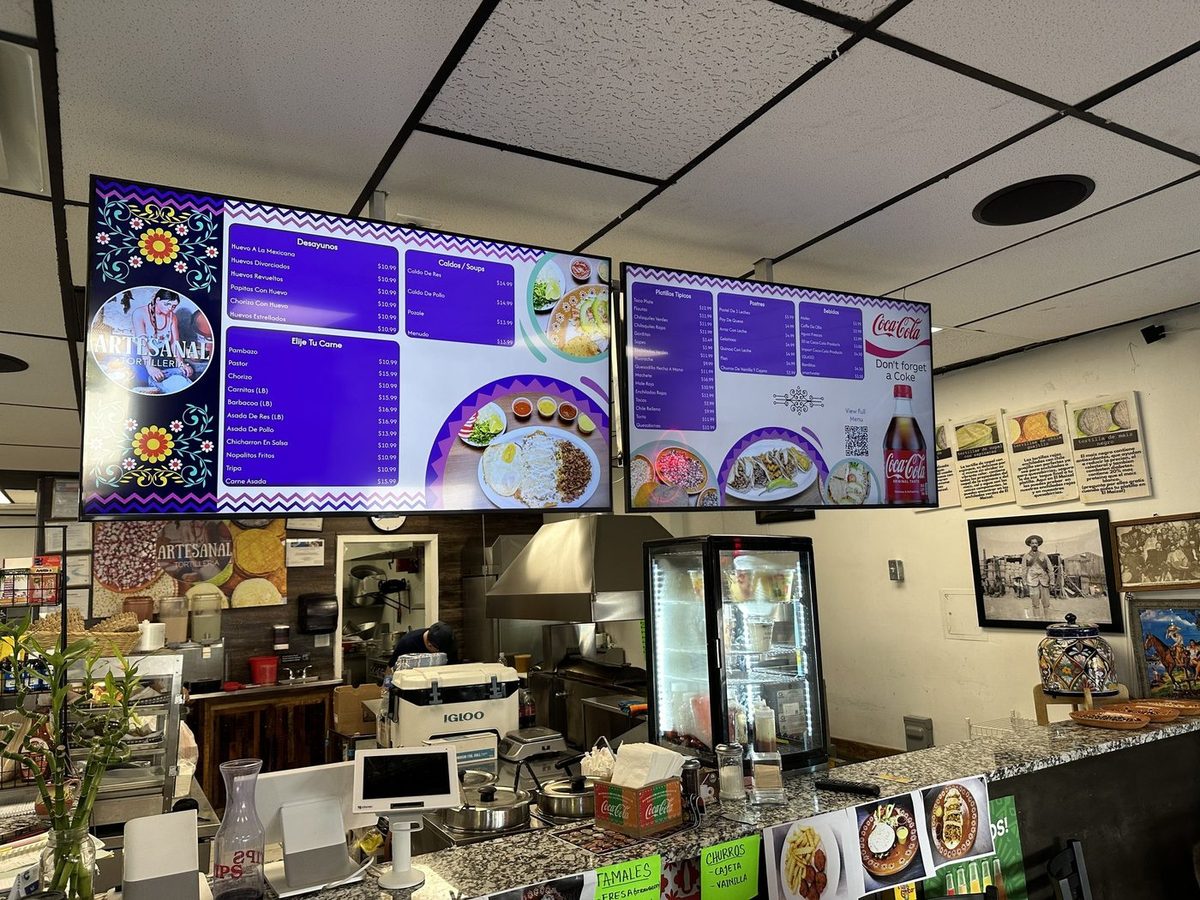
Two purple menu boards with food photos over the counter at Artesanal Tortilleria in San Antonio

Artesanal Tortilleria · San Antonio, TX

Get started