Have a Coca-Cola rep? Some participating bottlers cover the full cost. Ask about special pricing →

Menu board tips
Design a menu board people can read
Design for a guest standing 6 to 15 feet away with a few seconds to decide: fewer items per screen, big high-contrast text, clear categories and one or two photos that sell. Just a Menu builds boards that follow these rules and tells you when something doesn’t fit.
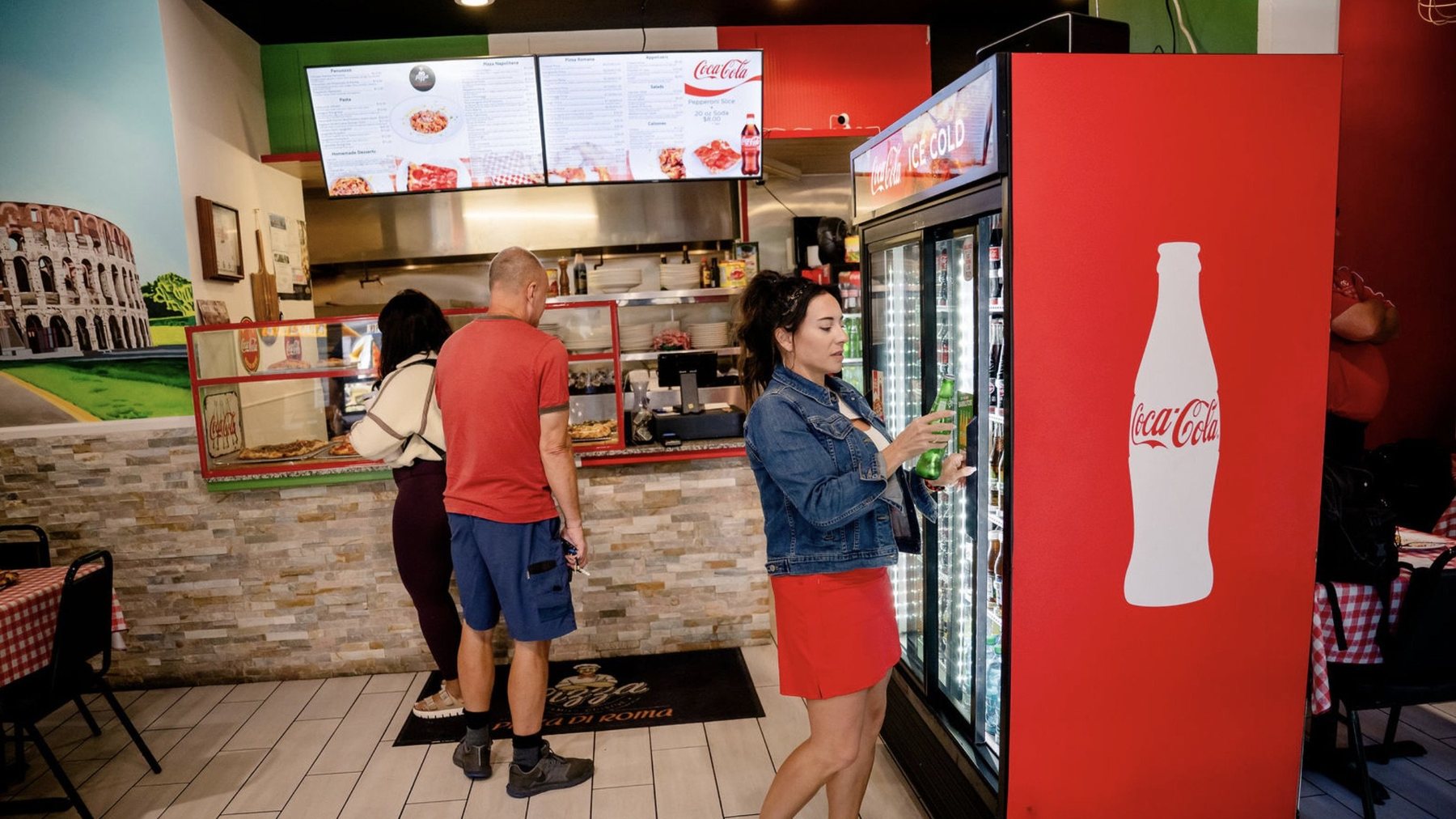
Real install: Pizza Di Roma · Austin, TX
This is who you’re designing for: a guest across the room, reading while they walk up.
Rules of thumb
Items per screen
Roughly 20 to 30 on a landscape screen, fewer with photos.
Categories per screen
3 to 5.
Text size
About 1 inch of letter height for every 10 feet of distance.
Fonts
One or two families, no more than three weights.
Contrast
Light on dark or dark on light. Never text over a busy photo.
Photos
One to four per screen, of what you most want to sell.
Motion
Keep menu text still. Move one thing at a time.
Times of day
A board for breakfast and one for lunch beats one crowded board.
Common signage guidance, not law. Test it in your own space.
Say less
1
Know the board’s job
Help guests find what they want fast, steer them to what you want to sell, and keep the line moving. Pick your priority items first: best-sellers, high-margin items and combos.
2
Fewer items per screen
The most common mistake is the whole paper menu on one TV. Split it across screens, split it by time of day, or keep the long tail on your QR menu.
3
Big enough for the back of the line
Size text for your farthest guest. Walk to the back of your line and read it. If you can’t, cut items before you shrink the text.
✓
Just a Menu does this for you
We fit as much of your menu as we can at a size people can read, and tell you what was left off instead of shrinking the text until nobody can read it.
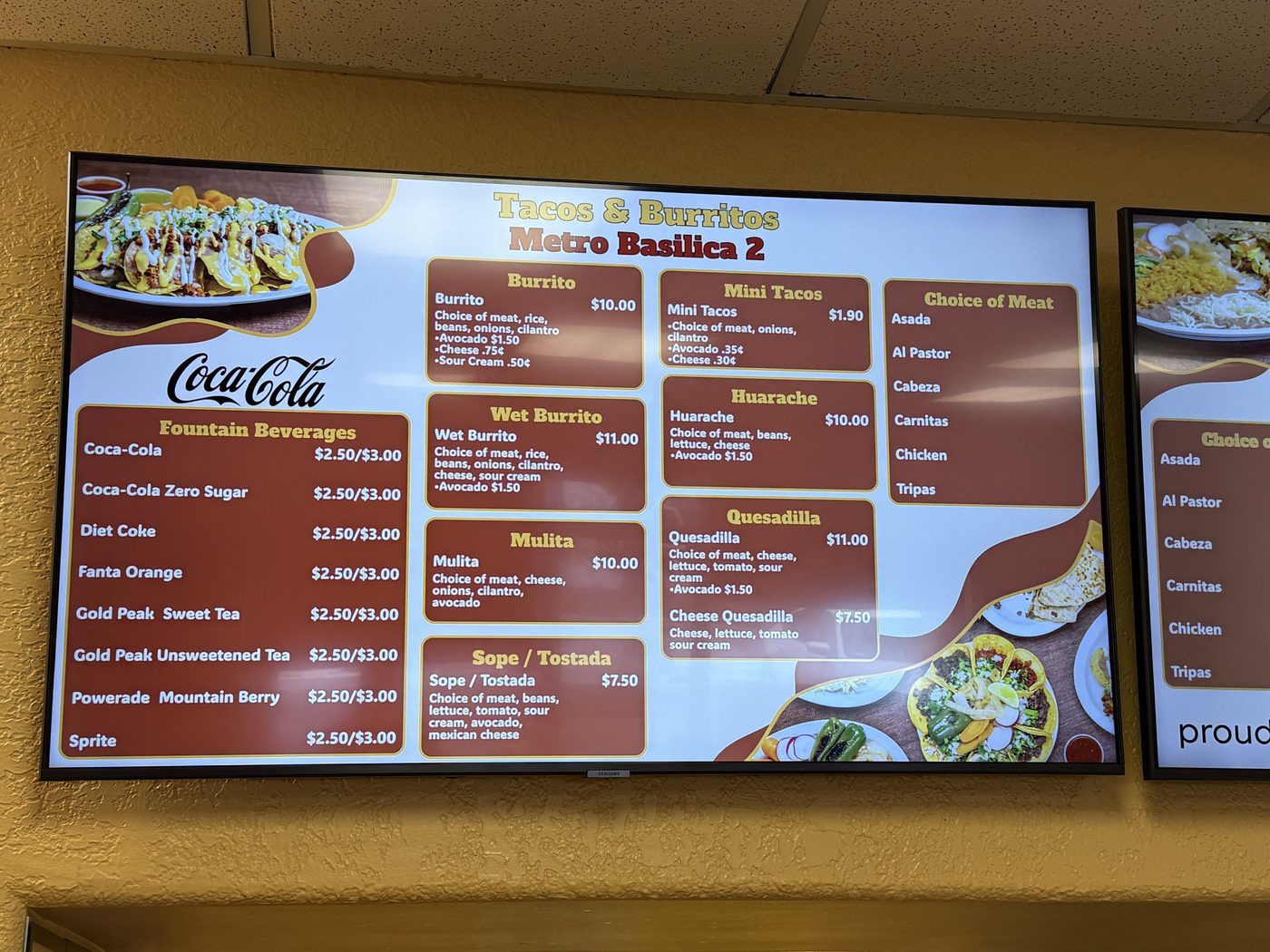
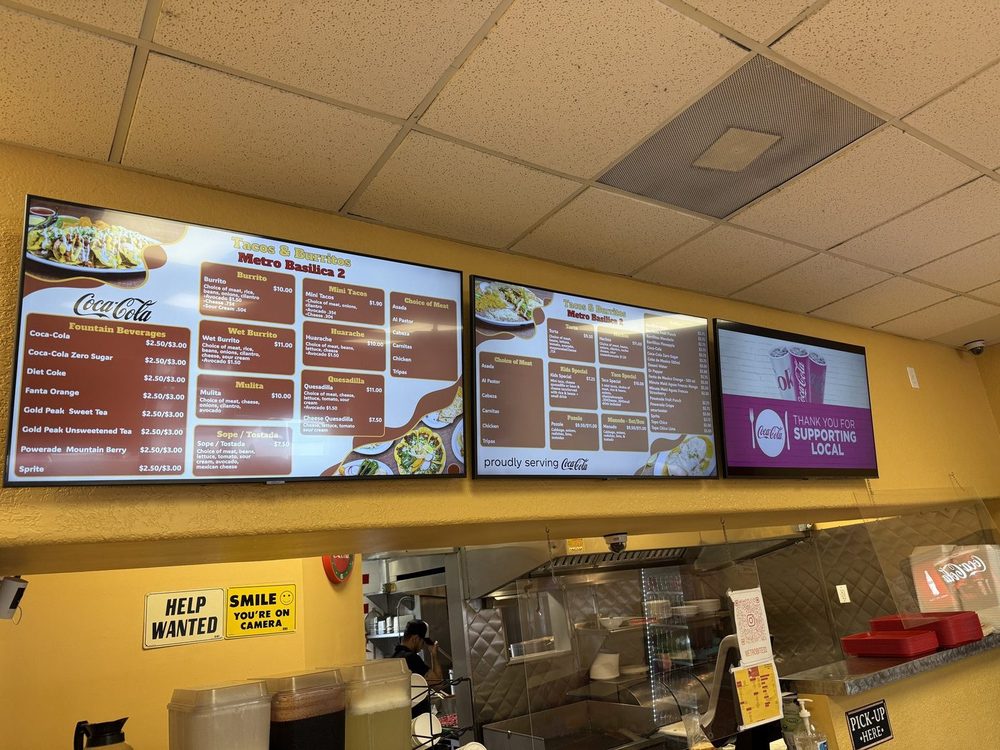
Real install: Tacos & Burritos Metro · Phoenix, AZ
Clear categories, prices in line, and a few food photos around the edges.
Make it easy to scan
4
A clear order to read
Category names first, then item names, then prices. Line prices up so they’re easy to compare. Keep descriptions to one short line.
5
One or two fonts, strong contrast
One display font for headings, one simple font for the rest. Script fonts look lovely up close and turn to noise at 10 feet.
6
A few big photos
One to four large, well-lit photos of what you most want to sell beat twenty thumbnails. Use your own photos where you have them.
7
Order it the way people order
Mains, then sides, then drinks and desserts. Put combos and meal deals where the eye lands first, usually the top or left of the first screen.
8
Clear prices, the same everywhere
Pick one price style and use it on every screen, your QR menu and print. Change a price once in Menu Workspace and every board follows.
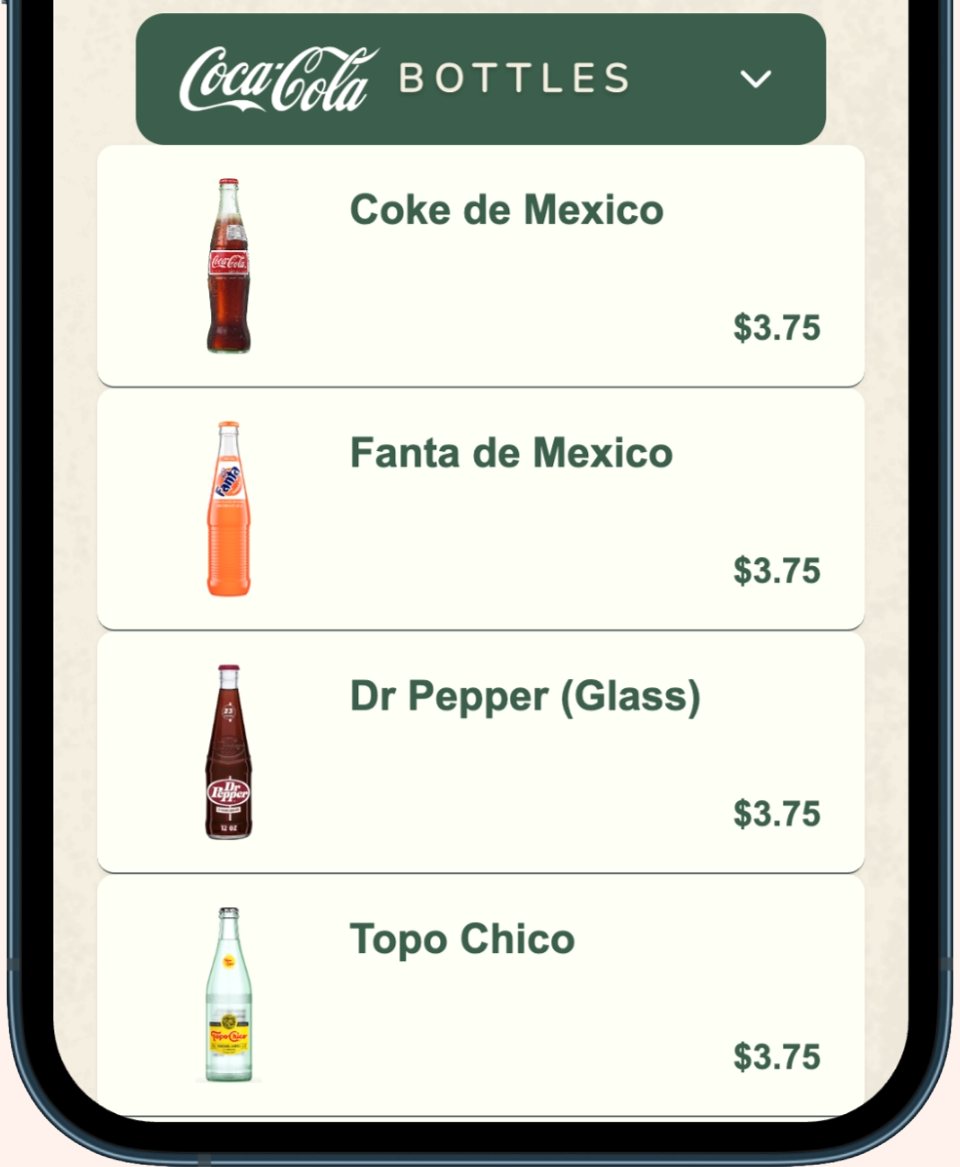
Real QR menu: Thistle Cafe · Austin, TX
Keep it moving, keep it current
9
Keep menu text still
Move one thing at a time: a rotating special, a short drink video or a promo slide. In Just a Menu, specials are their own slides in the rotation, so they never cover your menu.
10
Change it by time of day
Show only what you’re serving now: breakfast in the morning, lunch at 11, happy hour at 4. Every slide has a Schedule.
11
Show what’s sold out
Switch the item to Sold Out in Menu Workspace. It disappears, or shows “Sold Out”, your choice. With POS sync, sold-out items sync too.
12
Design for your room
Match the feel of your place. Dark backgrounds suit dim rooms; bright rooms need strong contrast. Add a photo of your space and we’ll match its look.
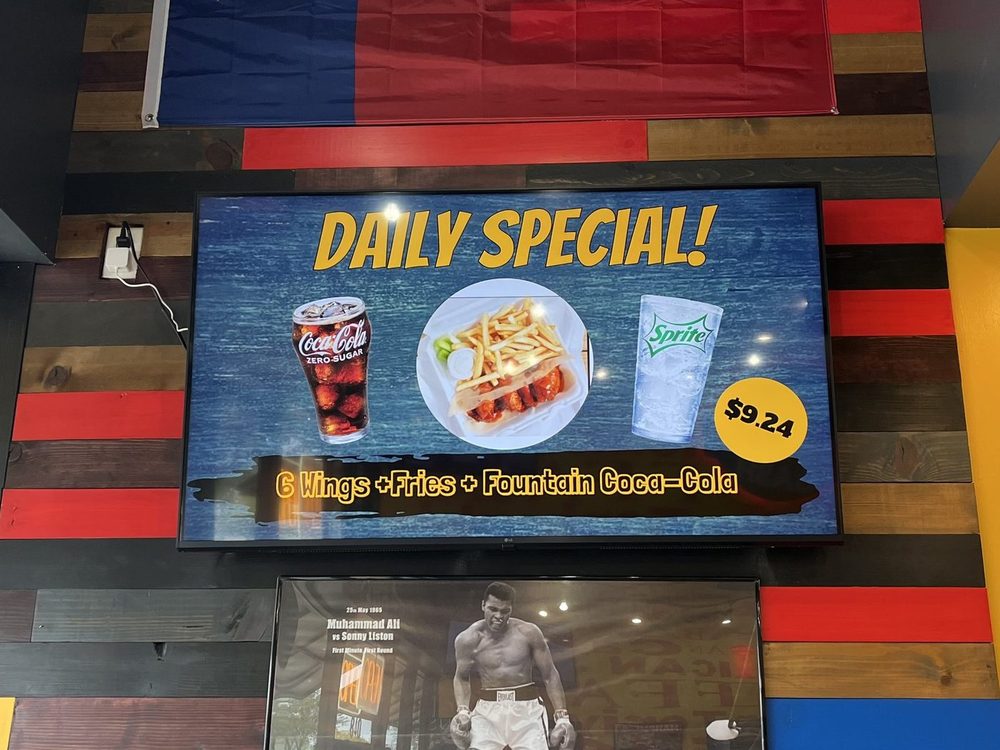
Real install: Wing Dash · Dallas, TX
One special, one screen, one price. Scene Magic makes slides like this one from a dish you pick.
Before a new board goes live
- ✓You can read it from the back of the line.
- ✓No more than about 5 categories on a screen.
- ✓Prices are right, and match your QR and printed menus.
- ✓One or two fonts, strong contrast, no text over busy photos.
- ✓Photos on the items you most want to sell.
- ✓Specials on their own slide, not squeezed into the menu.
- ✓Breakfast, lunch and late-night boards scheduled, if you serve them.
- ✓Nothing sold out is showing as available.
- ✓Preview checked on every screen in the row.
What Just a Menu does for you
You don’t have to design a board from scratch. We build custom boards from your menu, and these rules come built in.
The rule
What Just a Menu does
Fewer items, readable text
Fits what it can at a readable size and tells you what didn’t fit.
A design that suits you
Auto Create Playlist builds your custom boards, with up to 4 versions. Add a photo of your space and we match its look.
Photos that sell
Use your own photos or pick from stock and food photo libraries. Remove a photo’s background in one tap.
Specials on their own slide
Scene Magic makes a finished special or combo slide from a dish you pick.
The right board at the right time
Schedule each slide by day and time.
Prices that are always right
Change a price once in Menu Workspace and it’s live instantly. Square, Toast, Oracle and Clover sync prices and sold-out items automatically. Some POS systems sync instantly, others take a bit longer, depending on your POS.
Questions
How big should the text be on a menu board?
Big enough to read from the back of your line. A common signage rule is about 1 inch of letter height per 10 feet of distance. If you can’t read it from there, cut items rather than shrinking the text.
How many items fit on one screen?
Roughly 20 to 30 on a landscape screen without many photos, fewer with photos. For longer menus, split across screens or by time of day.
What colors work best?
Whatever gives strong contrast and suits your room. Use your brand color for headings and highlights, not for body text.
Should I use video?
Sparingly: one moving thing at a time, like a special or a drink promotion. Keep menu text still so guests can read it.
Can I design my own board in Just a Menu?
Yes. Every design opens in JAM Canvas, the full editor: change text, fonts, colors and photos, remove a photo’s background, or add a background video.

Our demo menu
Get custom boards from a photo
In Just a Menu, snap a photo of your menu and boards that follow these rules are built instantly.
Read the guide →
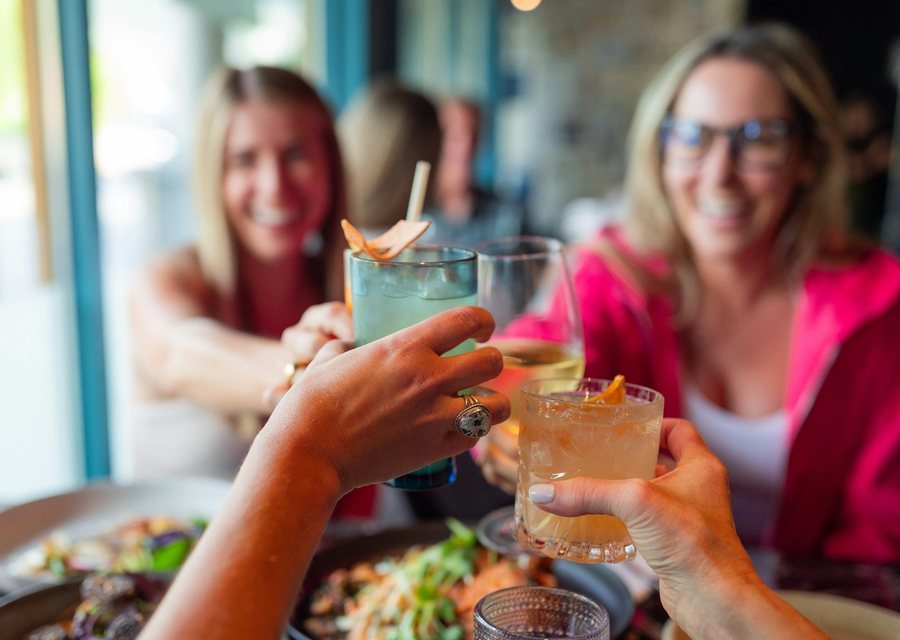
Schedule breakfast, lunch and happy hour
Show each board on the days and hours you choose.
Read the guide →
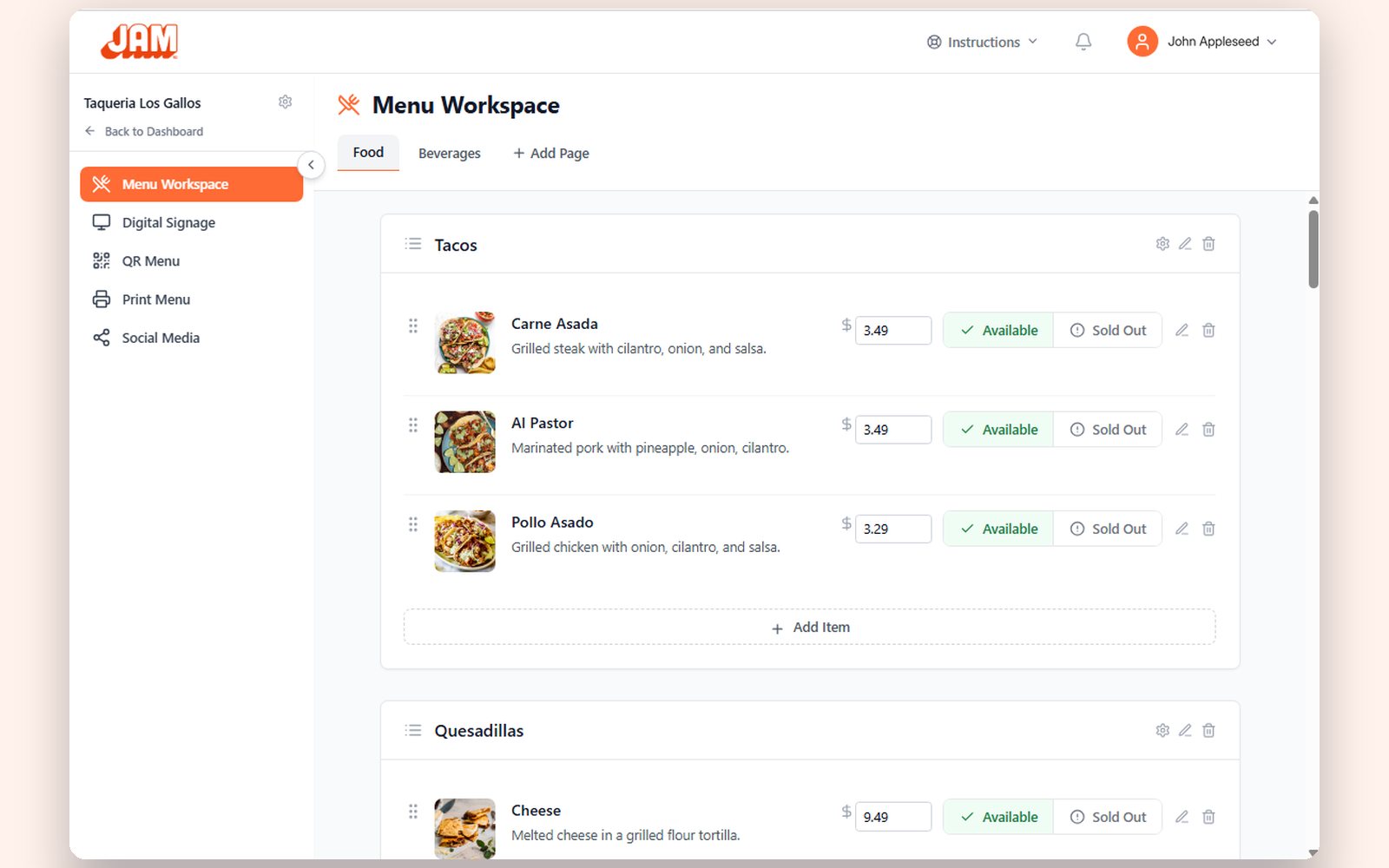
Update prices and sold-out items
Change a price once and every board follows.
Read the guide →
Skip the design step.
With Just a Menu, a photo of your menu becomes custom boards that follow these rules, ready to go. Let’s chat about yours.
Talk to a real person. We reply within one business day.
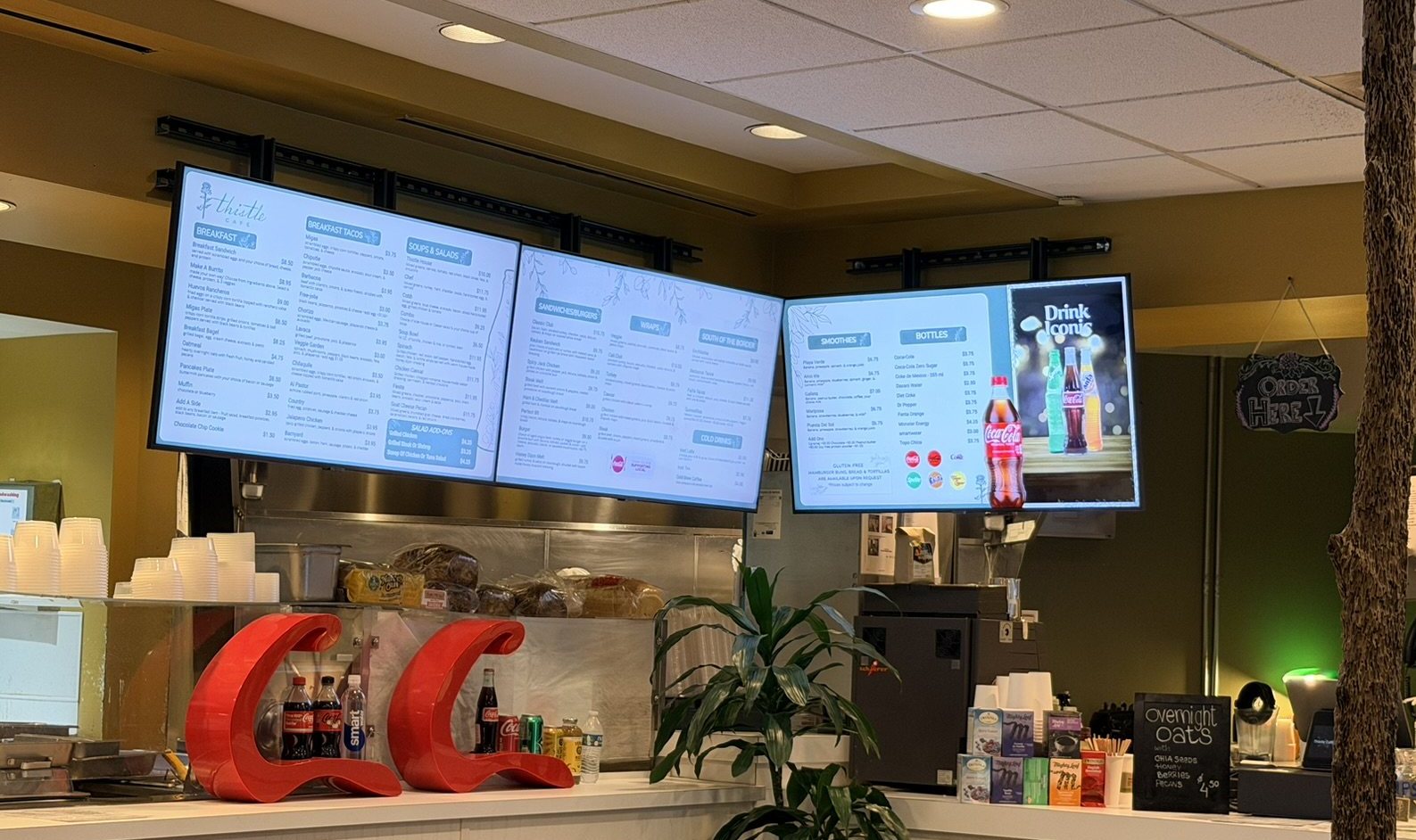
Thistle Cafe · Austin, TX