Have a Coca-Cola rep? Some participating bottlers cover the full cost. Ask about special pricing →

Set up
Put your menu on your TV
Each TV gets one small JAM Player. Plug it into the TV, connect it to Wi-Fi with the JAM Setup app on your phone, then choose what it shows. Your Just a Menu board appears on the TV and stays up to date from then on.
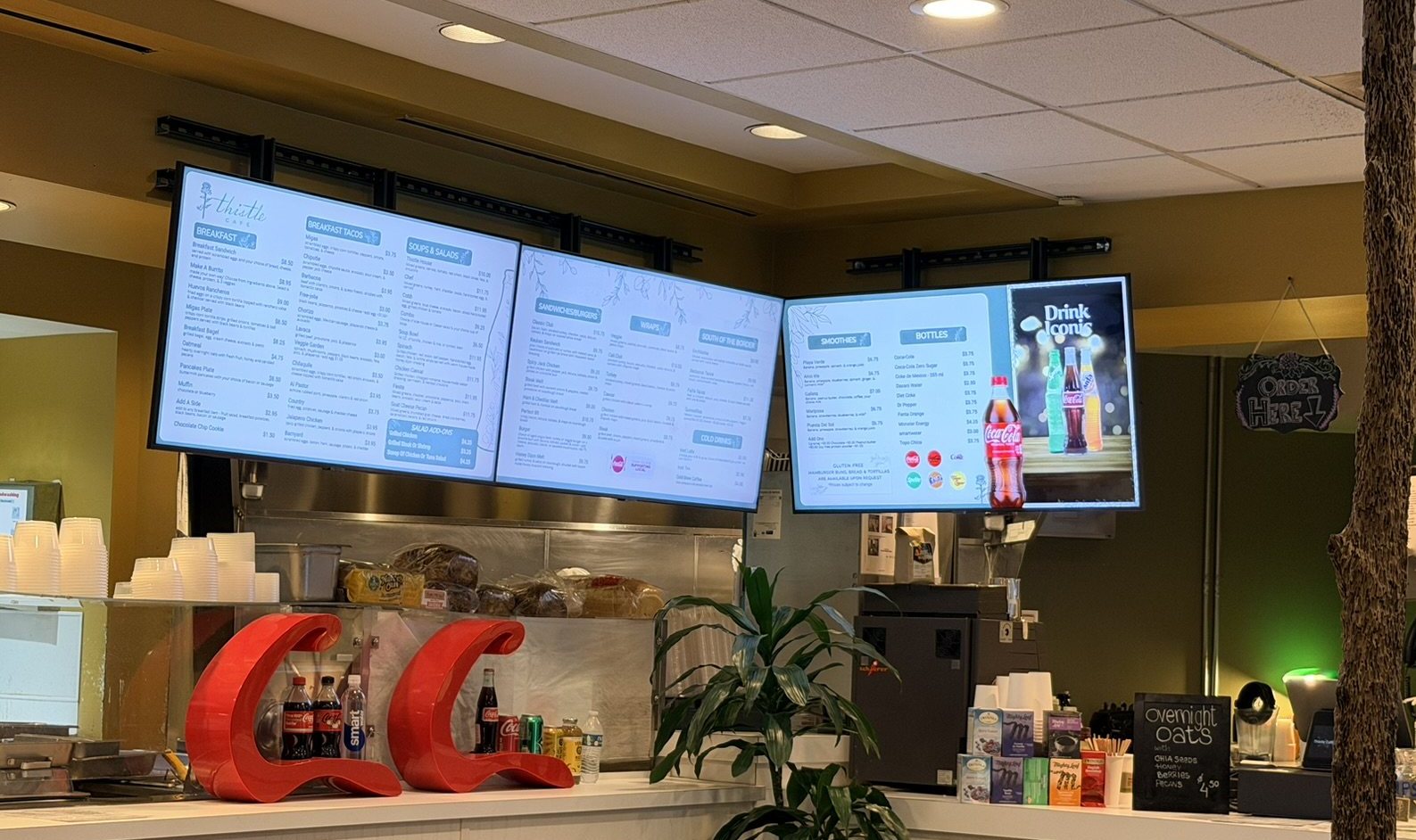
Real install: Thistle Cafe · Austin, TX
Where you’re headed: three TVs side by side, each showing its own part of the menu.
In this guide
Stuck? Click Instructions at the top of any page in the app, or email support@justamenu.com.
What you need
- ✓A TV with a spare HDMI port and a power outlet nearby. Any TV with HDMI works. Which TV should I use?
- ✓One JAM Player for each TV. Ask us about JAM Players when you get set up.
- ✓Your business Wi-Fi name and password.
- ✓The JAM Setup app on your phone (download it at setup.justamenu.com), signed in with your Just a Menu email and password.
- ✓A playlist to show. Haven’t built one yet? Build your designs first.
1
Plug it in
- Connect the JAM Player to the TV with an HDMI cable.
- Plug the JAM Player into power.
- Turn on the TV and press Input or Source on the remote to pick the HDMI port the player is in.
✓ You’ll see: the JAM Player’s setup screen on your TV.
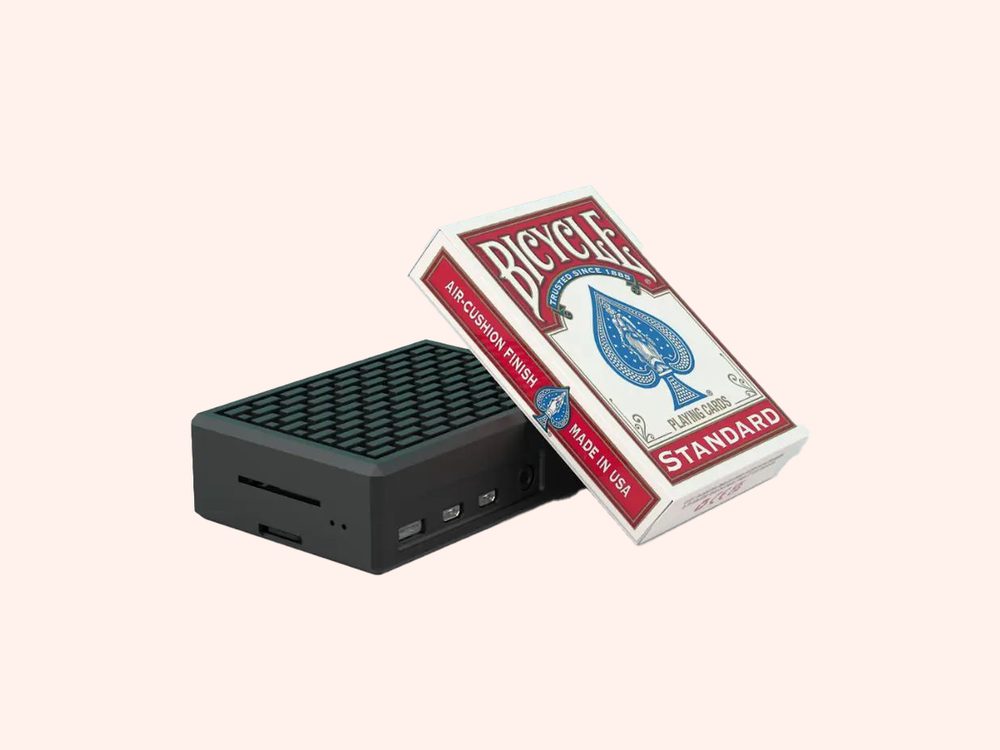
A JAM Player is about the size of a pack of playing cards. It tucks behind the TV.
2
Connect it to Wi-Fi
- Open JAM Setup on your phone and tap Set Up or Reconnect Device.
- Stand within 2 feet of the JAM Player (first-time setup uses Bluetooth, which only works up close), then tap I’m within 2 feet.
- Tap your player in the list.
- On Select WiFi Network, choose your business network and enter its password.
- On Setup Details, choose your restaurant under Location, give the player a Device Name like “Left TV”, set Display Orientation to match how the TV hangs, and tap Continue.
✓ You’ll see: Setup Complete! Tap Done.
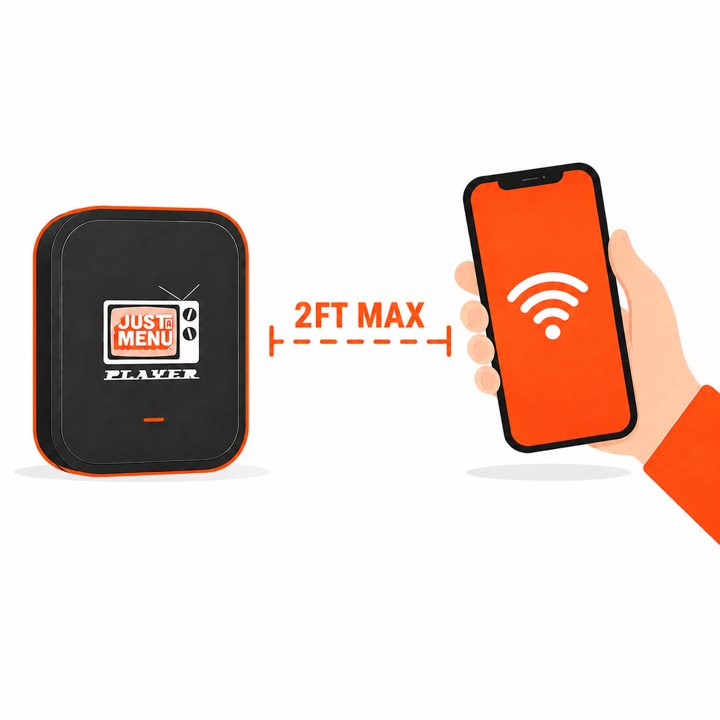
From the JAM Setup app
You’ll see this drawing in JAM Setup, right above the I’m within 2 feet button.
3
Choose what it shows
- On your computer, open Digital Signage.
- Under Unlinked JAM Players, find your player and click Link to screen.
- Choose your playlist, then the screen (Screen 1, Screen 2…).
- Click Confirm Link.
✓ You’ll see: your menu on the TV.
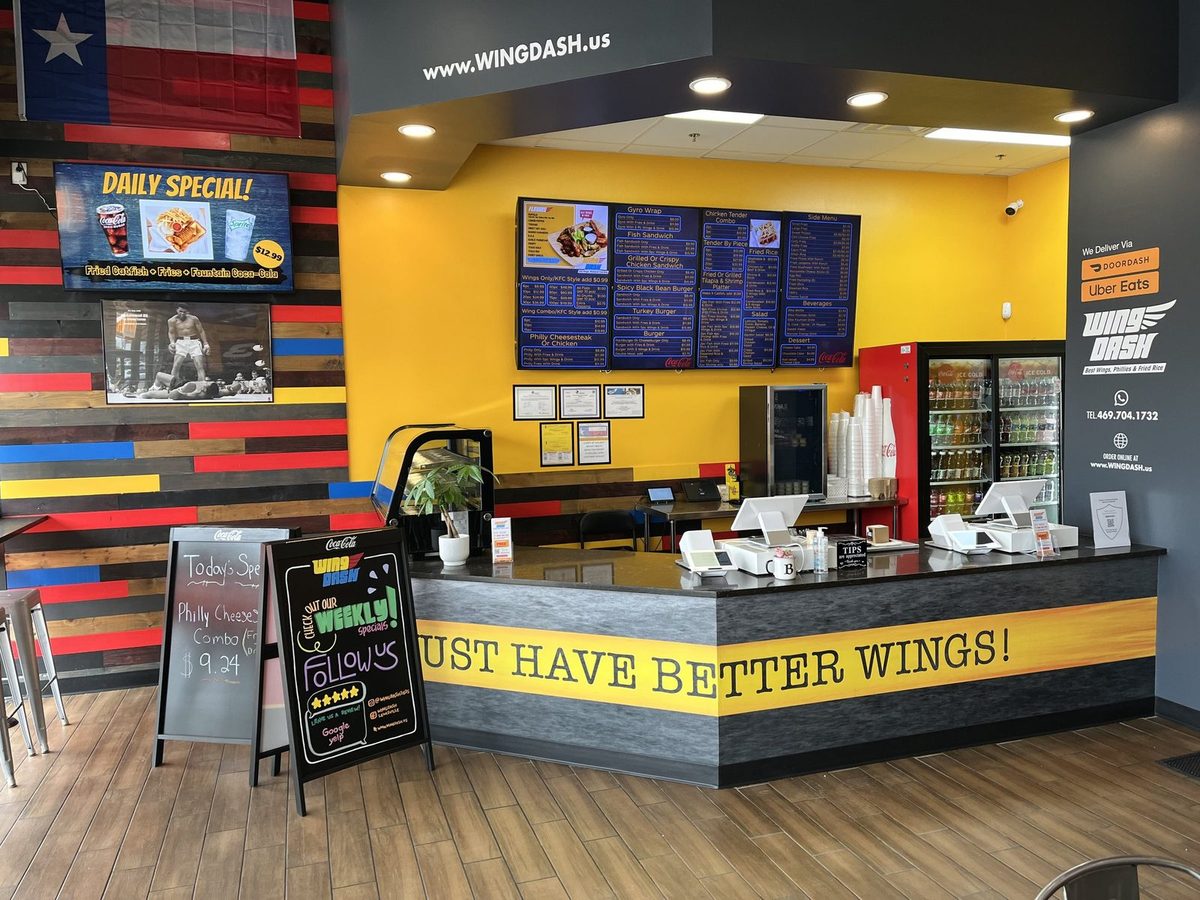
Real install: Wing Dash · Dallas, TX
Four menu boards and a daily special, each on its own TV.
Good to know: you can do this on your phone too. In JAM Setup, open My JAM Players, tap the player, then tap Link to Screen. Two TVs side by side? Each one has its own player: link one to Screen 1 and the other to Screen 2.
4
Set the times (optional)
- In Digital Signage, find the slide you want to time (the app calls a slide a scene) and click Schedule.
- For each day, choose All Day, OFF or Custom. With Custom, set a start and end time.
- Click Save Schedule.
✓ You’ll see: breakfast in the morning, lunch from 11, happy hour at 4, without anyone touching the TV.
If something’s not right
- ?Blank screen? Check the TV is on the right HDMI input and the player has power.
- ?The app can’t find the player? Move within 2 feet and check the player is plugged in.
- ?Use your business Wi-Fi. Guest networks that ask you to sign in on a web page can block the player.
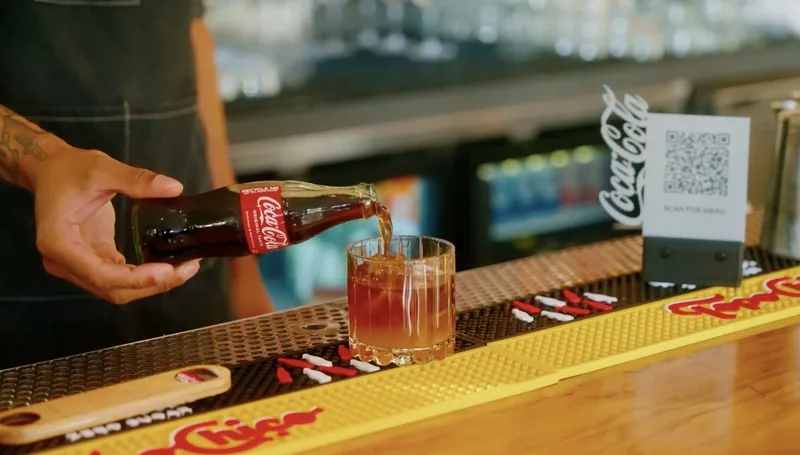
Verbena · Austin, TX
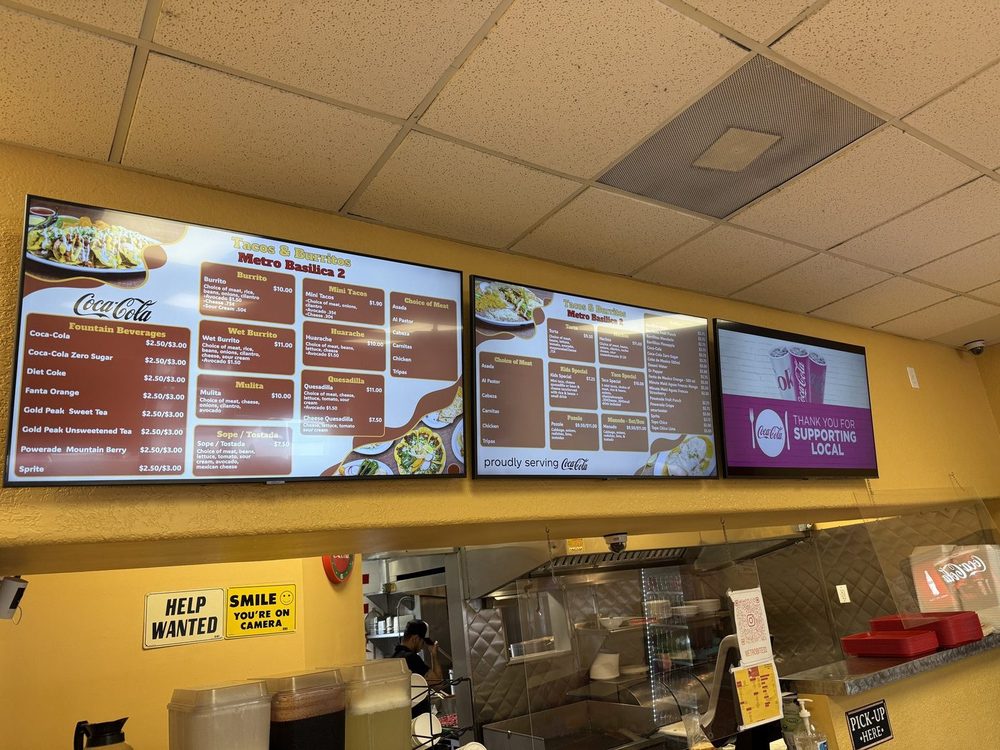
Tacos & Burritos Metro · Phoenix, AZ
Which TV should I use?
Size, brightness, a spare HDMI port and how it’s mounted.
Read the TV guide →
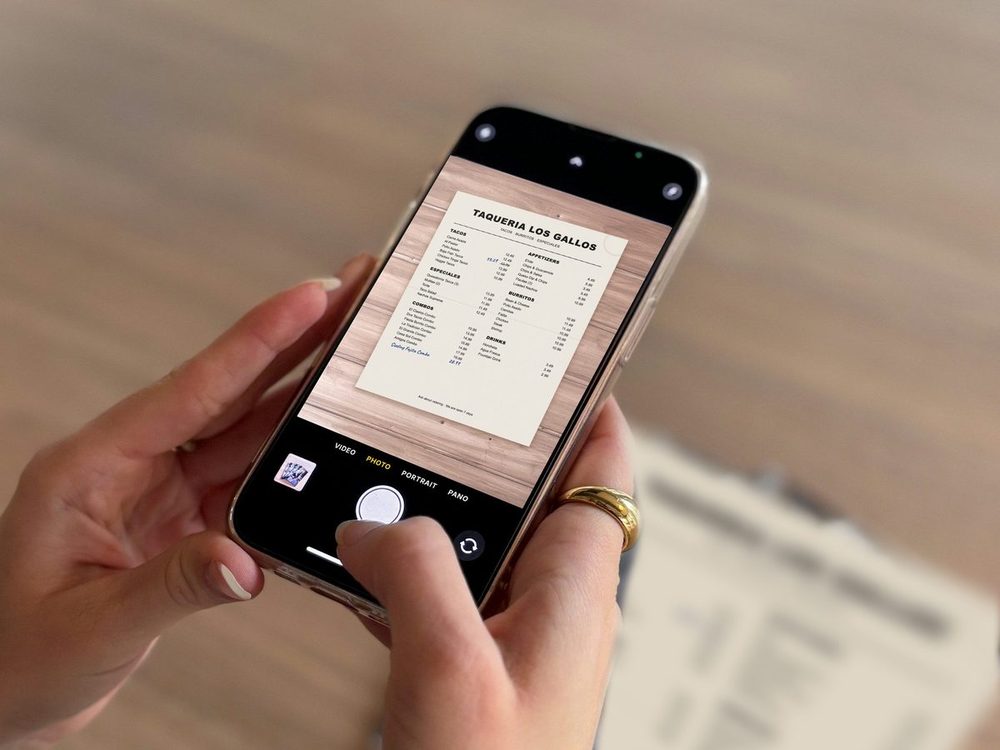
Our demo menu
Turn a photo of your menu into a menu board
Upload your menu, check what we read, get your custom boards.
Read the guide →
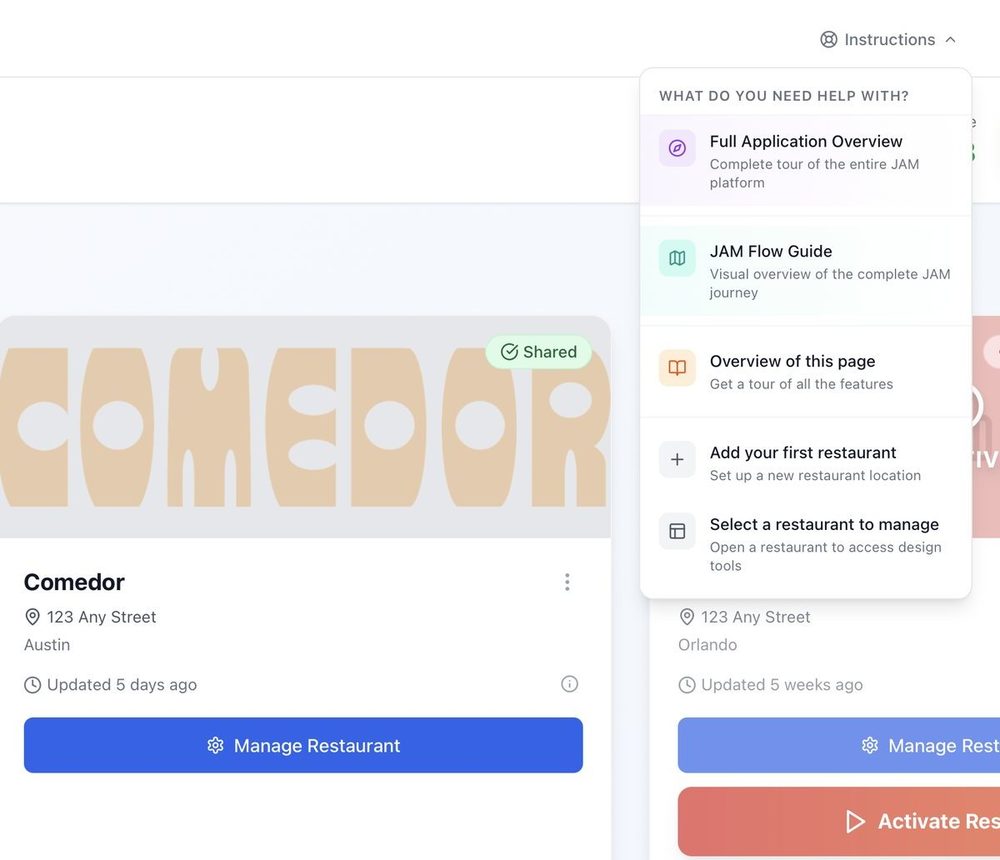
Getting started
All four steps on one page, plus how to keep it up to date.
Read the guide →
Ready to see your menu on a TV?
Tell us a little about your restaurant and let’s chat. Once you’re set up, a photo of your menu becomes your boards.
Talk to a real person. We reply within one business day.
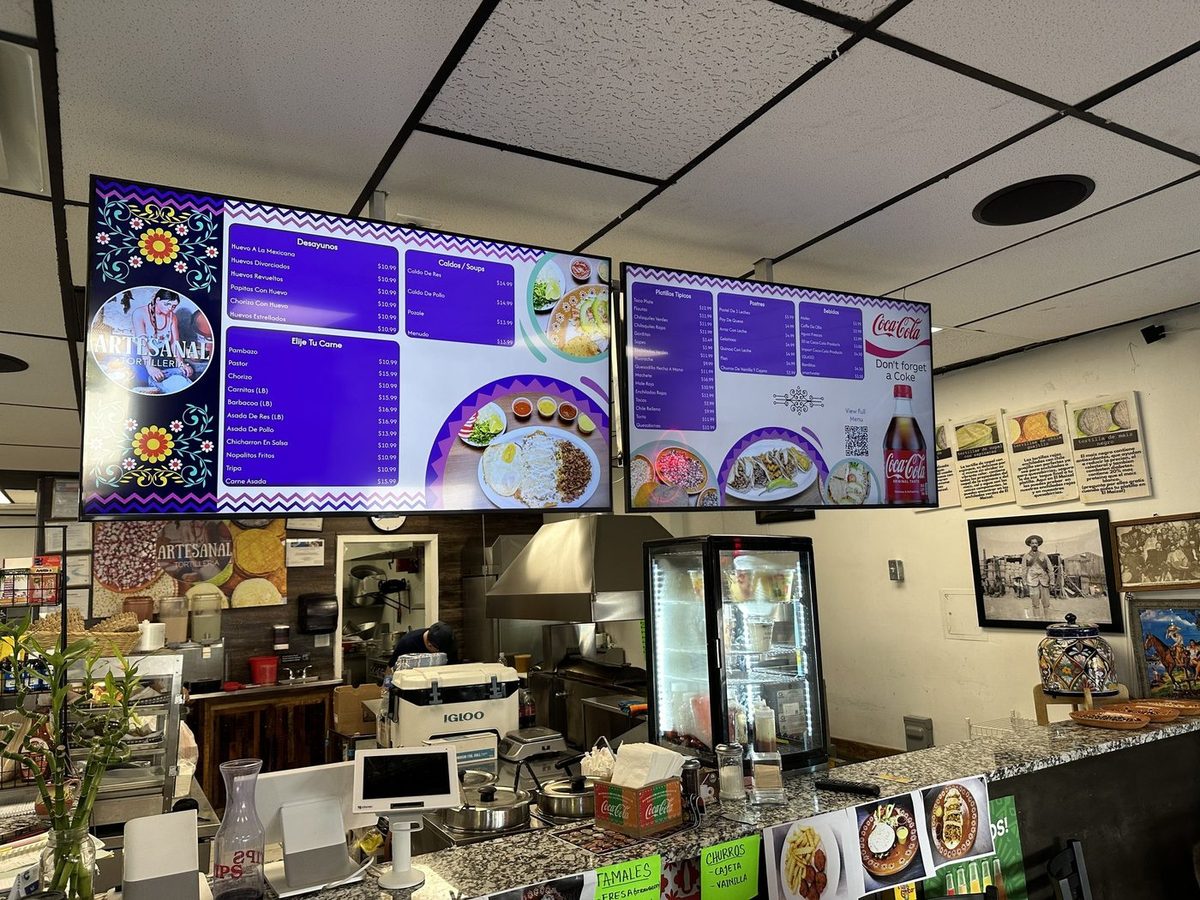
Artesanal Tortilleria · San Antonio, TX
Stuck on a step? Click Instructions at the top of any page in the app, or email support@justamenu.com.