
JAM Player
Turn any screen into a menu board.
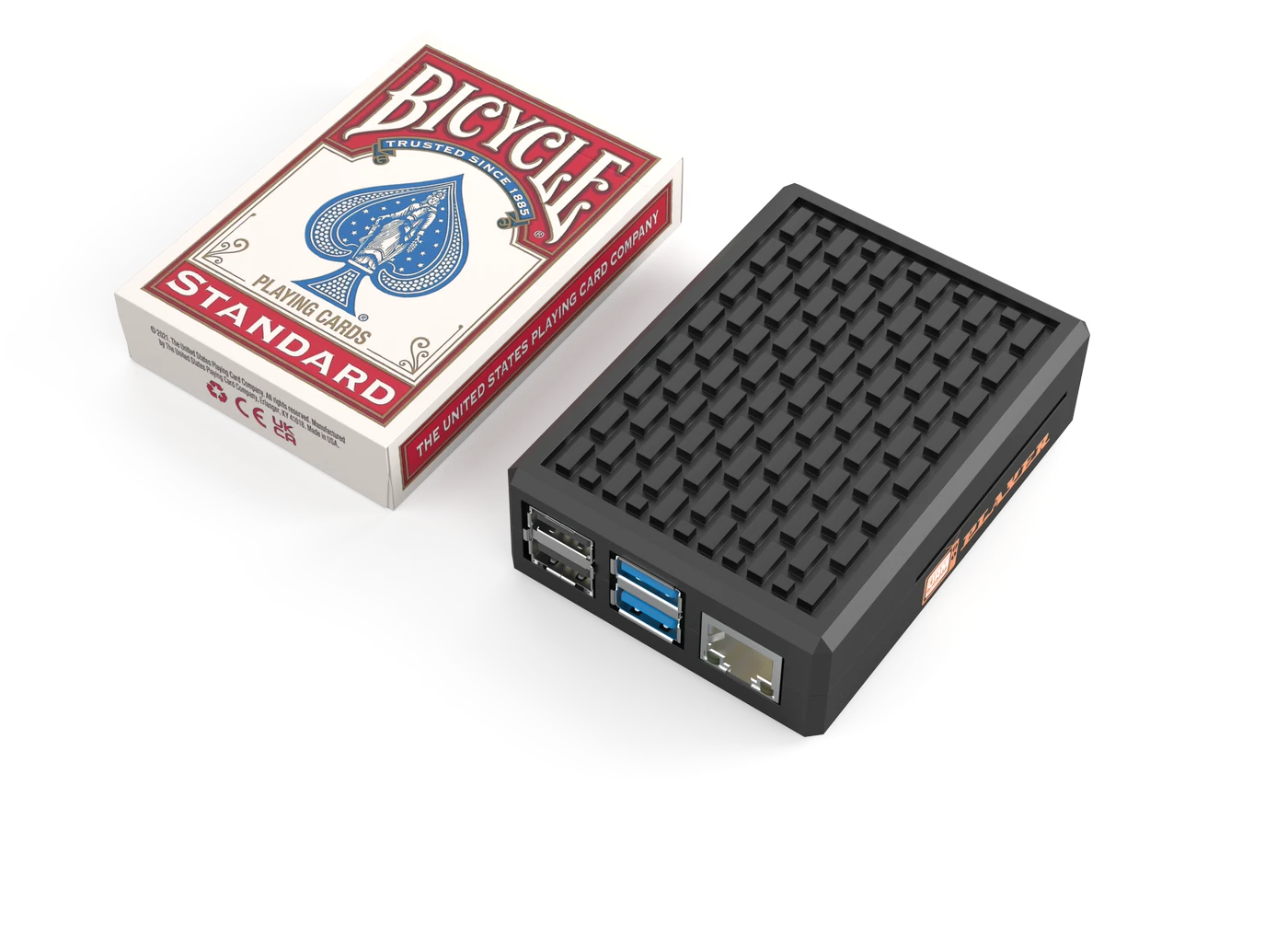
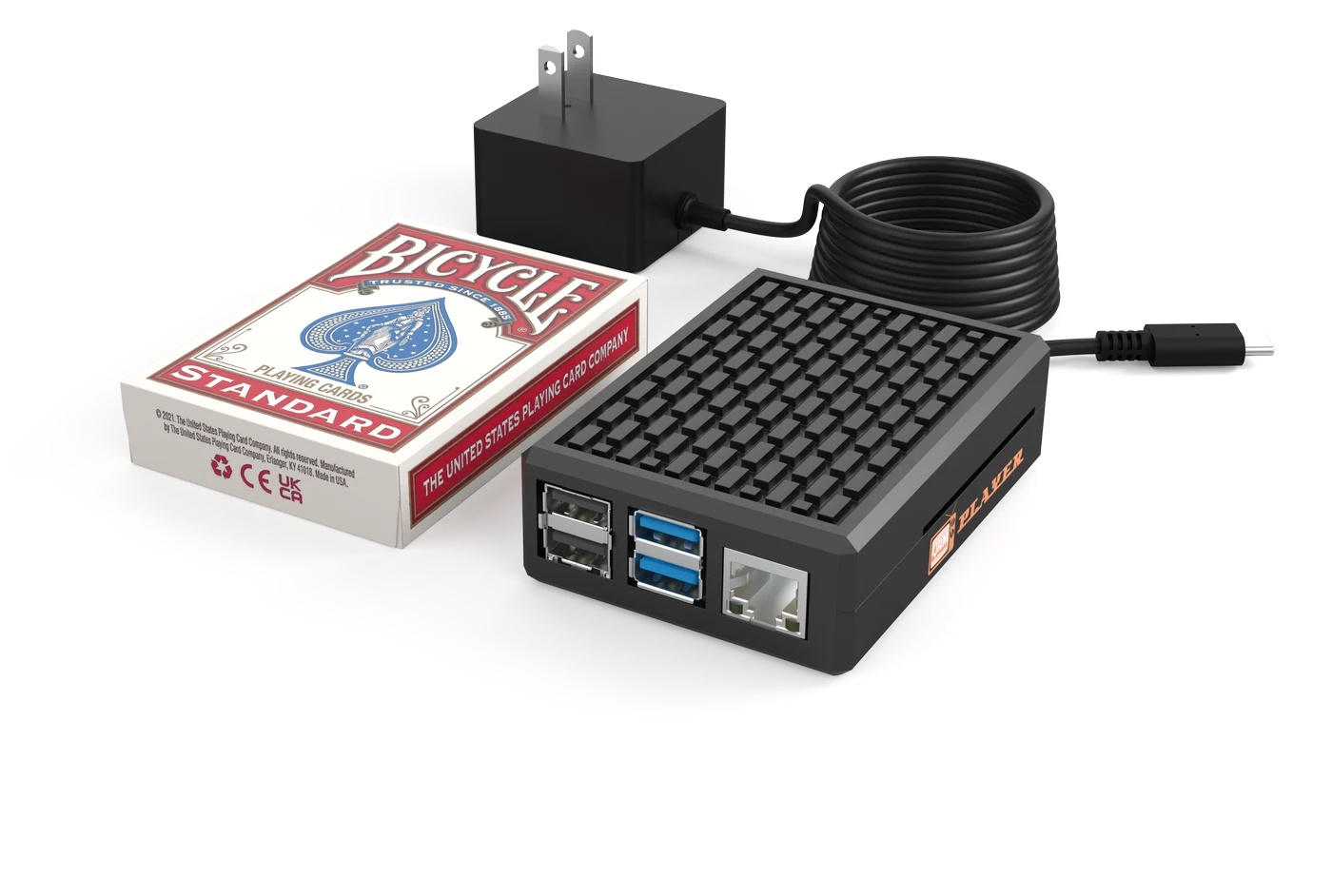
The JAM Player is about the size of a pack of playing cards. Plug it into any screen, set it up in about 2 minutes with the JAM Player Setup app, and your menu is on the wall. From then on, it updates itself.
Any screen
the TVs you already have, wide or tall
2 min
setup with the JAM Player Setup app
Auto
updates whenever your menu changes. Get started →
Works with any screen
About the size of a pack of cards
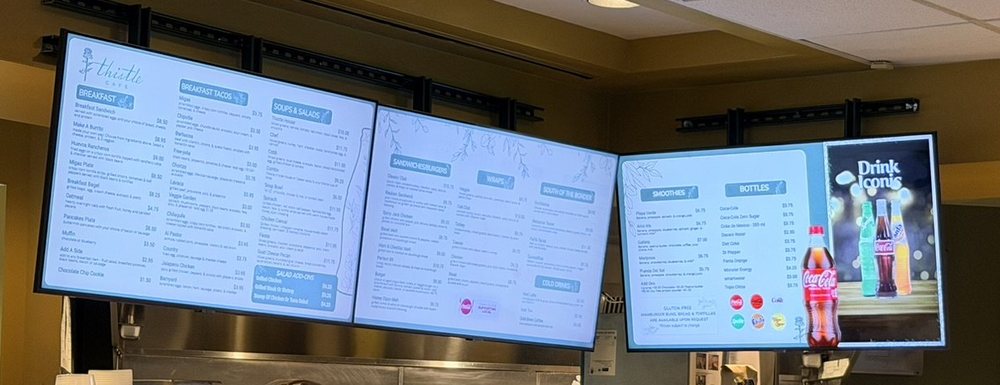
✓Your menu on the TV
Real install · Thistle Cafe, Austin TX
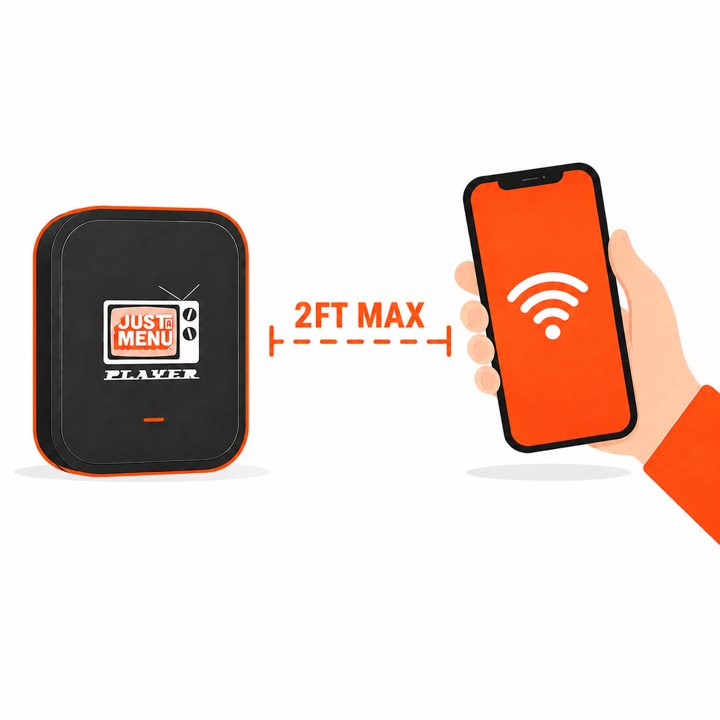
The JAM Player Setup app
2-minute setup
Plug it in. Open the app. You’re live.
The JAM Player Setup app walks you through it on your phone. No tech skills, no IT person.
1
Plug it in
Into any screen with HDMI, and into power.
2
Connect with the app
A couple of taps in the JAM Player Setup app and it’s on your Wi-Fi.
3
Your menu is on
Pick which screen it shows. That’s it.
Any screen
One screen or a whole wall. Any way it hangs.
Use the TVs you already have, wide or tall. Every screen shows its own part of your menu, and your designs line up across the wall.
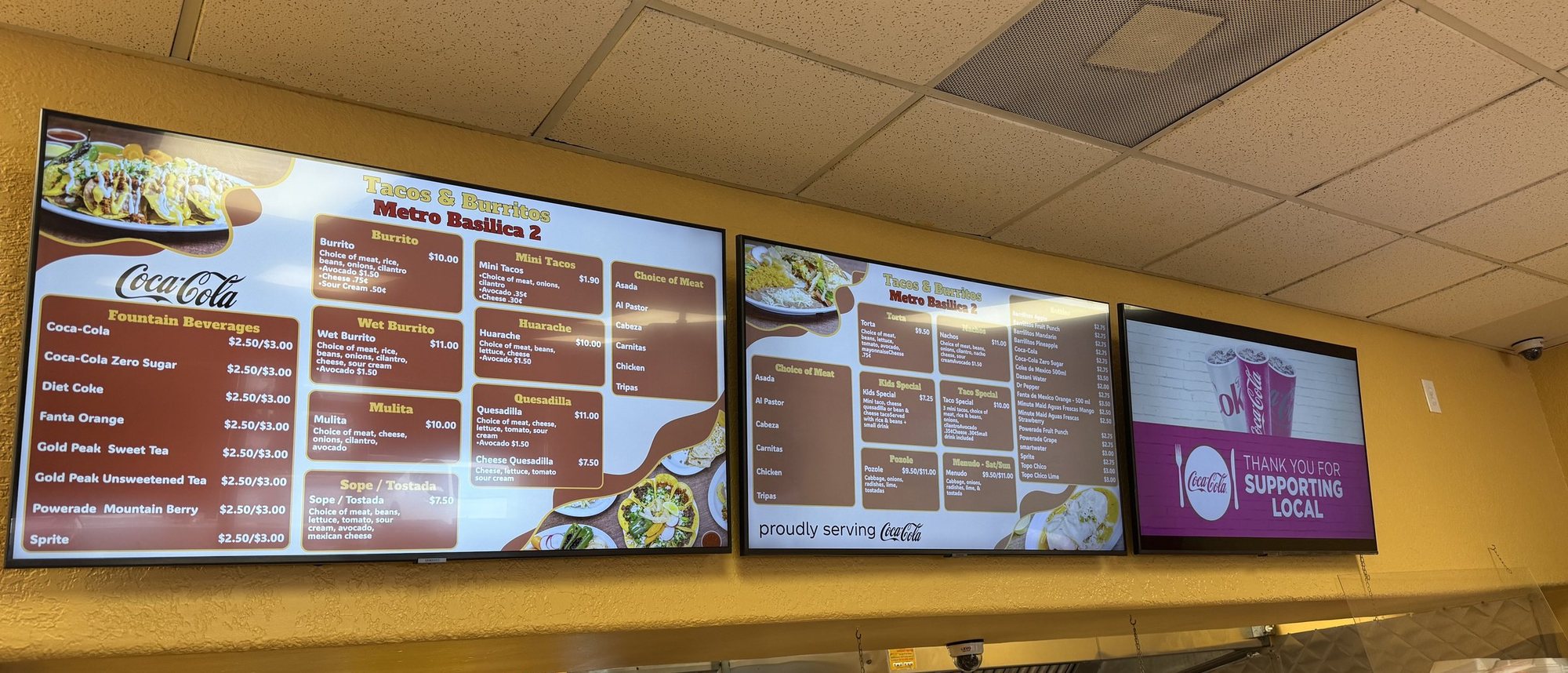
Real install: Tacos & Burritos Metro Basilica 2 · Phoenix, AZ
Screen 1
Screen 2
Screen 3
Lined up
designs flow across every screen on the wall
Any TV
with an HDMI port. No special screens
Wide or tall
landscape or portrait, however it hangs
By itself
it updates whenever you publish a change
At a glance
Small box. Everything you need.
In the box
- ✓The JAM Player
- ✓A power adapter
- ✓An HDMI cable
- ✓A quick start guide
You bring
- ✓Any screen with HDMI
- ✓An outlet near the TV
- ✓Your business Wi-Fi
- ✓A phone for the JAM Player Setup app
Size
About a pack of playing cards
Connects to
Any screen with HDMI, wide or tall
Setup
About 2 minutes with the JAM Player Setup app (iPhone and Android)
Network
Your business Wi-Fi
Orientation
Landscape or portrait, set in the app
Updates
By itself, whenever you publish a change
How many
One per screen
The JAM Player
Small enough to hide. Smart enough to run itself.
It tucks behind any screen, out of sight. Change a price and the screen updates by itself. No USB sticks, no remote, no rebooting the TV.
LG Professional Displays
Using LG Professional Displays? Skip the box.
Download the JAM Player app right on your LG display. No player to plug in. Same menu, same automatic updates. Ask about LG →
JAM Player questions.
Ask us anything: (202) 886-2442 or sales@justamenu.com. Choosing a TV? Read Choose the right TV for your menu board.
Do I need special hardware?
Just a small JAM Player behind each screen. Any TV with HDMI works, including the ones you already have.
Do I need one player per TV?
Yes. Each screen gets its own small player, so every TV can show its own part of your menu.
What internet does it need?
Your business Wi-Fi. Skip guest networks that make you sign in on a web page; they can block the player.
What happens when I change my menu?
Publish the change and your TVs pick it up by themselves. Nobody has to touch the player.
Can the TV hang in portrait?
Yes. Wide or tall, just pick a portrait design.
How do I get JAM Players?
Tell us how many screens you have when you get started, and let’s chat.
Your TVs are ready. Let’s put your menu on them.
Tell us how many TVs you have, and let’s chat about your menu boards.
Talk to a real person. We reply within one business day.
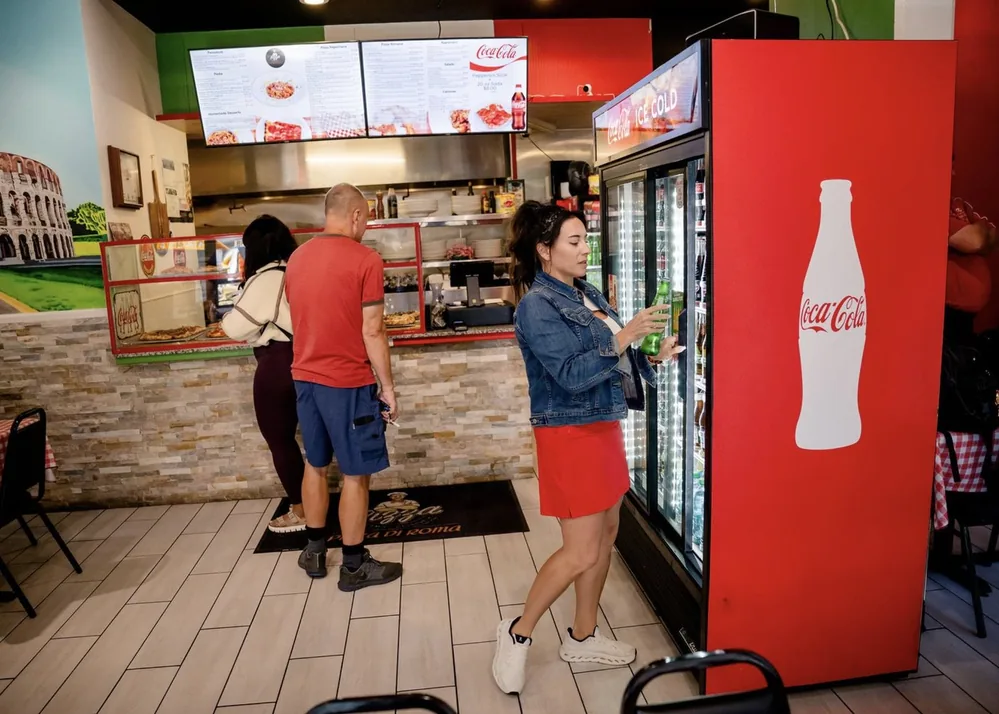
Pizza Di Roma · Austin, TX