Have a Coca-Cola rep? Some participating bottlers cover the full cost. Ask about special pricing →

Set up
Make your QR menu live
Your QR menu is the phone version of the menu on your TVs. Pick a look and it’s live. With Just a Menu you print your QR code once: it never changes, even when you change the look or the menu.
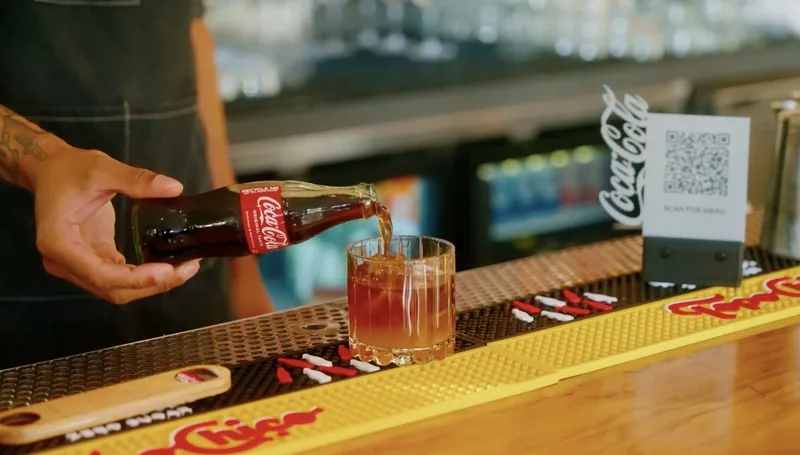
Real install: Verbena · Austin, TX
Where you’re headed: a printed code on the bar. Guests scan it and your menu opens on their phone.
In this guide
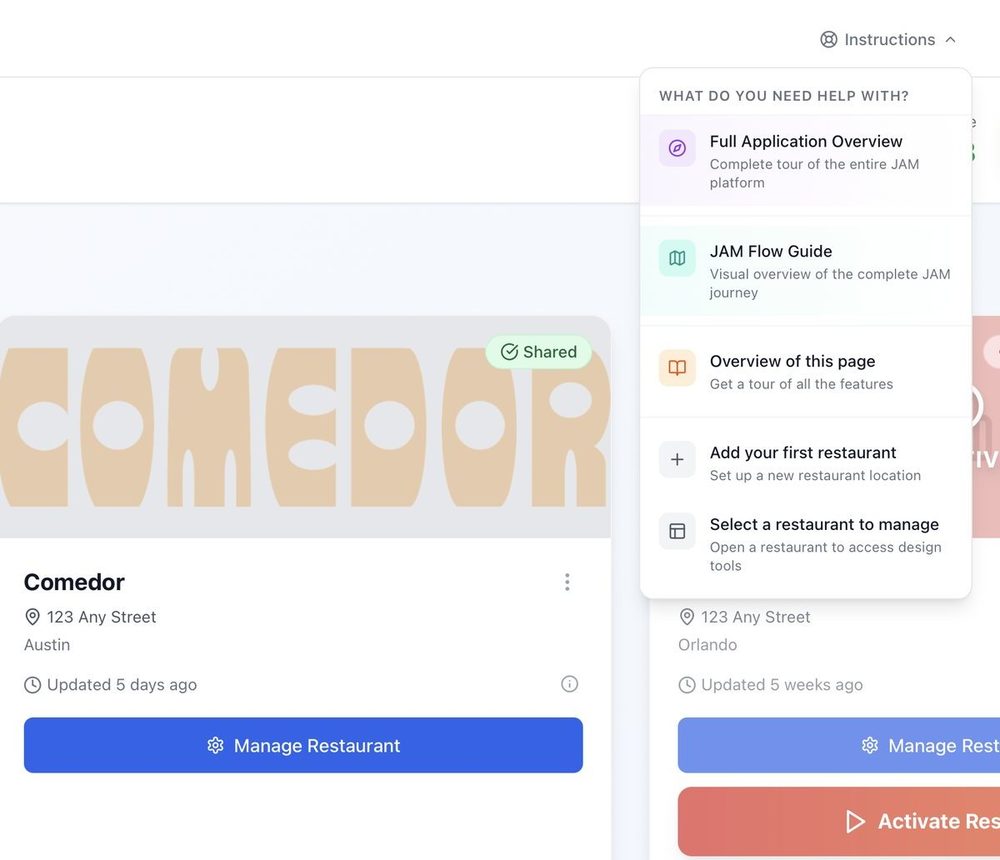
Stuck? Click Instructions at the top of any page in the app, or email support@justamenu.com.
What you need
- ✓Your menu in Menu Workspace. Import your menu
- ✓A restaurant that’s switched on. If QR Menu says Not open yet, click Activate now, or ask us to switch it on.
1
Open QR Menu
- In the menu on the left, click QR Menu.
✓ You’ll see: your QR code and your menu link at the top, and Pre-made designs below.
2
Pick a look
- Tap a design under Pre-made designs. You can open it to preview it first, then click Make it live.
- Your first pick goes live right away.
- Switching to another design later? Pick it, then confirm with Yes, change it.
✓ You’ll see: You’re live. New scans of your QR code show this design.
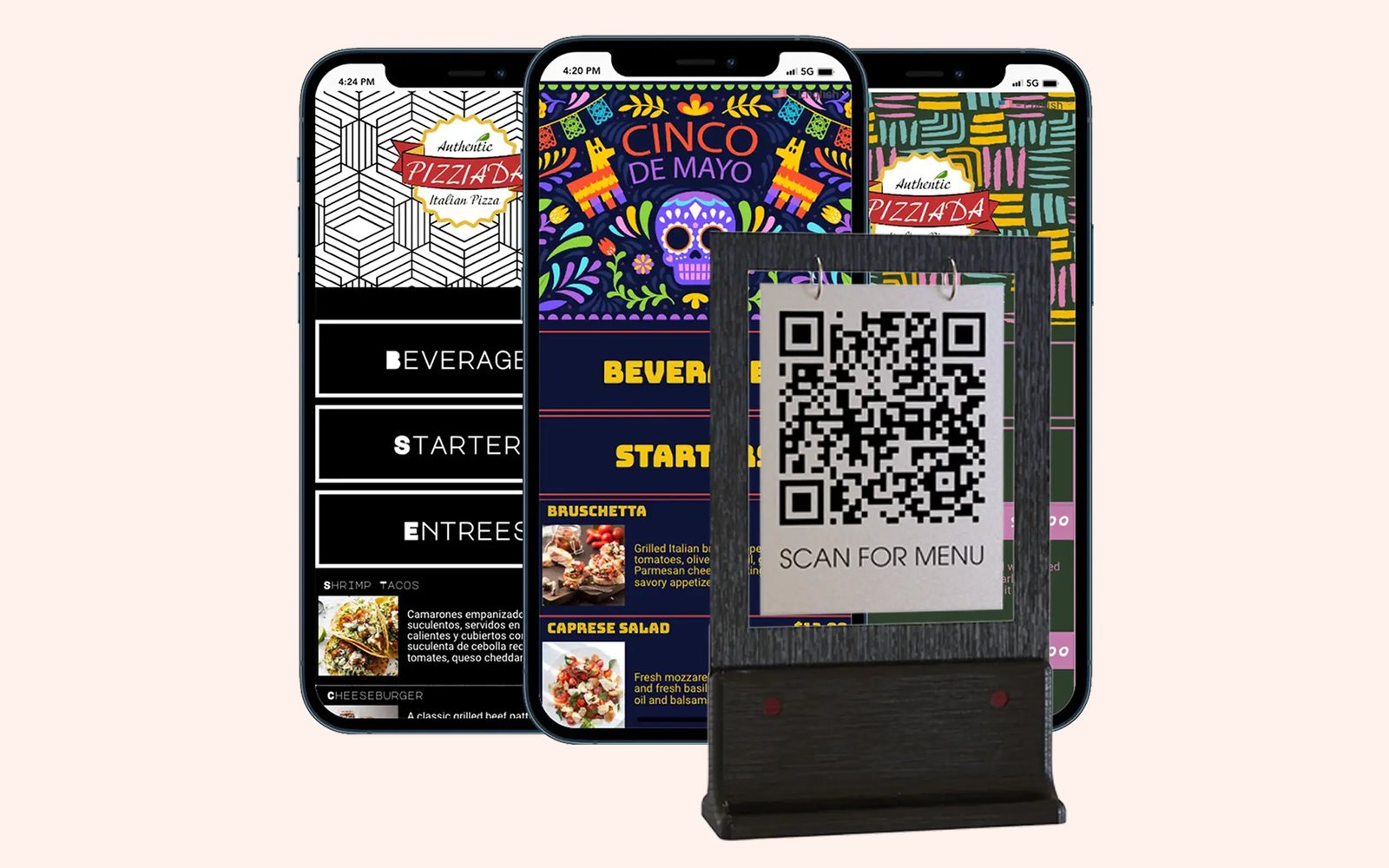
Sample designs
Three looks, one QR code. Change the look any time; the code on your tables stays the same.
3
Print your QR code
- Click Download QR code.
- Print it for your tables, counter, window or takeout bags.
✓ You’ll see: a QR code file ready to print. It’s the same code as always, so printed codes keep working.
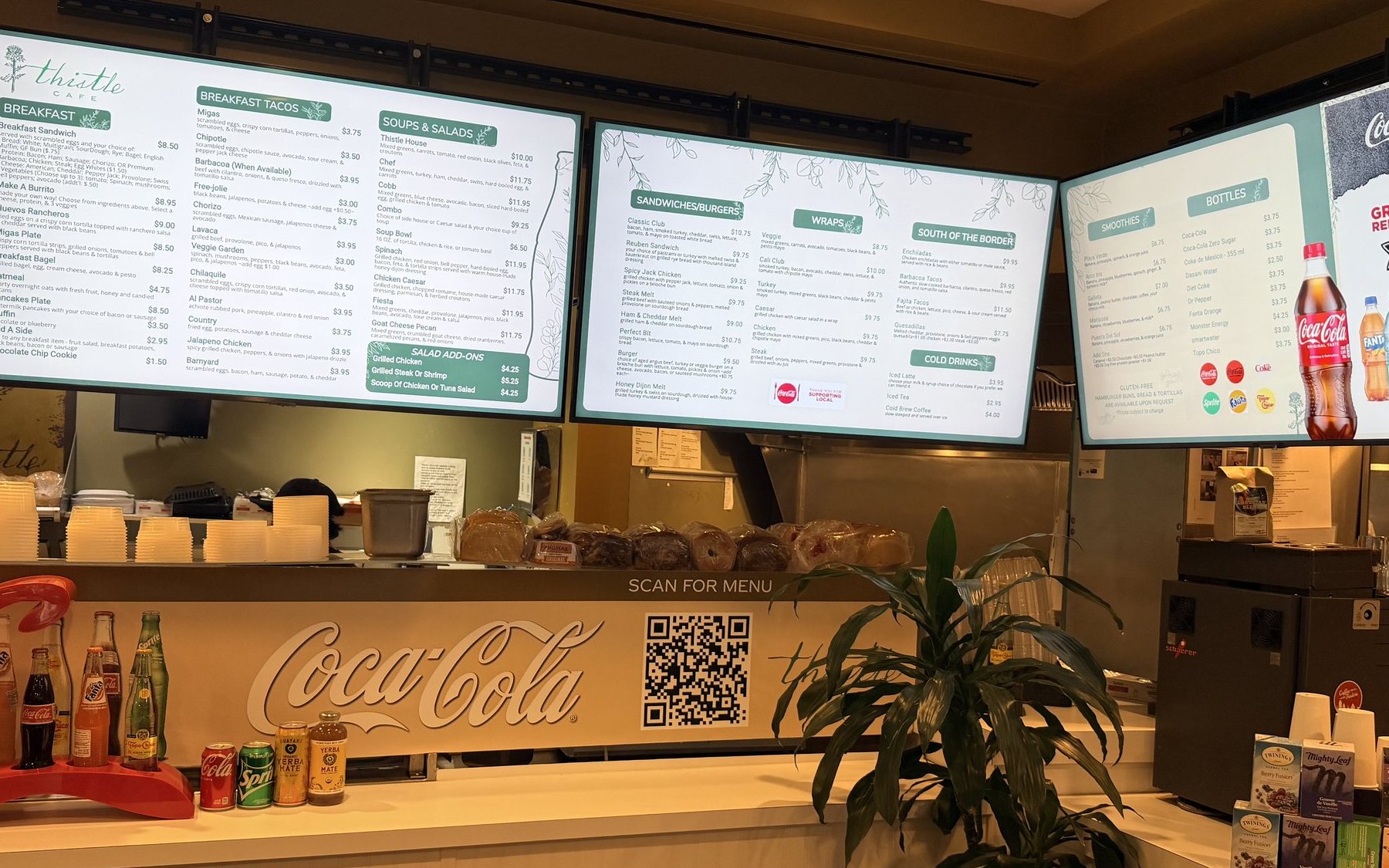
Real install: Thistle Cafe · Austin, TX
Boards overhead, the QR code on the counter: one menu, two ways to read it.
4
Check it on your phone
- Scan your printed code with your phone’s camera, or click Preview my menu.
- Want your menu on your website or social pages too? Click Copy next to your menu link, then paste it there.
✓ You’ll see: your menu on your phone, with the same items and prices as your TVs.
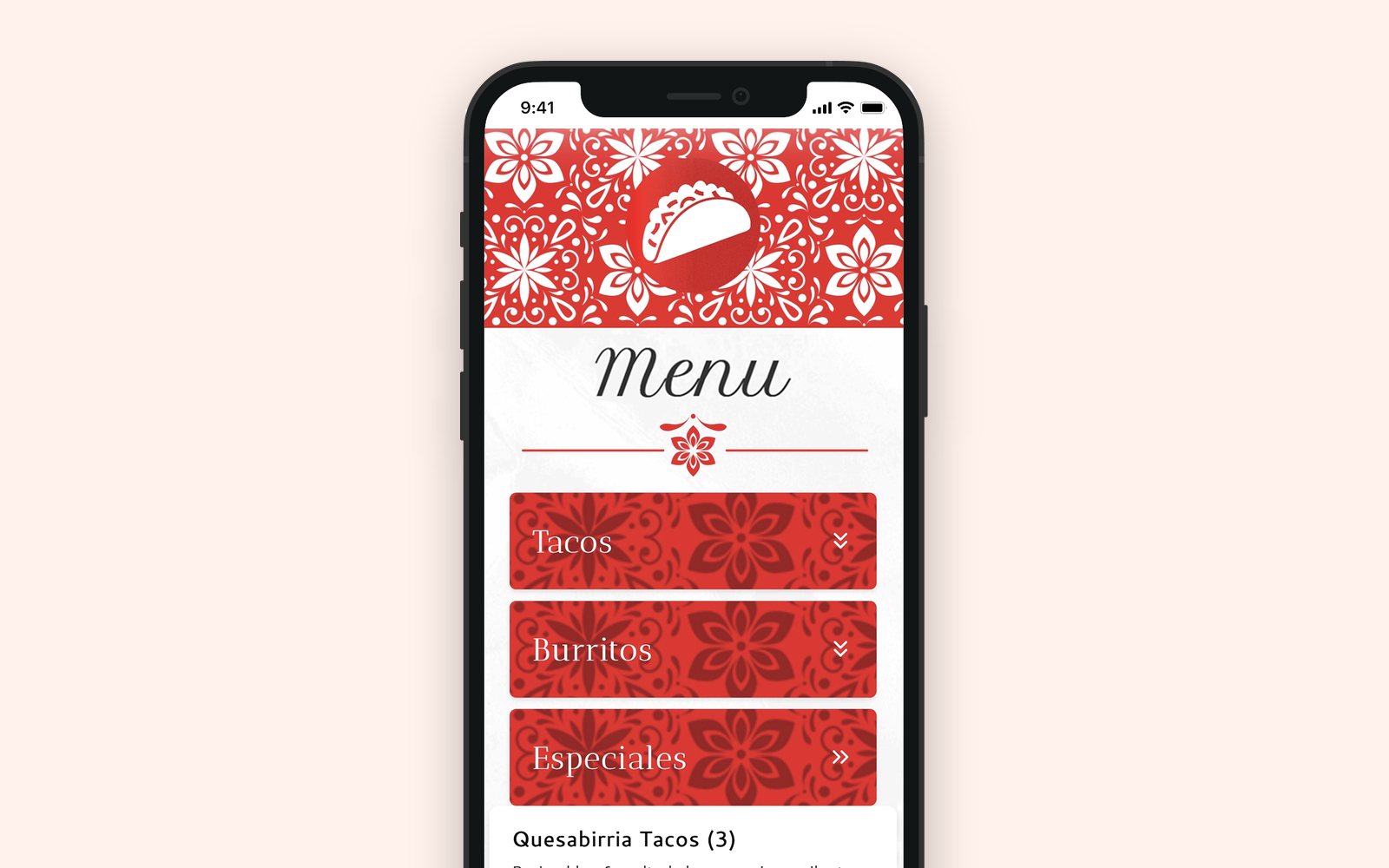
Our demo menu
Good to know
- ✓Nothing to reprint. Change an item or a price in Menu Workspace and your QR menu shows it.
- ✓Allergy and nutrition info. Go to Manage Outlet → Outlet Settings and turn on Allergy & Nutrition Info. Guests tap an item to see it.
- ✓Sold-out items. In the same settings, Sold Out Item Display hides them (Hide Item) or keeps them marked “Sold Out” (Gray Out Item).
- ✓Other languages. Add a language in Menu Translations and your QR menu is translated for you. Guests pick their language on their phone, and you can edit any translation.
- ✓Your own touch. Click Edit design to adjust the look.
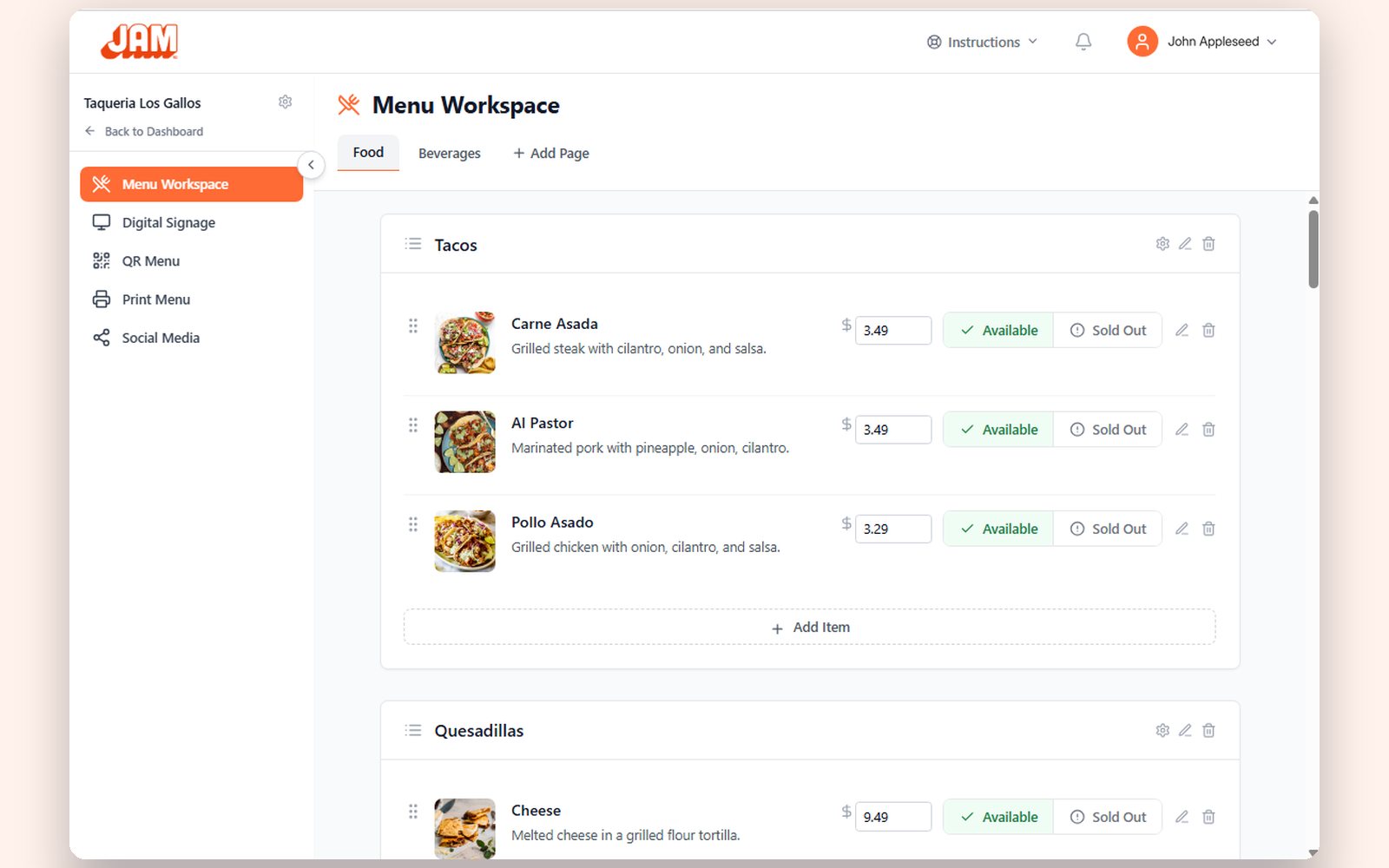
Getting started
All four steps on one page, plus how to keep it up to date.
Read the guide →
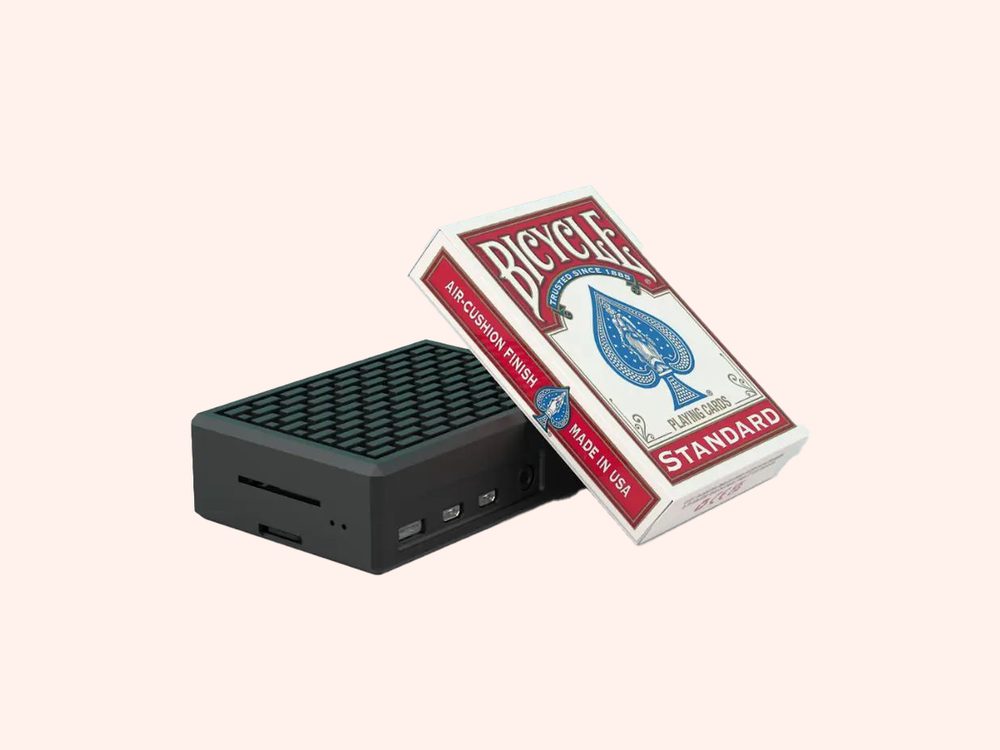
Put your menu on your TV
Plug in a JAM Player, connect it and choose what it shows.
Read the guide →
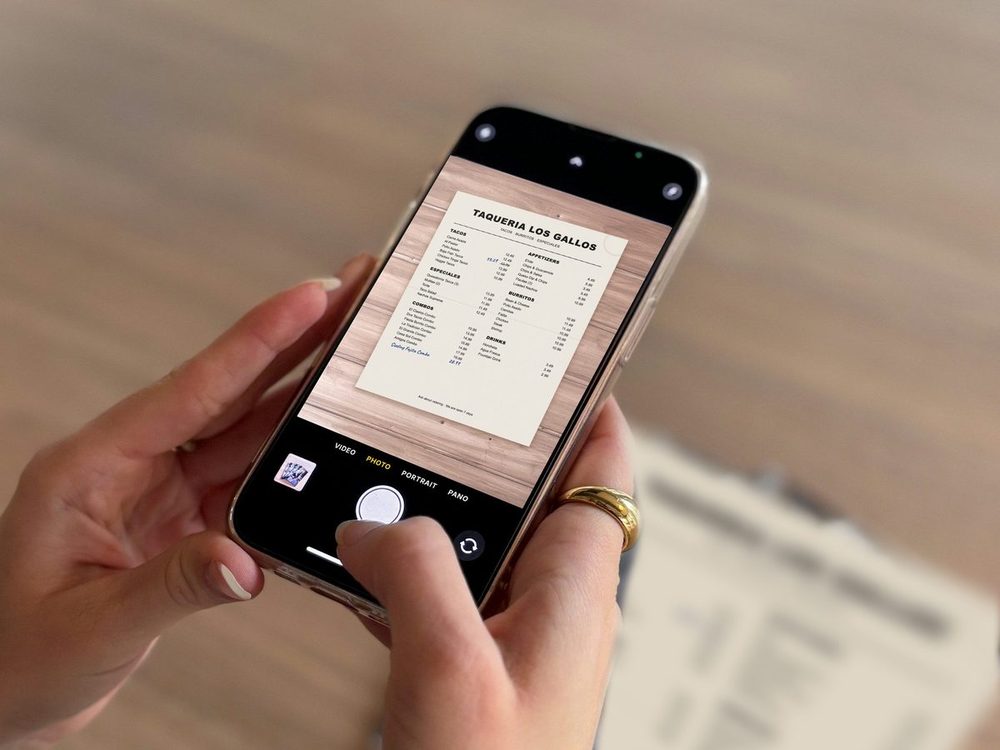
Our demo menu
Turn a photo of your menu into a menu board
Upload your menu, check what we read, get your custom boards.
Read the guide →
One menu. Your TVs and every phone.
Once you’re set up, a photo of your menu becomes your menu boards and your QR menu. Tell us a little about your restaurant to get started.
Talk to a real person. We reply within one business day.
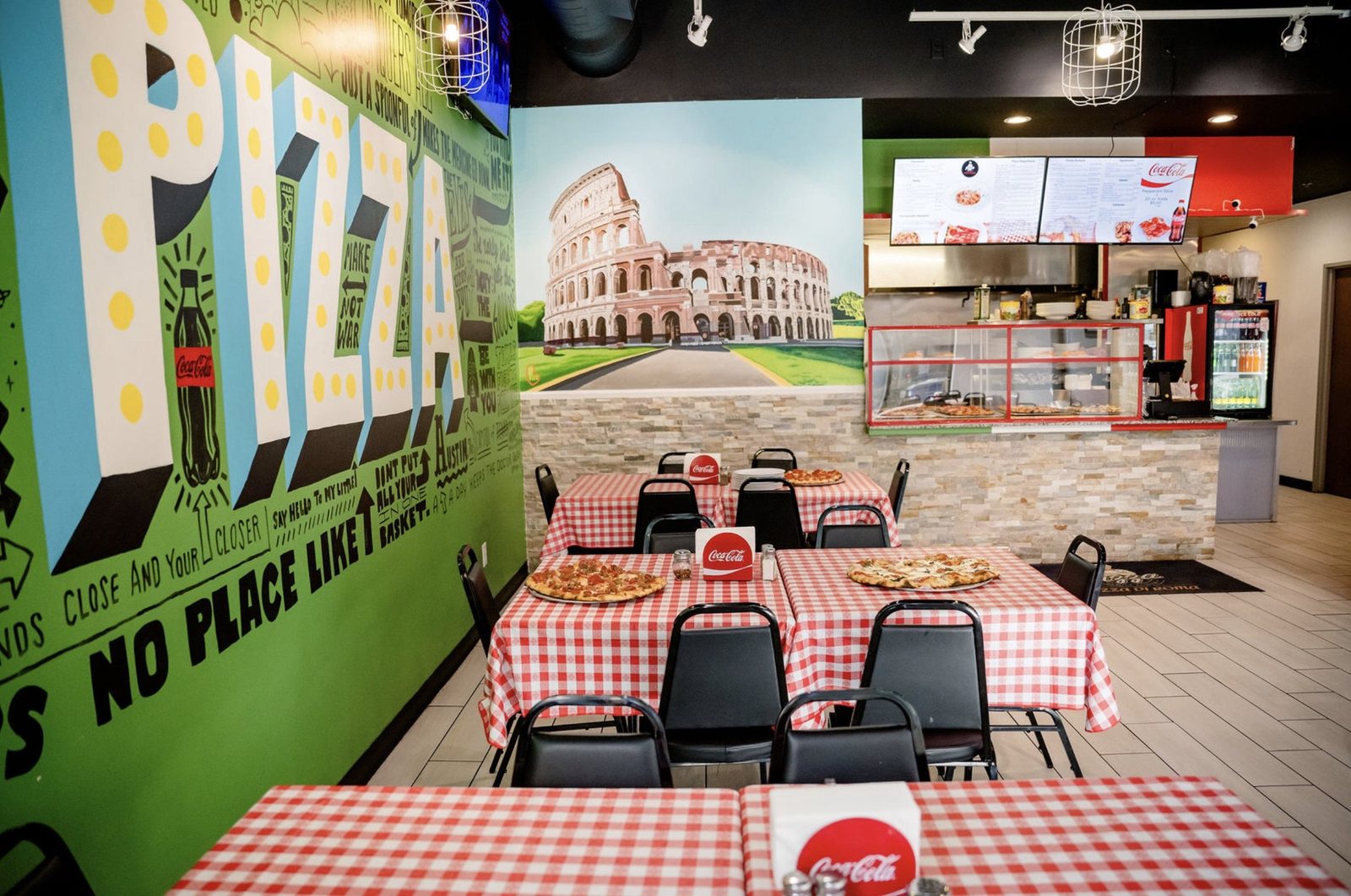
Pizza Di Roma · Austin, TX
Stuck on a step? Click Instructions at the top of any page in the app, or email support@justamenu.com.