Have a Coca-Cola rep? Some participating bottlers cover the full cost. Ask about special pricing →

QR menus
One QR code. Always the right menu.
Pick a design and your QR menu is ready, with your items, prices and food photos already in it. Translated automatically, with allergens and nutrition a tap away. One code, printed once, always the right menu.
- Pick a design in one tap
- Translated automatically
- Allergens & nutrition
- Food photos that sell
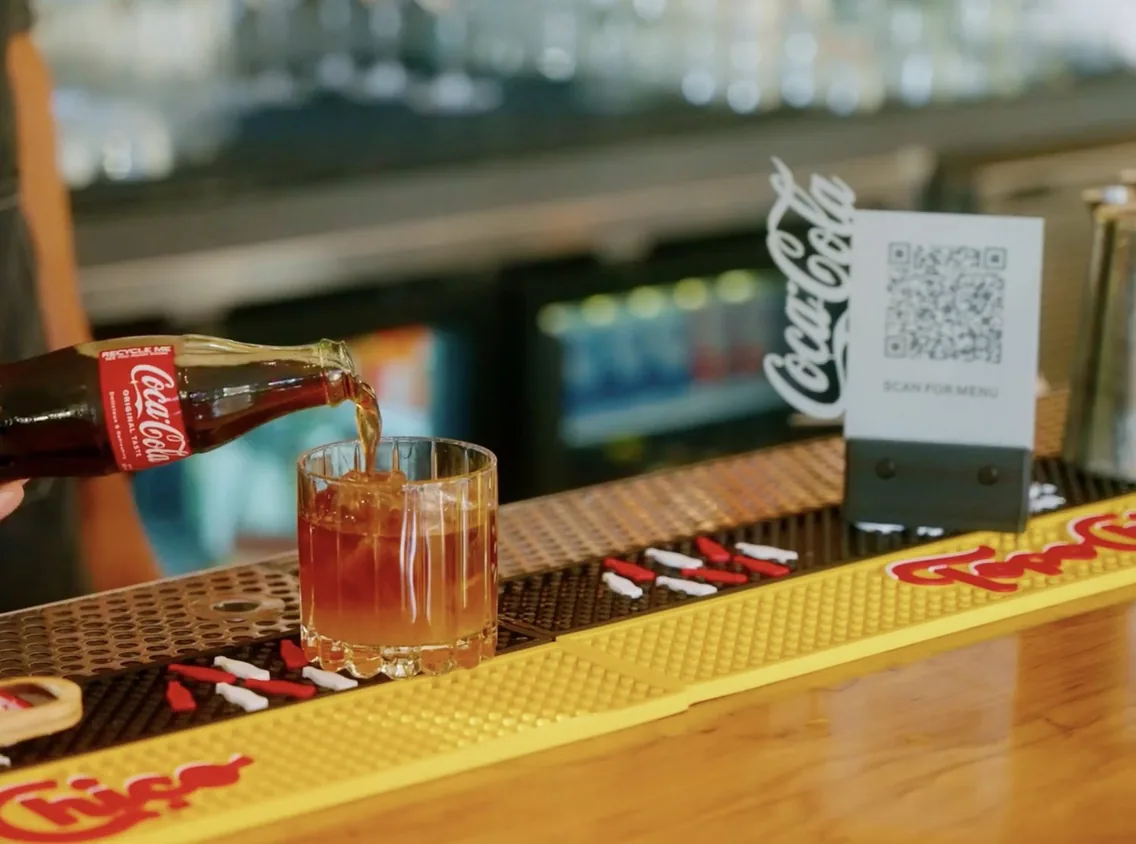

Why guests love it
Pick a design. The rest is done.
Your items, prices and photos are already in it. Everything else is one tap away.
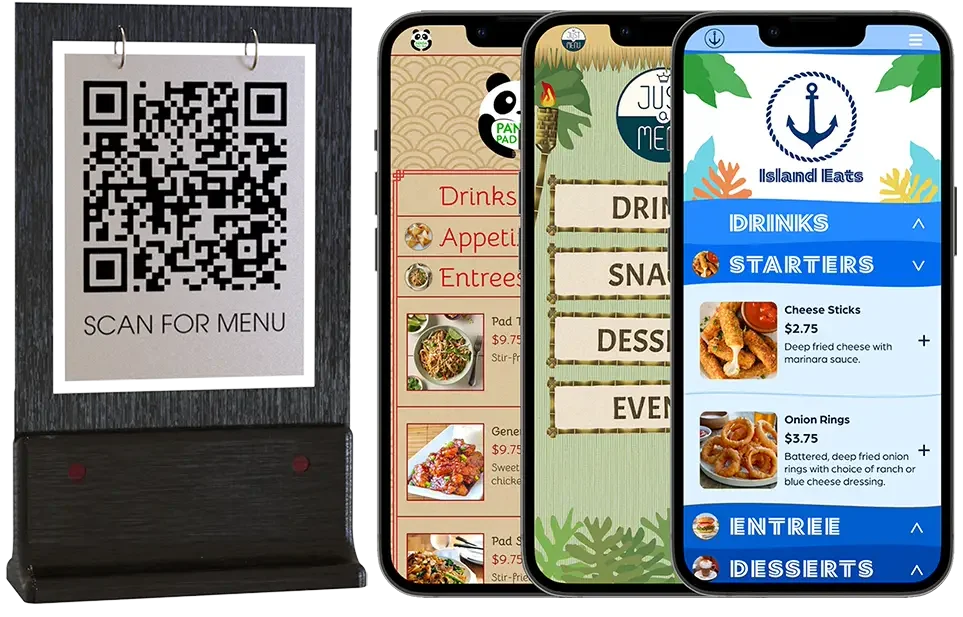
Pick a design
Tap a pre-made design and your QR menu is ready. Switch any time.
Translated automatically
Turn on Spanish and more. Guests tap to read the menu in their language.
Food photos that sell
High-quality photos of your dishes, right on the menu guests are reading.
Fully customizable
Change colors, fonts, headers and buttons. Make it look like your place.
Allergens and nutrition
Guests tap any item to see allergens, nutrition and dietary icons.
One code, for good
Print it once. It always opens your latest menu, sold-outs included.
How it works
Your QR code never changes. Just the design.
Print it on table cards, stickers, the window or takeout bags. Switch looks, change prices, add a menu page. The same code opens the latest version.
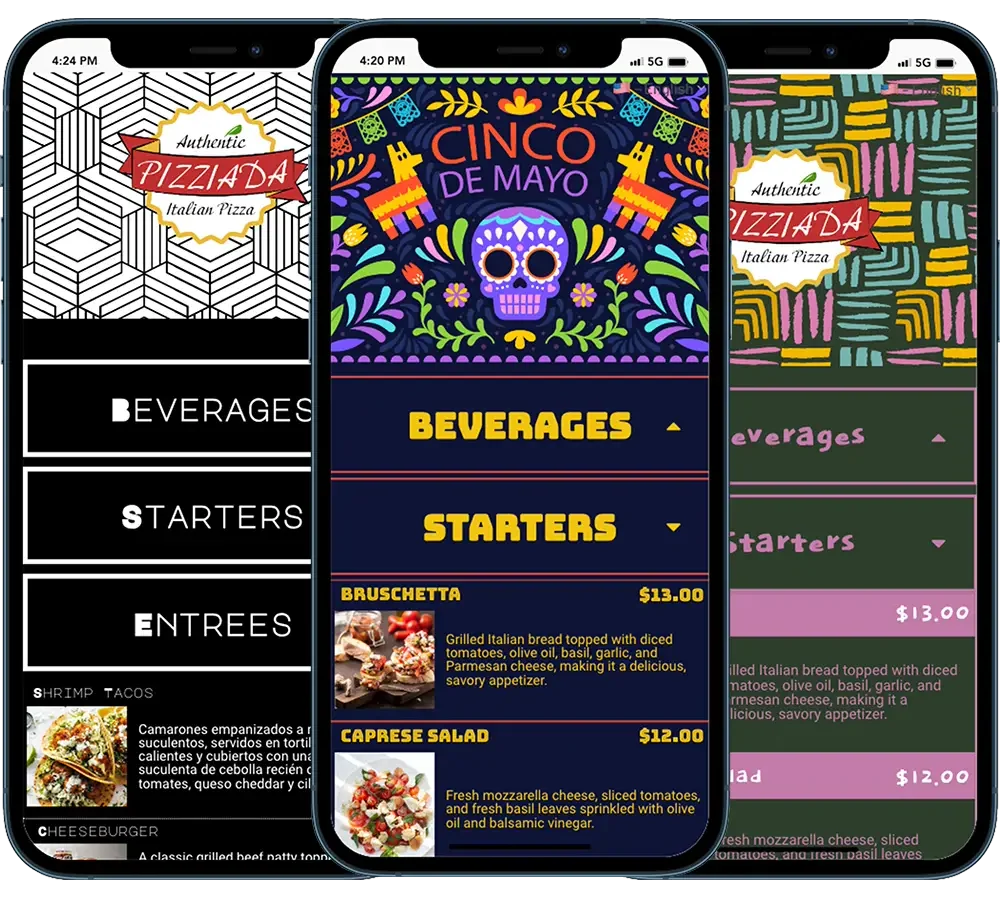
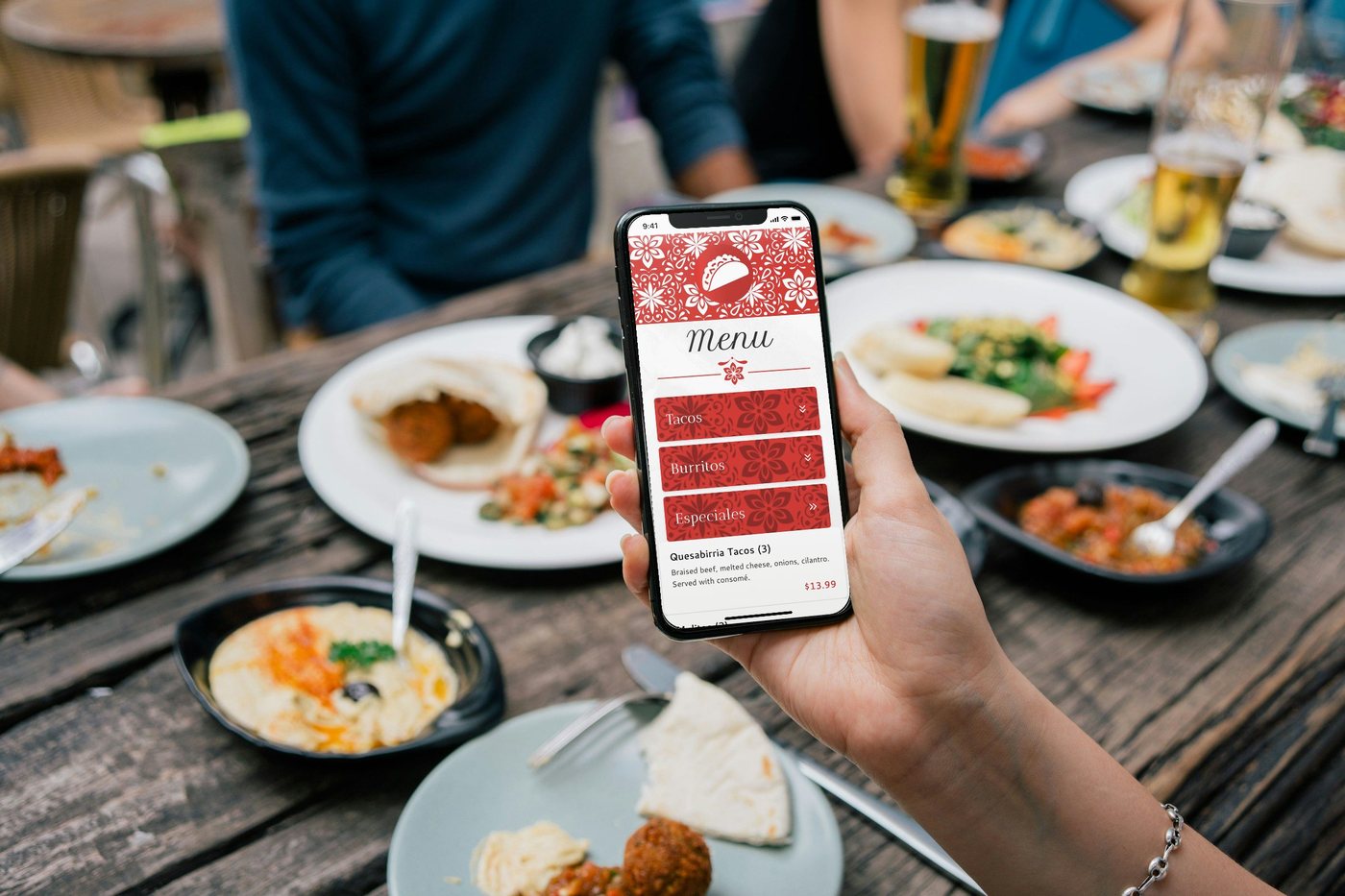
Our demo menu
On the guest’s phone
The questions guests ask the server, answered on the menu.
It opens in the phone’s browser, reads well on a small screen and always matches your menu boards.
- ✓Their language. Turn on a language like Spanish and your menu is translated. Guests tap to switch, and you can edit any translation.
- ✓Allergy and nutrition. Guests tap an item to see its notes. Add dietary and spice icons too.
- ✓Sold out. Hide the item or gray it out. Your choice.
- ✓Your place. A header, a photo carousel, today’s special, your hours and your social links.

A real QR menu · From the owner
“I see customers come down the steps and scan the QR code... so they know what they want before they even get to the counter”
Owner, Thistle Cafe · Austin, TX
Thistle’s code sits on the front of the counter, under three menu boards. The phone shows their QR menu: their logo, a photo carousel, then Bottles, Hot Drinks and Smoothies.
Lines, patios and venues
The line reads the menu before it reaches the counter.
Guests scan and browse while they wait, so they’re ready to order. Airports, casinos, resorts and stadiums add a dining directory: one code that lists every restaurant on site, with its hours and menu.
- ✓Table cards, window decals, banners, receipts
- ✓Share your menu link on Google, social pages and texts
- ✓Each restaurant updates its own menu; the directory follows


QR menu questions.
Ask us anything: (202) 886-2442 or sales@justamenu.com. Step by step: Make your QR menu live.
Do guests need an app?
No. The code opens your menu in the phone’s web browser.
Does my QR code change when my menu does?
No. Your QR code always opens your menu. Change the design or the items as often as you like; the code stays the same.
Can guests read it in Spanish?
Yes. Turn on a language and your menu is translated for you. Guests pick their language on their phone, and you can edit any translation.
Can I show allergy information?
Yes. Add allergy and nutrition notes to any item and turn them on for your QR menu. Guests tap the item to see them.
What happens when something sells out?
Mark it sold out in Menu Workspace, or let your POS do it (Square, Toast, Clover or Oracle). Your QR menu hides it or grays it out, whichever you pick.
Where can I put the code?
Anywhere you can print it. Download your QR code as an image and put it on table cards, stickers, window decals, receipts or your printed menu.
One code on the counter. The right menu on every phone.
Once you’re set up, a photo of your menu becomes your QR menu and your menu boards. Tell us a little about your restaurant to get started.
Talk to a real person. We reply within one business day.
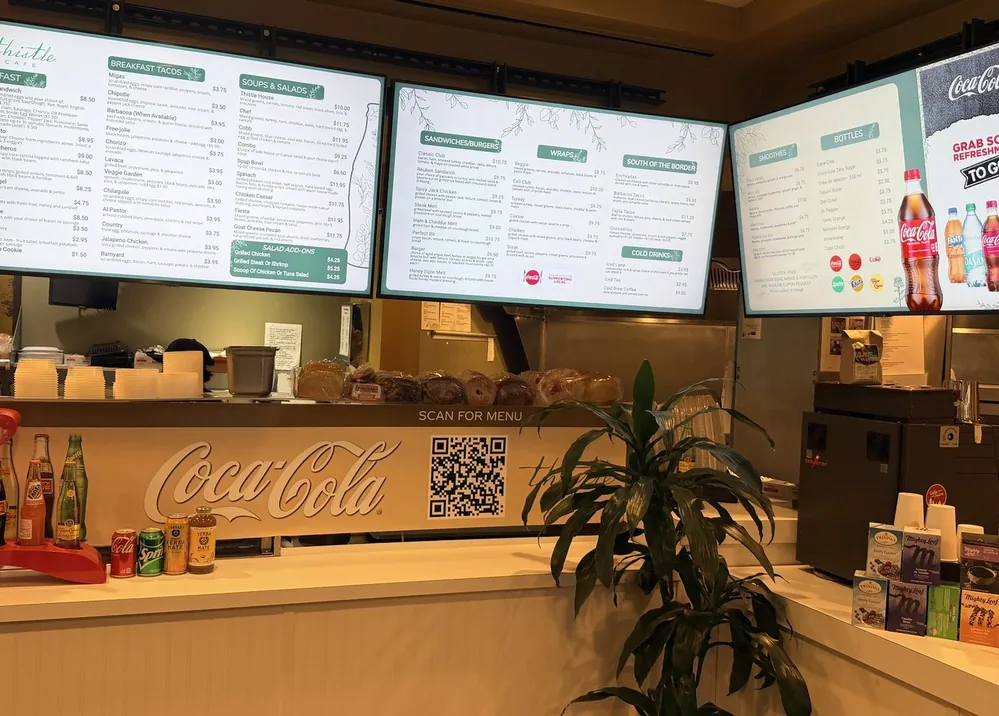
Thistle Cafe · Austin, TX