Beverage partner? Enroll a new account here →

Menu pricing
Menu price calculator
Enter what one plate costs you and the food cost percentage you’re aiming for, and this menu price calculator gives you a price, rounded up to .49 or .99 if you like. Already charging a price? Switch to Food cost % to see how much of it goes to ingredients.
Menu price = plate cost ÷ (target food cost % ÷ 100). Food cost % = plate cost ÷ menu price × 100.
It works as a food cost calculator too. It all runs on this page, and nothing you type is saved.
The menu price formulas
Food cost percentage is the share of a menu price that pays for the ingredients on the plate. This menu pricing calculator uses two formulas, and both work on any phone calculator too.
Find a menu price
Menu price = plate cost ÷ (target food cost % ÷ 100)
Check a price you charge
Food cost % = plate cost ÷ menu price × 100
Quick version
At a 30% target, multiply the plate cost by about 3.33. At 25%, multiply by 4.
Rounding
Round up, not down. Rounding up keeps food cost at or under your target.
How to work out plate cost
Plate cost is what the ingredients in one serving cost you: the protein, the sides, the sauce, the garnish, the bun or tortilla. Get this number right and the rest of the math is easy.
- List every ingredient in one serving, with how much goes on the plate.
- Find what each one costs per pound, ounce or piece on your latest invoice.
- Multiply the amount by the unit cost for each ingredient, then add them all up.
- Add the to-go box, cup or wrap if most orders of that item leave in one.
Cost what ends up on the plate. Trimming and cooking shrink some ingredients. A pound of raw brisket gives you less than a pound of sliced brisket, so cost the usable amount. Redo the numbers when your supplier’s prices change.
A worked example
Say a plate of three tacos with rice and beans costs you $3.40 to make, and you want a 30% food cost.
Plate cost · what the ingredients cost you
$3.40
Target food cost · your goal for this item
30%
Menu price · 3.40 ÷ 0.30
$11.33
Rounded up · to the next .49 or .99
$11.49
Food cost at the new price · 3.40 ÷ 11.49 × 100
29.6%
Rounding up keeps you just under your target. Round down to $10.99 instead and food cost climbs to about 30.9%. Round up to $11.99 and it drops to about 28.4%.
It works the other way too. If you already charge $11.49 for that plate, switch the calculator to Food cost %: it shows 29.6%, with $8.09 a plate left for labor, rent and profit.
What food cost percentage should you aim for?
Many restaurants aim for a food cost of about 28–35% across the menu. Treat that as a rule of thumb, not a rule. The right number depends on what you sell, how you serve it, and what your rent and labor cost.
- ✓Some items run higher. Steaks and seafood often carry a higher food cost, but they bring in more dollars per plate.
- ✓Some items run lower. Fries, pasta, pizza and fountain drinks often cost little to make for what they sell for, which balances the menu.
- ✓The blend is what counts. Your overall food cost depends most on what you sell the most of, not on any one item.
To check the whole restaurant, look at a full month: (opening inventory + purchases − closing inventory) ÷ food sales × 100. If that number keeps creeping up, look at portions, waste and prices.
Food cost isn’t the whole price
The formula prices the ingredients. Your menu price also has to cover labor, rent, waste and a profit. Before you settle on a number, check these.
Check
Why it matters
Labor
A dish with lots of hands-on prep costs more than its ingredients say. Price it a little higher, or make it simpler.
Waste
Spoilage, trim, mistakes and comped plates all come out of the same money. Dishes that share ingredients help you waste less.
Portions
Serve 7 ounces of meat where the recipe says 6, and that portion costs you about a sixth more. Scoops, scales and a plating photo on the line keep every plate the same.
Nearby prices
See what similar places near you charge, and what your regulars expect to pay.
To-go orders
Packaging and delivery fees add cost. Some restaurants set separate to-go prices.
Should menu prices end in .99, .49 or a whole number?
There’s no single right answer. Pick a style that fits your restaurant and use it across the whole menu, so your prices look like they belong together.
- ✓.99 and .49: common at counters, quick-service and casual spots. Many owners feel they read as a little lower than the next whole dollar.
- ✓Whole numbers: common at sit-down and upscale restaurants, often shown without cents or a dollar sign for a cleaner look.
- ✓Round up, not down: it keeps you at or under your target food cost. The calculator always rounds up.
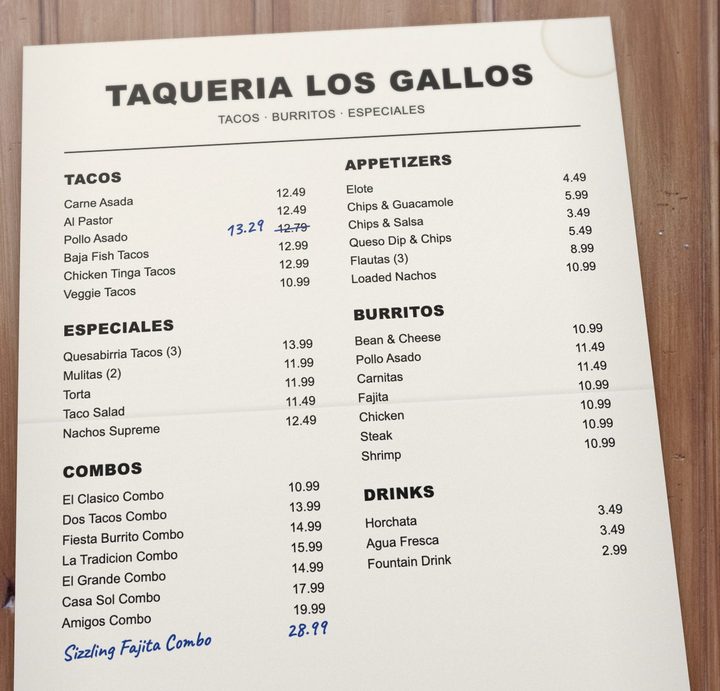
Our demo menu
Most prices on our demo menu end in .49 or .99. One was crossed out and rewritten in pen, which is what a price change looks like on paper.
Set the new price once. Every board, QR menu and print file follows.
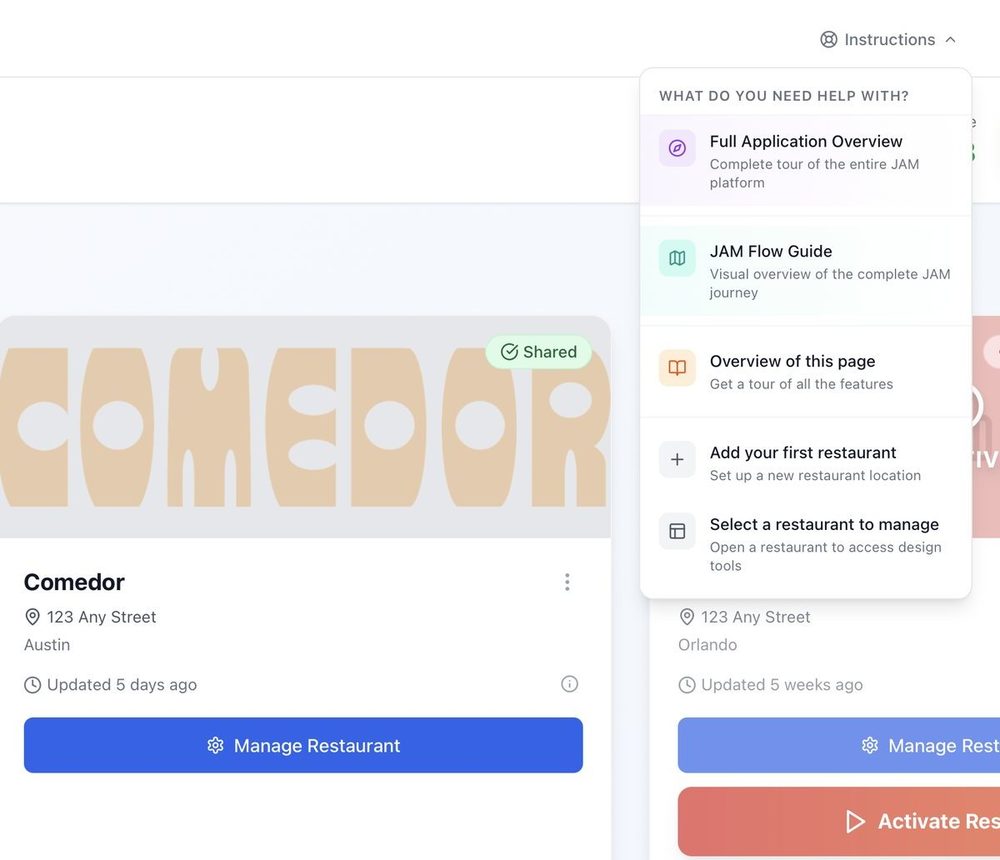
A new price only helps once guests can see it. With Just a Menu, you change it once in Menu Workspace, from your phone or computer. It’s live on every menu board that shows the item and on your QR menu. Your print menus stay connected too, so the next PDF you download has the new price. Raising prices? Here’s how to word a price increase notice.
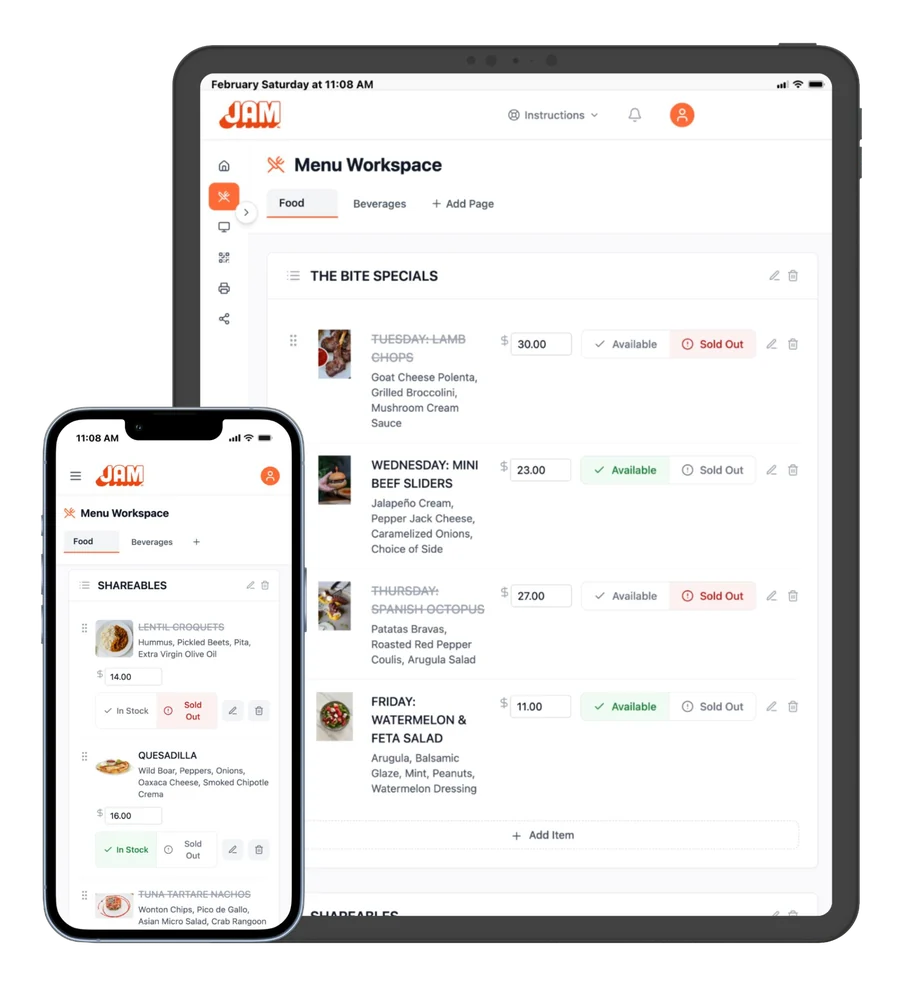
Real screen · sample menu
Menu Workspace. Type the new price in the item’s price box, and your boards and QR menu follow.
- ✓On Square, Toast, Clover or Oracle? Change the price in your POS, and your boards follow on their own.
- ✓No price stickers. No redesign, no re-exporting, no re-uploading.
- ✓Paper is the one exception. Menus you’ve already printed have to be reprinted. Download the fresh PDF when you’re ready.
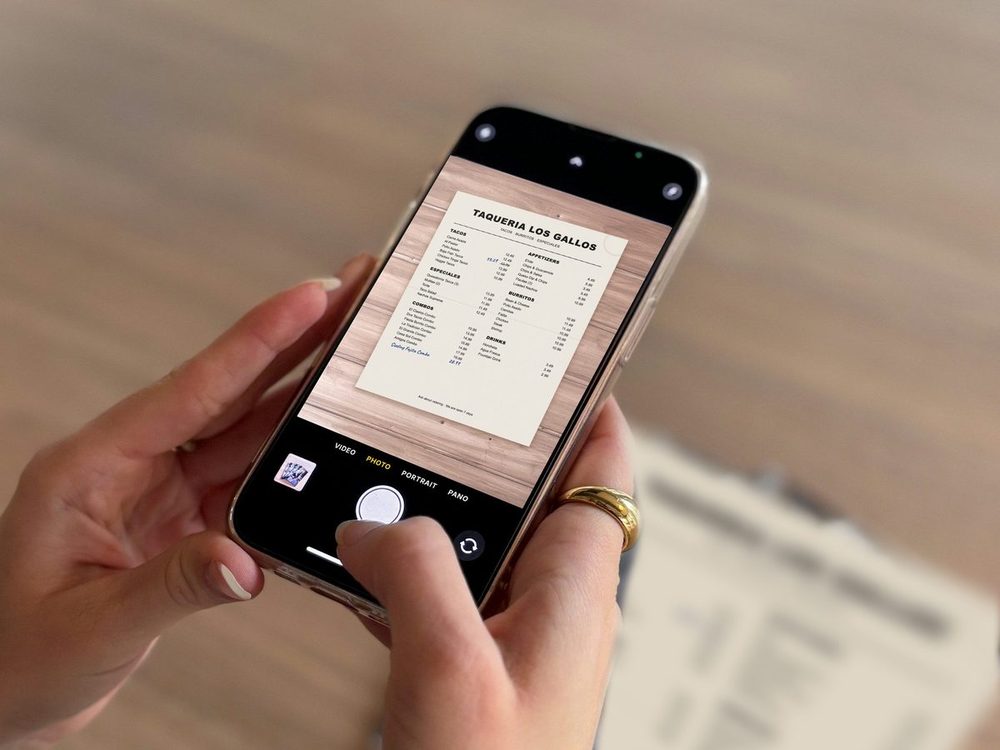
Not on Just a Menu yet? It starts with a photo of your menu. We read your items and prices, you check them, and Just a Menu builds your menu boards. See how a photo becomes your menu
More on digital menu boards and print menus from the same menu.
Questions
How do I calculate menu prices?
Work out the plate cost, which is what the ingredients in one serving cost you. Pick a target food cost percentage, then divide: menu price = plate cost ÷ (food cost % ÷ 100). At a 30% target, that’s the plate cost times about 3.33. Check the result against labor, waste and what similar places nearby charge, then round up to a price ending you like.
What is a good food cost percentage?
Many restaurants aim for about 28–35% across the whole menu, but there’s no single right number. It depends on your concept, your prices and your other costs. Some items run higher and some lower. What matters most is the blend across everything you sell.
How do I calculate food cost percentage?
For one item, divide the plate cost by the menu price and multiply by 100. For the whole restaurant over a month, use (opening inventory + purchases − closing inventory) ÷ food sales × 100. The calculator’s Food cost % mode does the single-item math for you.
Should menu prices end in .99?
It’s a style choice. Prices that end in 99 or 49 cents are common at counters and casual spots, and many owners feel they read as a little lower. Sit-down and upscale menus often use whole numbers. Pick one style and use it across the menu. If you round, round up, so you stay at or under your target food cost.

Print menus from the same menu
Your prices are already in the design. Download a fresh PDF whenever prices change.
See print menus →

POS integrations
On Square, Toast, Clover or Oracle? Change a price there and your boards follow on their own.
See POS integrations →
Getting started
From a photo of your menu to your TV, in four steps.
Read the guide →
Priced your menu? Let’s put it on your TVs.
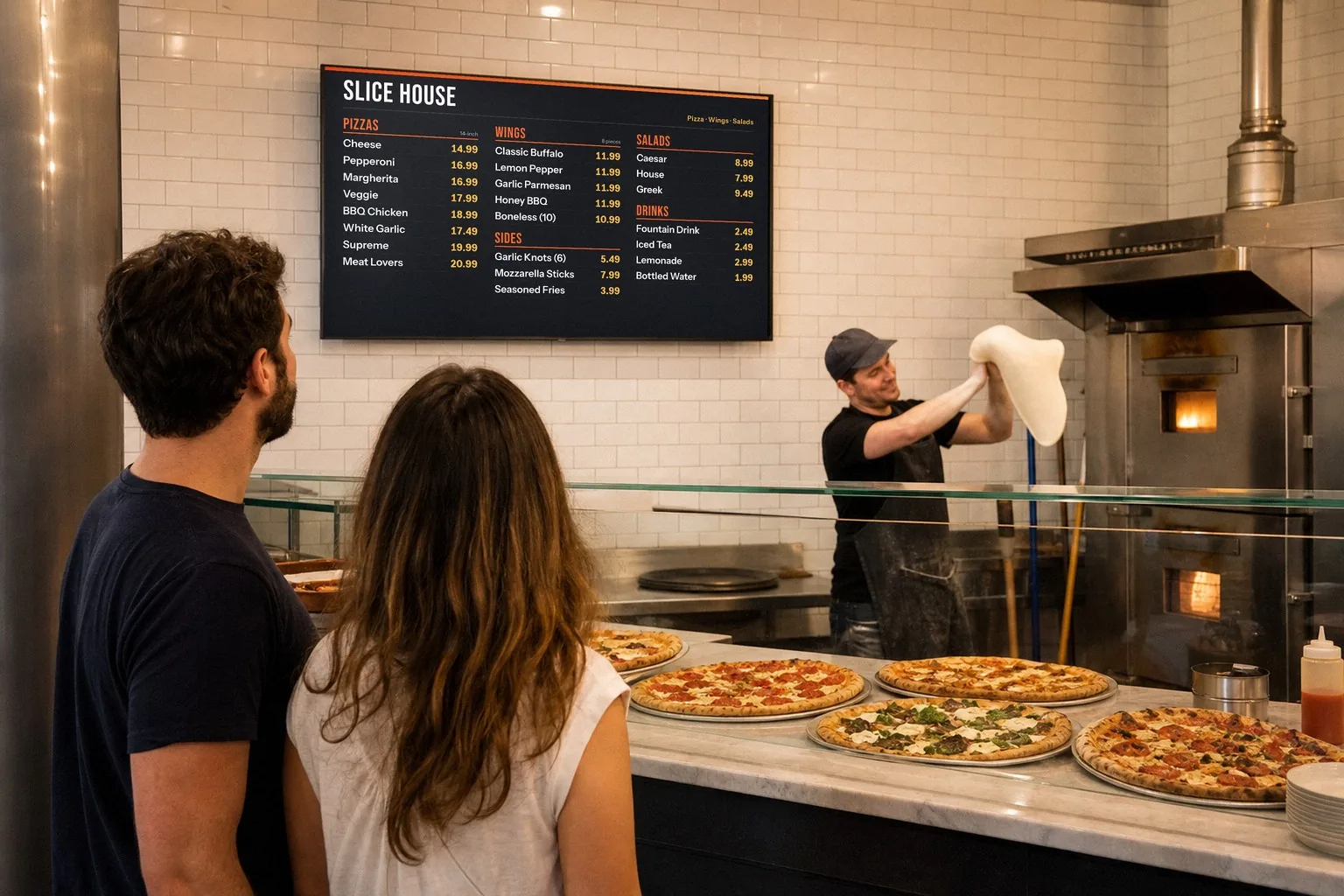
Once you’re set up, snap a photo of your menu and Just a Menu builds custom menu boards for your TVs, plus a QR menu and print menus. Then set each new price once, and every board, QR menu and print file follows.
Talk to a real person. We reply within one business day.
Illustration
Questions about changing your prices? Email support@justamenu.com or call (202) 886-2442.