
Sales Hub · Quick start guide
Set it up yourself, button by button.
The real flow in JAM, from adding the restaurant to handing it over. You never have to do it alone: send the account to us at justamenu.com/enroll and we take it from there.
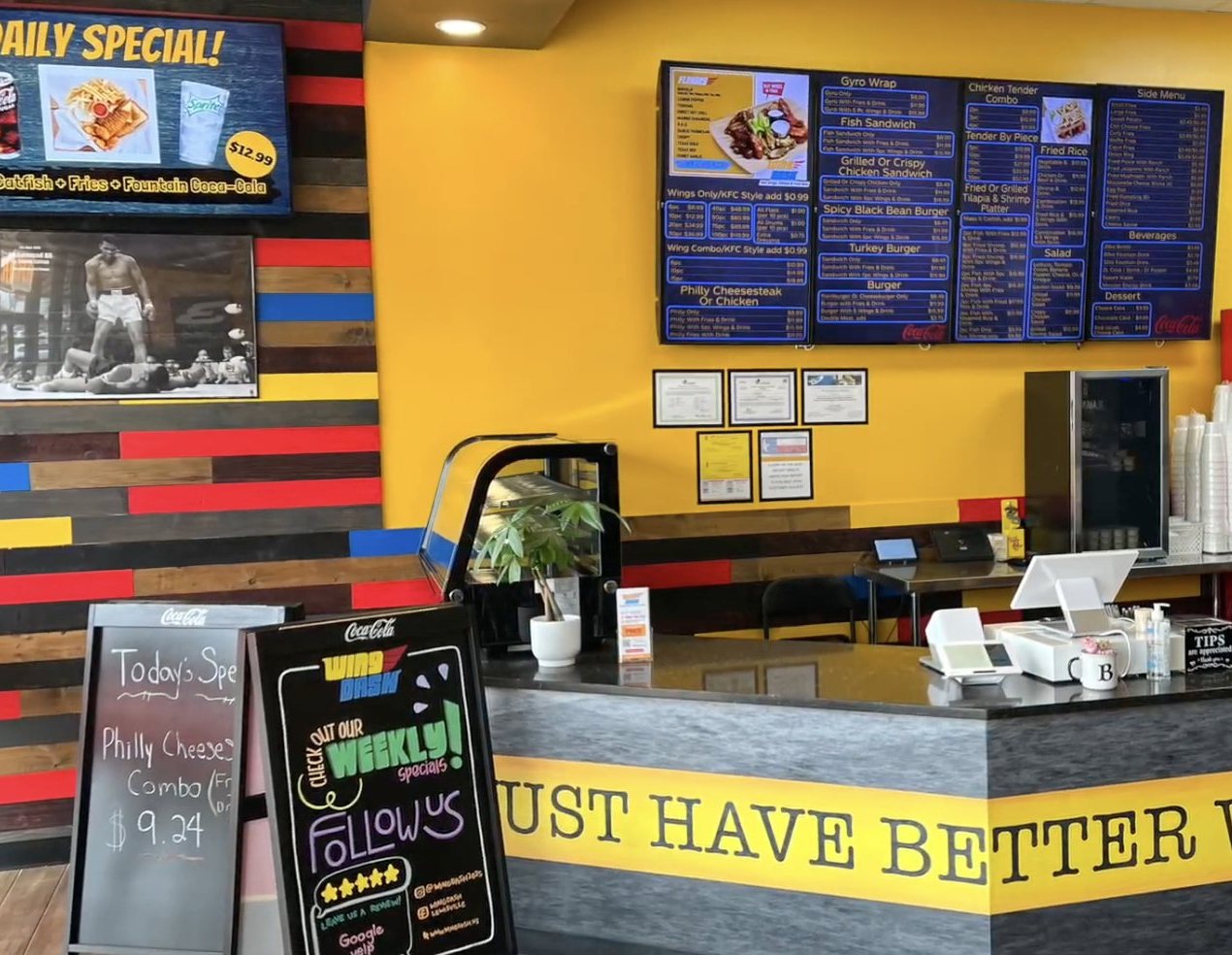
Real install: Wing Dash · Dallas, TX
“JAM is like a restaurant remodel in a box.”
Jason Dowd, SDM, DFW Region
Sign up
Got a yes? Set it up today.
This is the real flow in JAM, button by button. Install takes under 30 minutes once the boards are built.
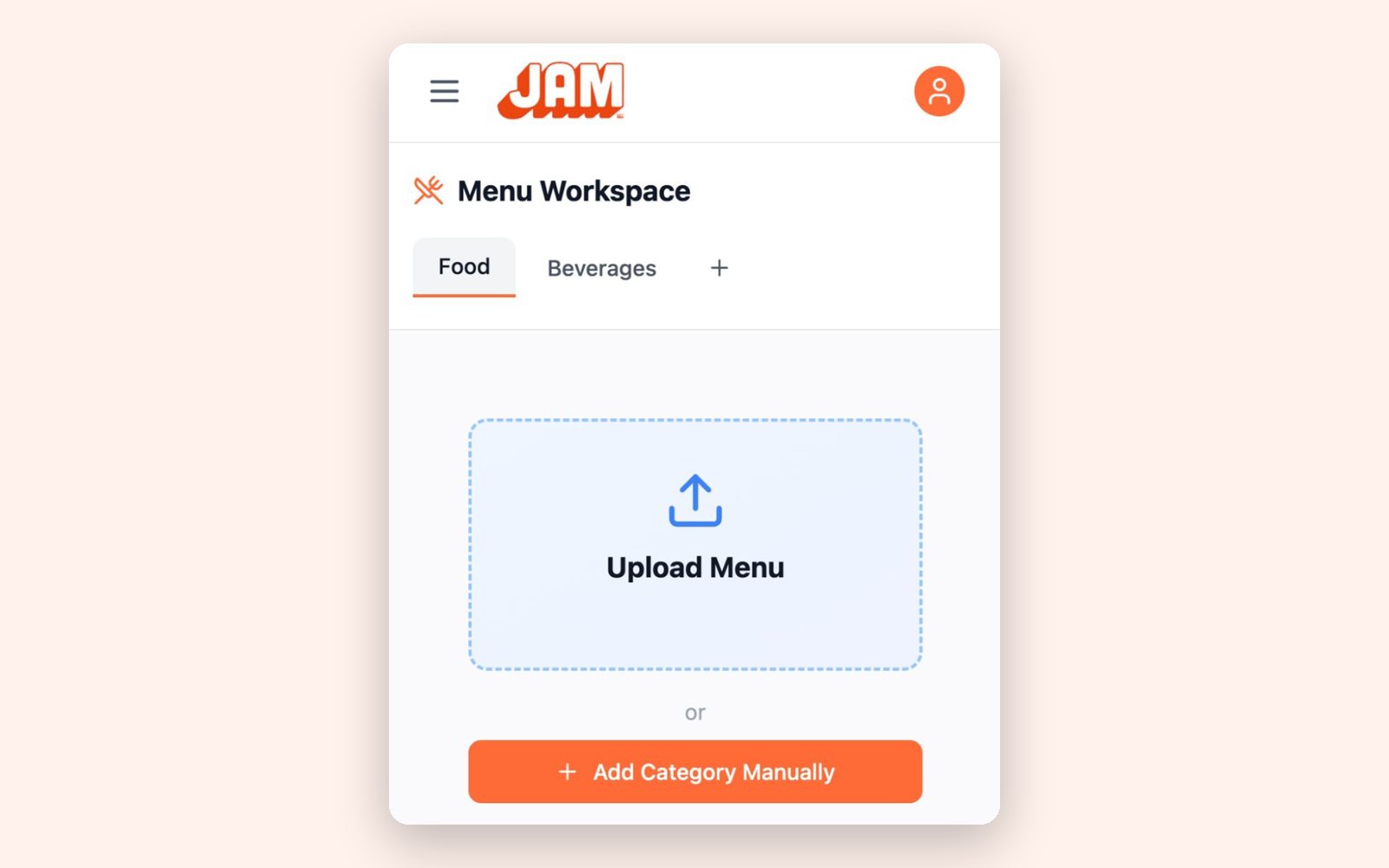
Real screen
One visit
Everything at the counter.
- ✓You have the JAM Players with you
- ✓Steps 1 to 8 below, in order
- ✓Best when the owner has 30 minutes and the TVs are up
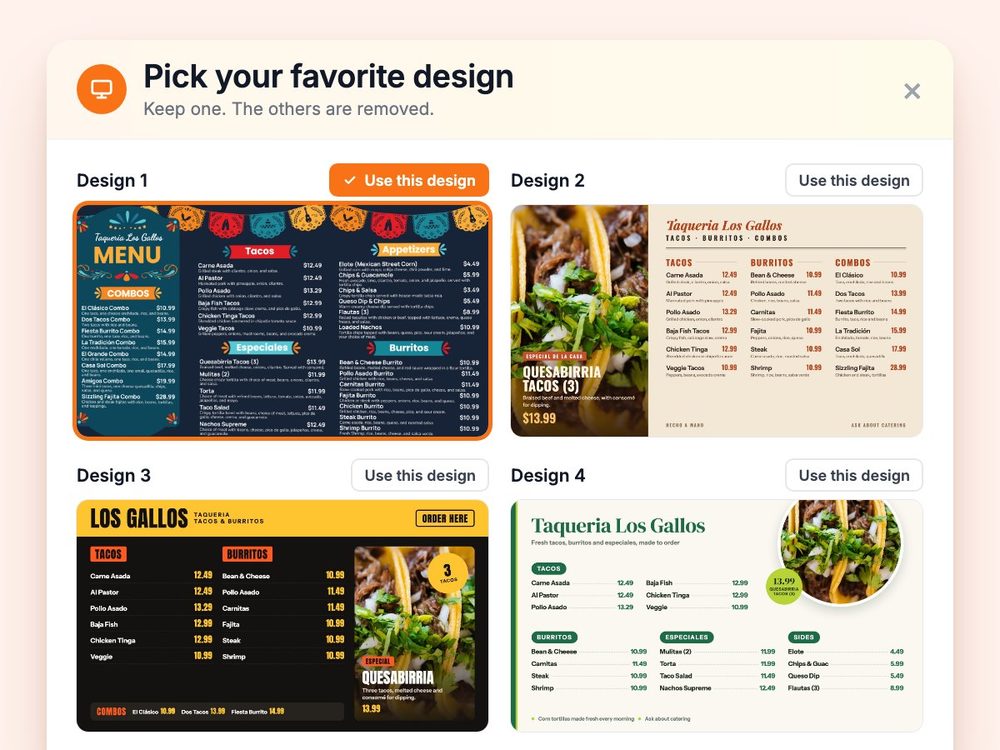
Our demo menu
Two visits
Photo today. Install next time.
- 1Visit 1: the yes, a menu photo, the TV count, the owner’s email
- 2At the office: steps 1 to 5, and order the players
- 3Visit 2: steps 6 to 8, then show them the sold-out tap
Before you go
Your JAM login
Sign in at app3.justamenu.com. No login yet? Ask your manager.
One per TV
JAM Players
One per TV. Order through the Coca-Cola POS Store.
On your phone
The JAM Setup app
It connects a player to Wi-Fi.
For the handover
The owner’s email
For the handover link. It works for 7 days.
Eight steps
1
Add the restaurant.
- Enter the name, address and Outlet Number (required; for example 001).
- Add their logo if you have it.
In JAM
Dashboard → Add Restaurant
✓ You’ll see: the restaurant on your Dashboard.
2
Snap the menu.
- Photograph every page, flat and in focus. iPhone photos and multi-page PDFs are fine.
- Check the Imported Menu Preview, prices first, then click Accept Import. Nothing goes live until you do.
In JAM
Menu Workspace → Upload Menu → choose the photos or a PDF
✓ You’ll see: their categories, items and prices in Menu Workspace.
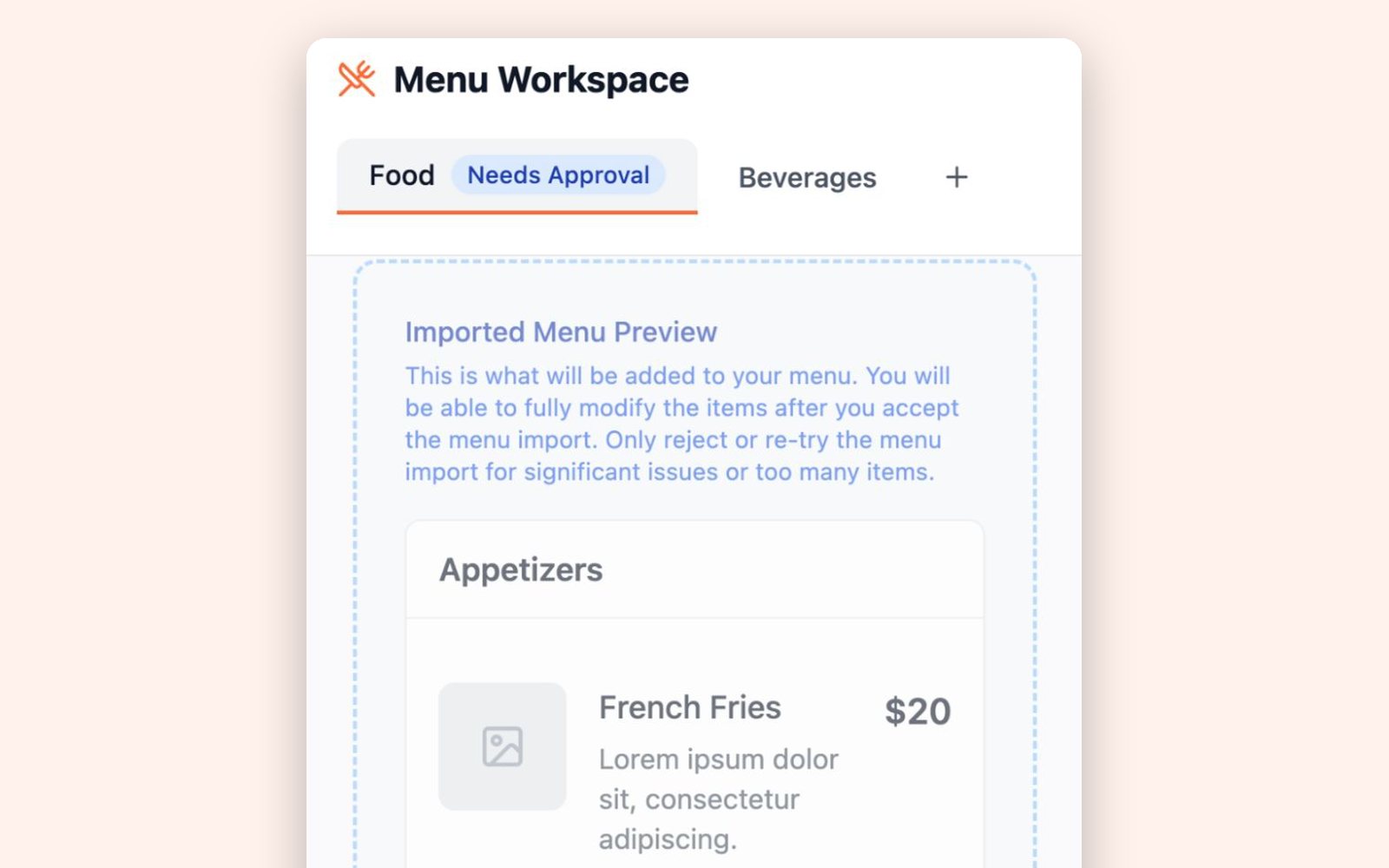
Real screen · sample menu
3
Add your drinks.
Pick their bottled and fountain drinks from your catalog. The official photos come with them.
In JAM
Menu Workspace → Beverages
✓ You’ll see: Bottled Beverages and Fountain Beverages on the menu. They show on the boards, the QR menu and print.
4
Build the boards.
- Choose how many screens, wide or tall, and how many designs to compare (up to 4).
- Add a Photo of your space (a wide shot of the counter) so the designs fit the room.
- Add a combo: their best-selling dish plus one of your drinks.
- When it’s ready, pick the owner’s favorite: Use this design.
In JAM
Digital Signage → Auto Create Playlist → Full playlist → Build my playlist
✓ You’ll see: the playlist in Digital Signage. Preview shows exactly what the TVs will show.
Our demo menu
5
Turn on the QR menu.
The code never changes when the design does, so they print it once.
In JAM
QR Menu → pick a design → Make it live → Download QR code
✓ You’ll see: “You’re live.” Scan it with your phone to check.
6
Plug in the JAM Players.
- One per TV. Plug each into the TV’s HDMI port and into power, and pick that HDMI input on the TV.
- In the JAM Setup app, tap Set Up or Reconnect Device, then connect it to the restaurant’s business Wi-Fi, not the guest network. (No app? The player shows an on-screen setup: connect to Wi-Fi and enter the activation code from JAM.)
In JAM
Digital Signage → Unlinked JAM Players → Link to screen → Confirm Link
✓ You’ll see: their menu on the TV.
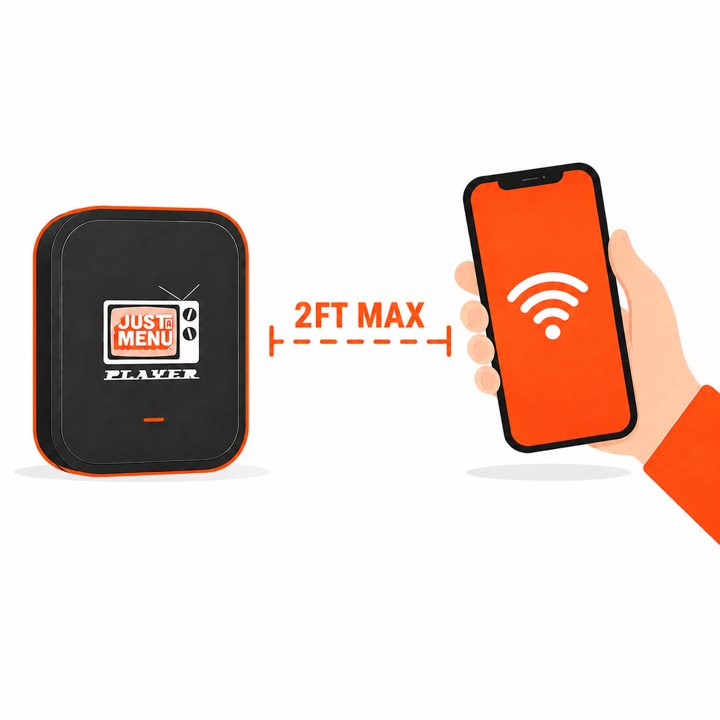
From the JAM Setup app
7
Switch it on.
- Seasonal switches on and off on the same dates each year. Temporary is for pop-ups and events.
- Switch it on when the boards are ready to go live.
In JAM
Activate Location → Permanent, Seasonal or Temporary
✓ You’ll see: the account’s status change to active on your Dashboard.
8
Hand it over.
- The owner scans the QR code with their phone, or you email them the link. They’re guided through sign-up.
- The link works for 7 days. If it runs out, share it again.
- You keep access after the handover, so you can help later.
- Before you leave: have them mark one item Sold Out on their phone and watch it change.
In JAM
Dashboard → Share Outlet
✓ You’ll see: the owner in “People with access”.
Stuck on a step? In JAM, click Instructions at the top right. The tutorial matches the page you’re on.
Your program
What the account pays
Your bottler funds Just a Menu for the accounts it chooses. Ask your manager what your program covers.
- Monthly feeSet by your program
- JAM PlayersOne per TV, from the Coca-Cola POS Store
- Setup and installDone by you
- Menu boards, QR menu and printIncluded
- SupportIncluded
Questions about your program’s price? Ask your manager.
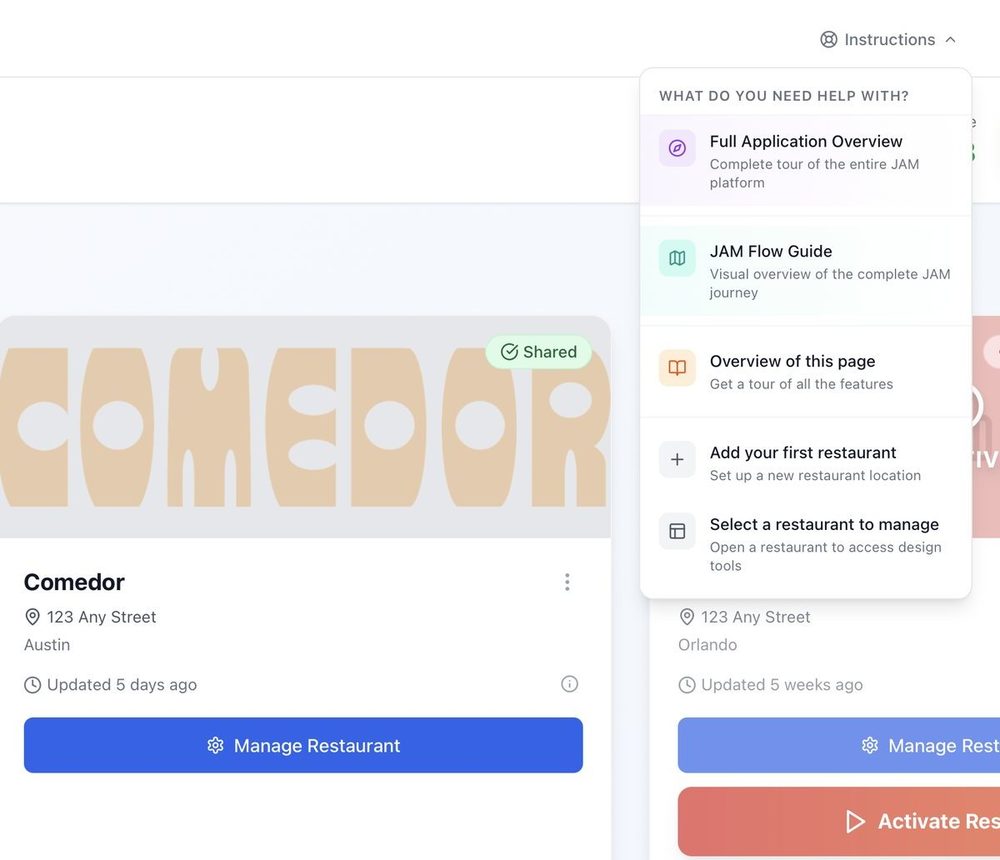
Real screen
Stuck? Here’s where to go.
- 1In JAM: click Instructions at the top right and pick a tutorial. It changes with the page you’re on. New to JAM? Start with Full Application Overview.
- 2Support: support@justamenu.com, or submit a ticket.
- 3Your program, your accounts, a story to share: sales@justamenu.com · (202) 886-2442.
- 4Weekly office hours for reps: bring a real account. Ask your manager for the time.
Got a yes? Open JAM.
Add the restaurant and snap the menu while you’re still at the counter.
Last updated September 2026.
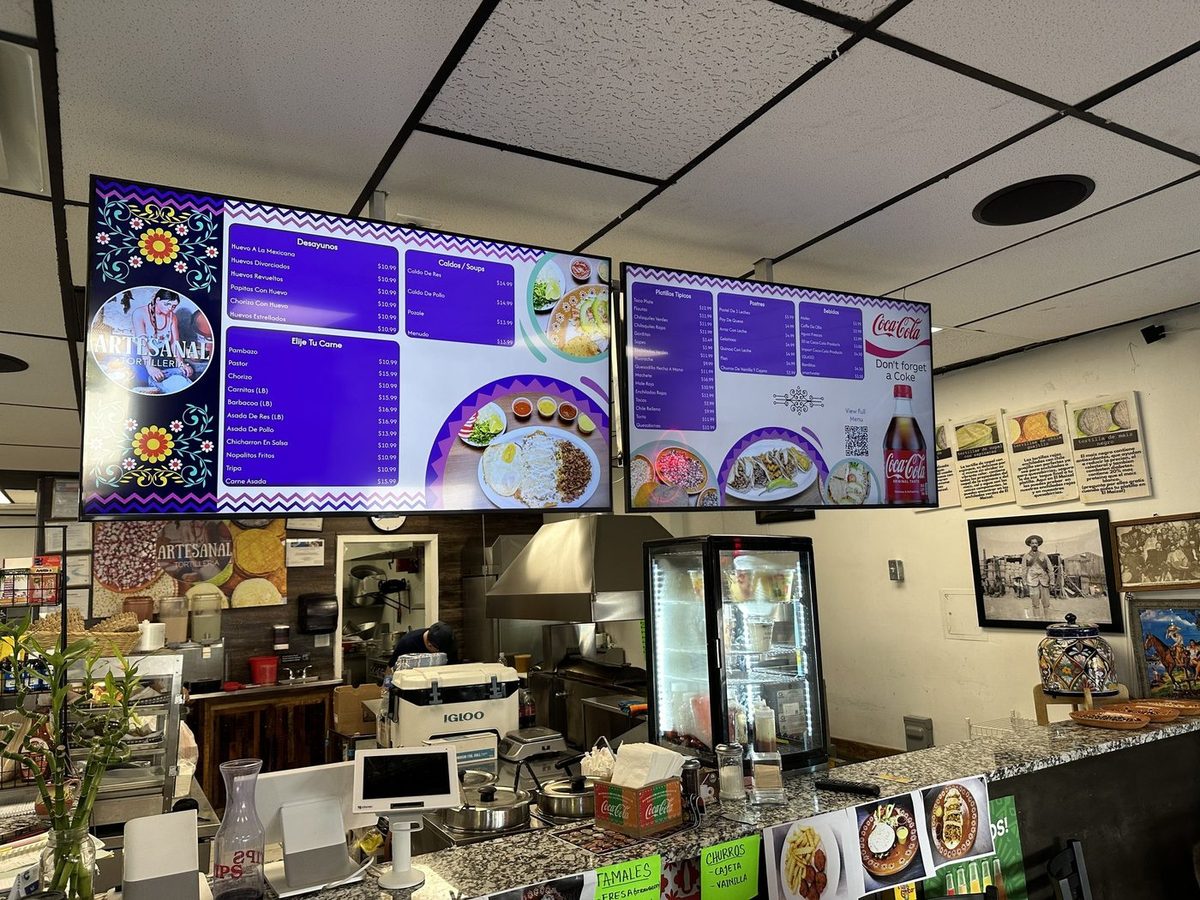
Real install: Artesanal Tortilleria · San Antonio, TX