Beverage partner? Enroll a new account here →

Set up
How to add your menu to your Google Business Profile
To add your menu to your Google Business Profile, copy your Just a Menu link and paste it into the profile’s Menu link field. You do it once. The link never changes, so Google keeps opening today’s menu, with today’s prices.
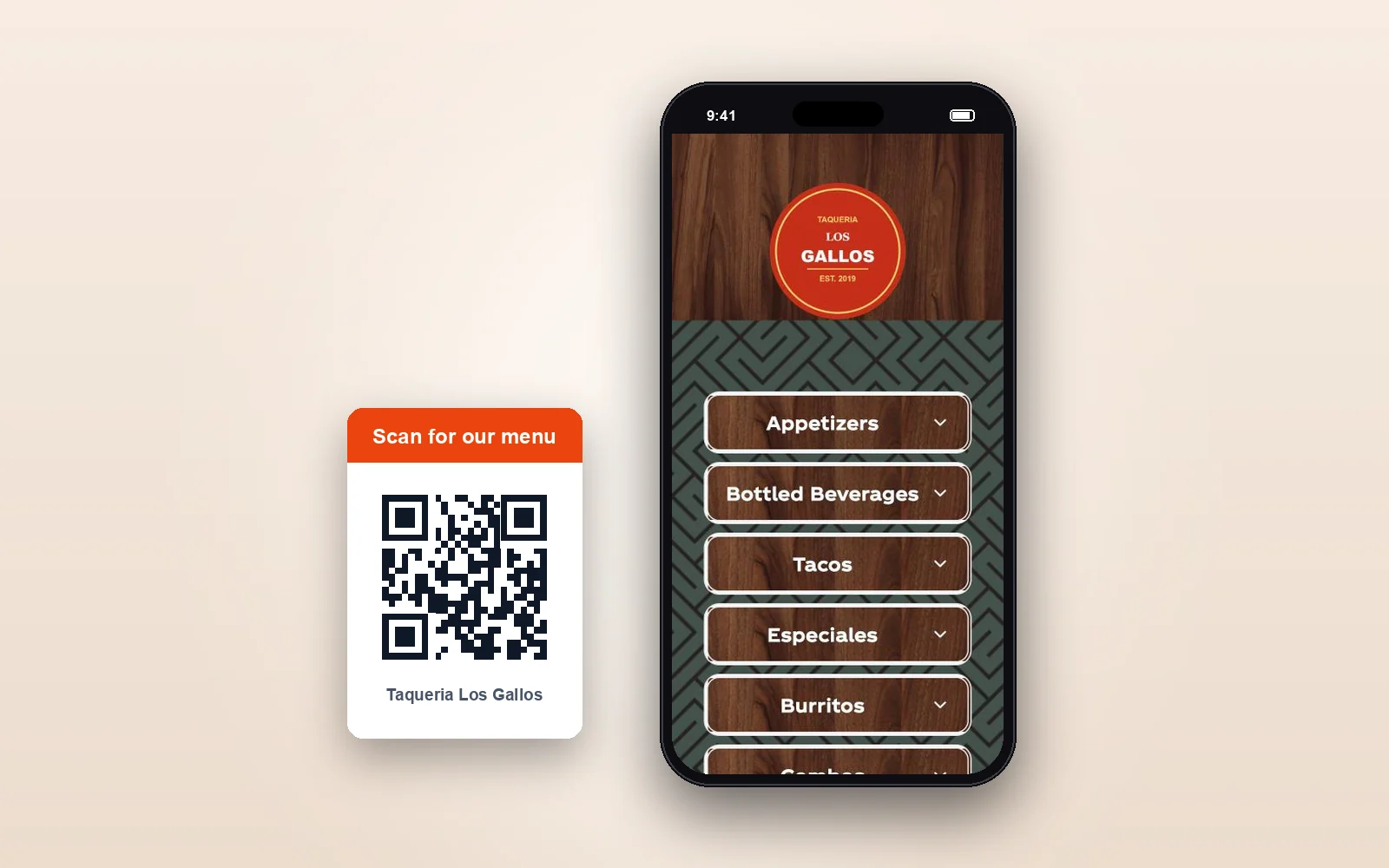
Our demo menu
Where your Google profile sends guests: your live menu, full screen on their phone.
In this guide
Want it on your website too? Website menus →
The short version
Where does it go?
In your profile’s Menu link field: Edit profile, then Business information, then Contact.
Which link?
Your Just a Menu link. In the app: QR Menu → Your menu link → Copy.
How often?
Once. The link never changes, even when your prices or your design do.
Does it stay current?
Yes. Every tap opens today’s menu, with sold-out items hidden or grayed out.
More than one location?
Each location gets its own link, pasted into its own profile.
Will Google find it?
Menus hosted by Just a Menu get found on Google.
What you need
- ✓Your menu in Just a Menu, with your QR menu live. How to make a QR code menu
- ✓Access to your restaurant’s Google Business Profile, as an owner or a manager.
1
Copy your Just a Menu link
- In Just a Menu, click QR Menu in the menu on the left.
- Under Your menu link, click Copy.
✓ You’ll see: your menu link, copied and ready to paste. It opens the same live menu as your QR code.
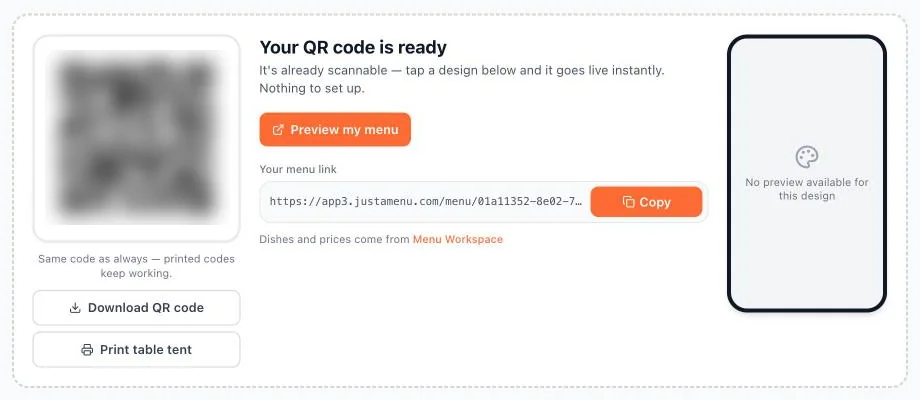
Real screen
The QR Menu screen. Your menu link sits next to your QR code, with a Copy button beside it.
2
Open your Google Business Profile
- Sign in to the Google account that manages your restaurant’s profile, then open your profile. One way in: search for your restaurant’s name on Google.
- Click Edit profile.
- Go to Business information, then Contact, and find Menu link.
✓ You’ll see: a Menu link field, either empty or holding an old link.
Screens look different? Google moves things around now and then. On a computer, from Google Search, it can be Edit profile → Contact → Menu link. Google Business Profile used to be called Google My Business. It’s the same profile, and the same steps.
3
Paste your link and save
- Paste your Just a Menu link into Menu link. If an old link is there, replace it.
- Click Save.
✓ You’ll see: your change saved. Google can take a day or two to show it.
4
Check it on your phone
- On your phone, search for your restaurant on Google, or find it in Google Maps.
- Look for your menu link on your profile and tap it.
✓ You’ll see: your menu, full screen, with the same items and prices as your QR menu.
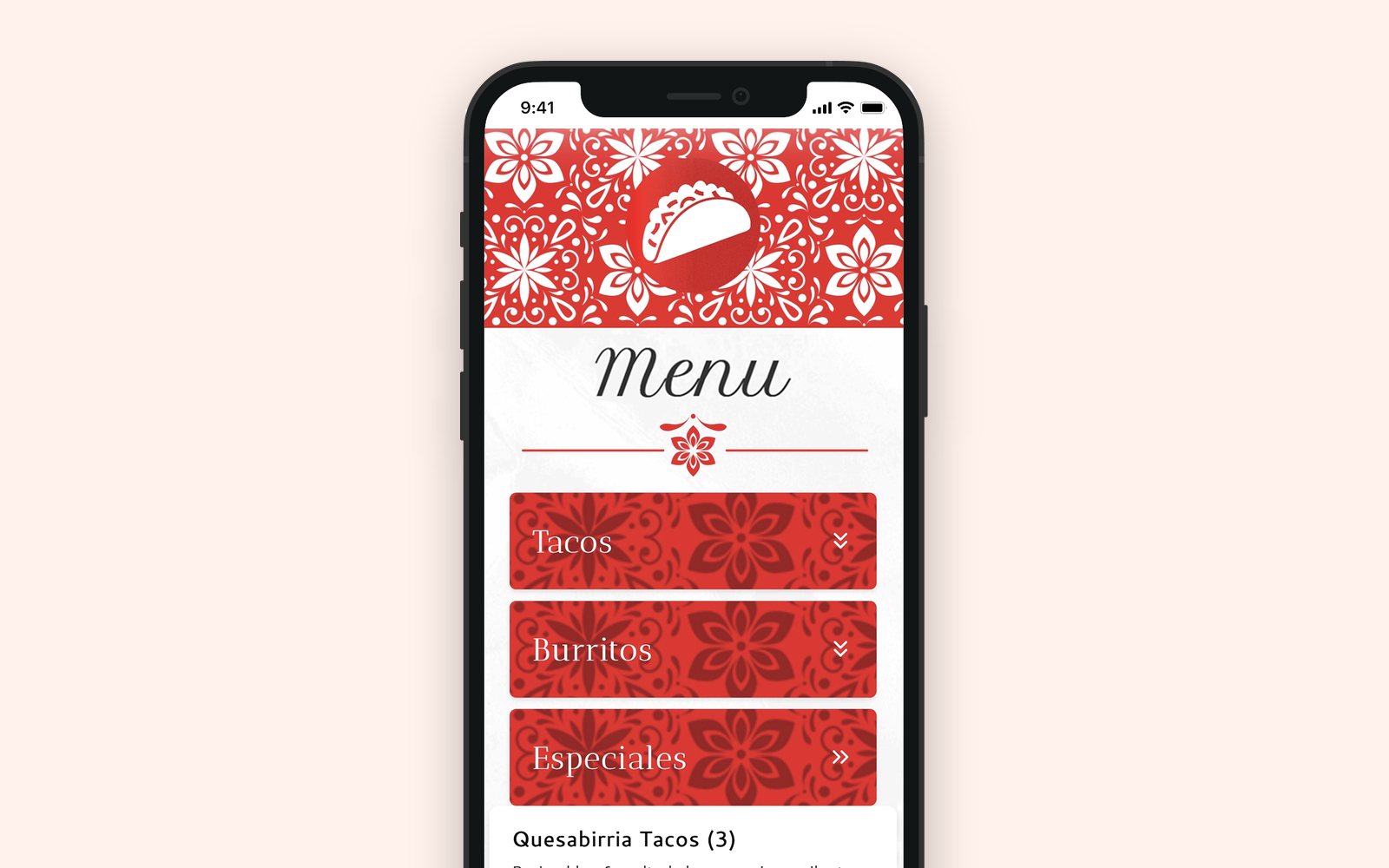
Our demo menu
Every tap opens today’s menu, not a file from last year.
Why a link keeps your menu on Google up to date
A photo of your menu shows what you charged the day you took it. A PDF has to be redone and uploaded again every time a price changes. Your Just a Menu link opens your live menu, so there’s nothing to redo on Google. The same link works on your website too: add your menu to your website.
- ✓Today’s prices. The same ones as your TV boards and your QR menu.
- ✓Sold out, handled. Hide the item or gray it out. Your choice.
- ✓Made for phones. No pinching, no zooming.
- ✓Change it once. From your phone, or from Square, Toast, Clover or Oracle. Nothing to upload.
Menus hosted by Just a Menu get found on Google. It’s the same menu your QR code opens and your TV boards are made from, so guests see one menu wherever they look. More about QR menus
Good to know
- ✓Menu link, not order link. Your Just a Menu link is your menu, not an ordering page, so it goes in Menu link. If you take orders online, keep your ordering link in its own place on your profile.
- ✓No Menu link field? Google typically offers it only to food and drink businesses. Check that your profile’s primary category is a food or drink category, like Restaurant, Cafe or Bar.
- ✓More than one location? Each one gets its own link. Paste each location’s link into that location’s profile.
- ✓Same link, everywhere. Put it in your Instagram bio and on your Facebook page too. One tap opens your menu. Add it to your website
- ✓It never changes. New prices or a new design, same link. Nothing to update on Google.
Questions
How do I add a menu to Google My Business?
Google My Business is now called Google Business Profile. First, copy your Just a Menu link: QR Menu, then Your menu link, then Copy. Then open your profile, click Edit profile and go to Business information, Contact and Menu link. Paste your link and save. You only do it once.
How do I update my menu on Google?
Change it in Just a Menu, in Menu Workspace on your phone. Or change it in Square, Toast, Clover or Oracle, and your menu follows on its own. There’s nothing to change on Google. The link on your profile never changes, so the next guest who taps it sees your new menu.
Why use a link instead of menu photos?
A photo shows the prices from the day you took it, and it’s hard to read on a phone. Your Just a Menu link opens today’s menu, made for phones, with sold-out items hidden or grayed out. Change a price once and your Google link, your QR code and your boards all show it.
Does Just a Menu post to Google for me?
No. Just a Menu doesn’t post to your Google listing. You paste your menu link into your profile once. After that, there’s nothing to post: the link always opens your current menu.
Can guests read it in Spanish?
Yes. Turn on a language and your menu is translated for you. Guests pick their language on their phone, and you can edit any translation.
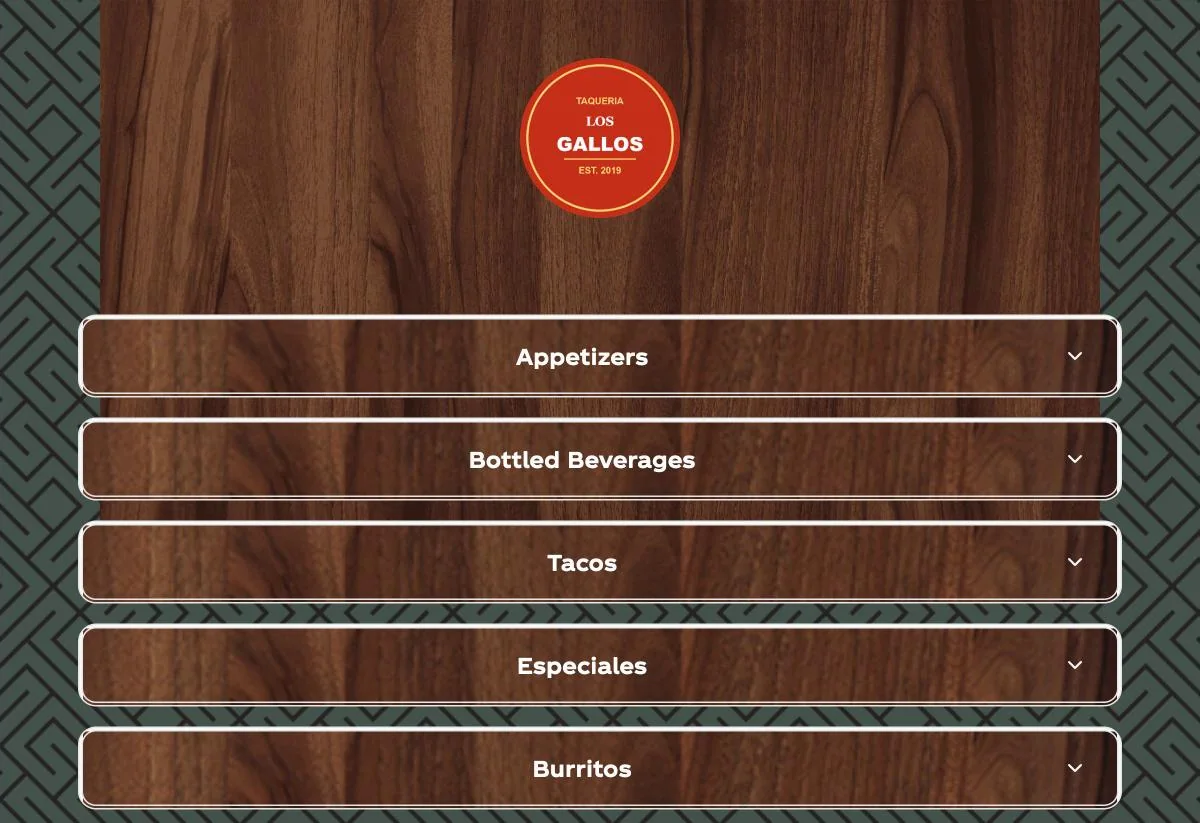
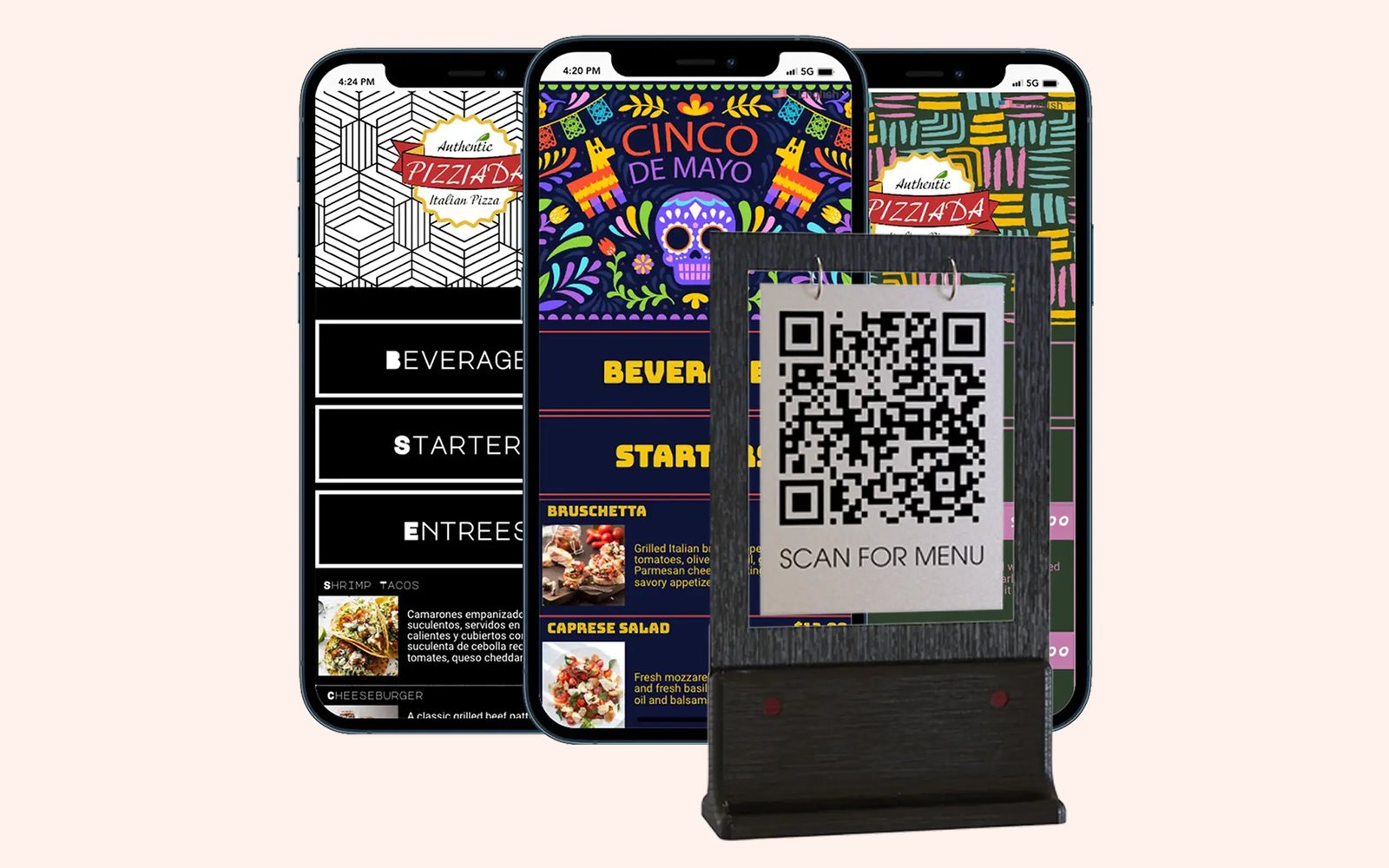
How to make a QR code menu
Pick a look and print your code once. Your menu link is on the same screen.
Read the guide →

Print menus and social posts
Print-ready menus and posts for your social pages, made from the same menu.
See print menus →
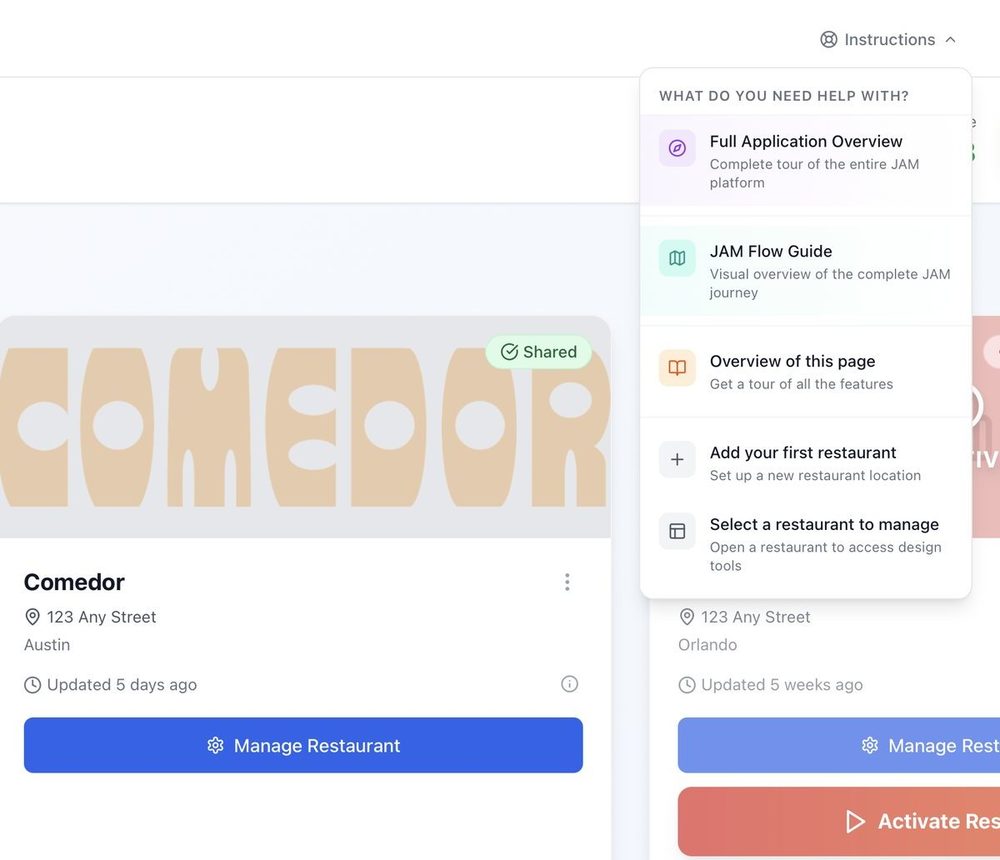
Getting started
From a photo of your menu to your TV, in four steps.
Read the guide →
One link on Google. Always the right menu.
Once you’re set up, a photo of your menu becomes your QR menu, your menu boards and the menu link you paste on Google. Tell us a little about your restaurant to get started.
Talk to a real person. We reply within one business day.
Illustration
Questions about your menu link? Email support@justamenu.com or call (202) 886-2442.