
✓ Clover integration · Live
Change it in Clover. Your digital menu boards follow.
For counters that ring up on Clover, from delis and bakeries to quick-service kitchens. Edit an item in Clover or 86 it, and your digital menu boards, QR menu and print menus are updated to match. There’s no second menu to keep up.
- Clover data, read-only
- Clover Inventory is the source
- Sold out, per store
Your Clover Inventory
Clover
- Items & categories
- Sizes & prices
- Sold out
- Photos
↓
Inventory edits follow.
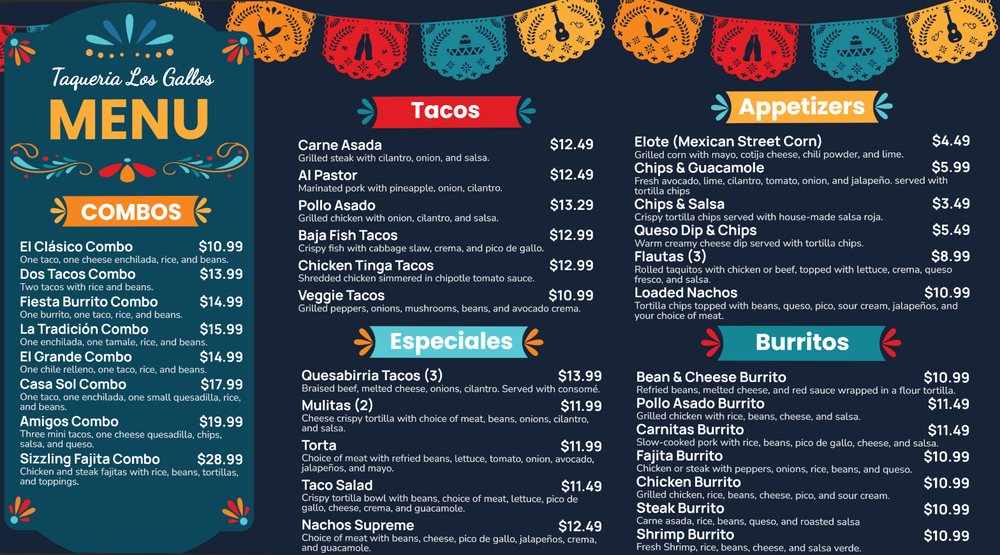
TV menu boards
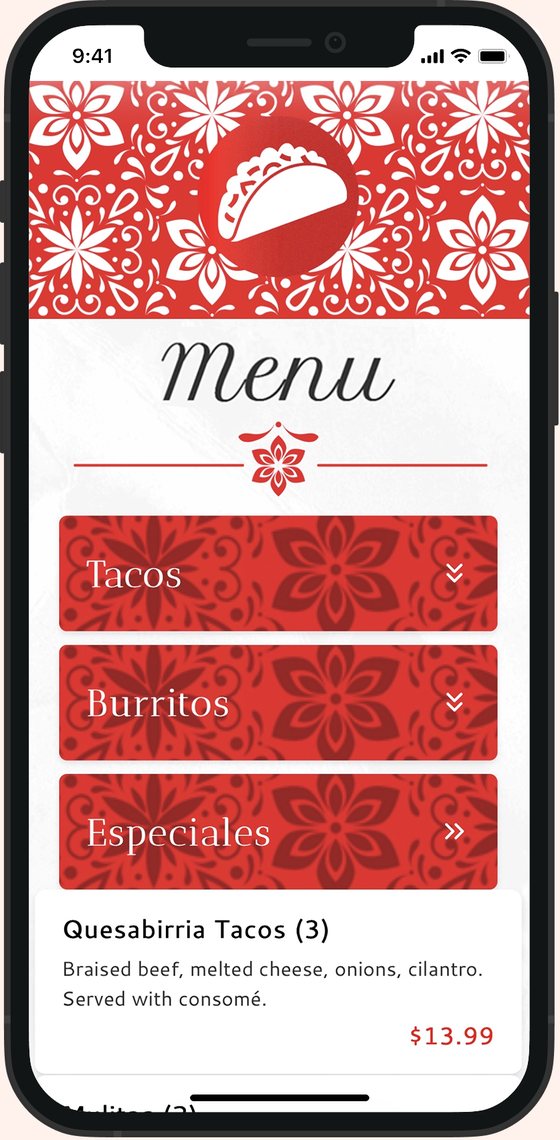
QR menu
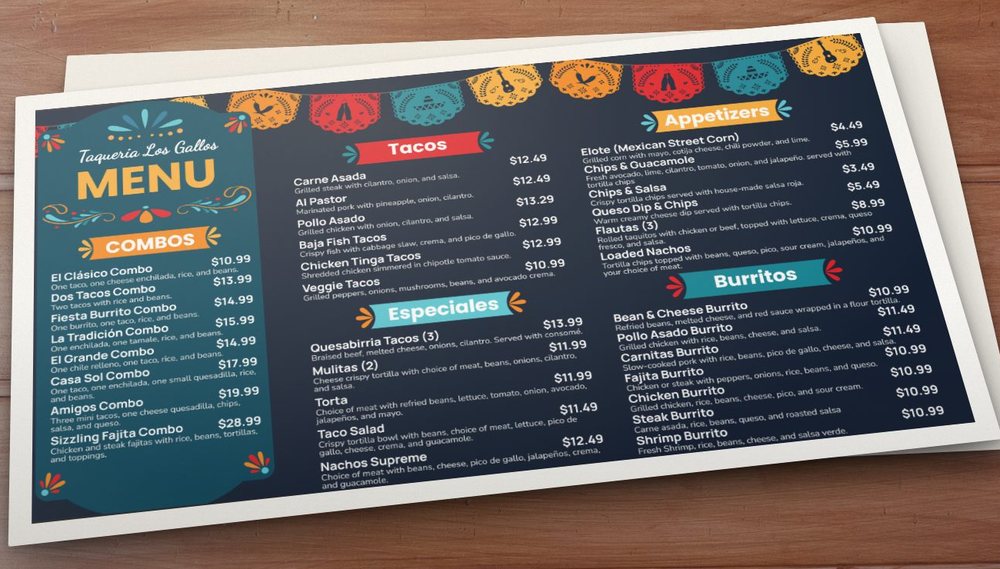
Print PDF
Shown: our demo taqueria
How it works
One Clover connection. No double entry.
You already keep items and categories in the Clover Inventory app or on your Clover web dashboard. Just a Menu reads that same list, so what your Clover devices ring up is what your screens show.
1
Owner signs off
Once, read-only, by whoever owns the Clover account.
2
Inventory comes in
Your Clover items, categories, prices and photos land in Just a Menu. Nothing to retype.
3
Screens get designed
Every screen, plus your QR menu and printable menus, is built from it, and design is included.
4
Clover stays in charge
Edit a price or 86 an item in Clover. As soon as it’s posted, your boards change too.
Clover holds the facts. Just a Menu tells the story.
What’s for sale, what it costs and what’s out all come from Clover. What makes it sound good, and what guests need to know, you add once in Just a Menu.
Read from Clover
- ✓Anything new you add to Inventory
- ✓Price and name changes
- ✓86s, and items coming back
- ✓Photo updates, and deleted items are removed
Added in Just a Menu
- ✓Allergy and nutrition info
- ✓Menu descriptions (Clover’s aren’t imported)
- ✓QR translations that update when an item is renamed
- ✓Specials and extras. The Clover sync never edits them
A second store on another POS?
We’ll connect other POS systems by request. There’s no charge for it.
Menu setup
Set up your menu once,
in Clover.
Your items, categories, sizes, prices and photos already live in Clover. Just a Menu uses that menu as it is, so there’s no second menu to build and nothing to retype.
- ✓Add a new item in Clover, and it comes across on its own
- ✓Change a price or a size in Clover, and your boards, QR menu and print menus follow
- ✓86 it in Clover, and it’s marked sold out. Bring it back, and it comes back
- ✓Write descriptions and allergy notes once in Just a Menu, and they stay put
At the counter
Clover changes. Your screens agree.
Raise a price or 86 an item in Clover. As soon as that’s posted in Clover, Just a Menu updates your menu boards. Nobody has to open another app.
Clover questions.
Ask us anything: (202) 886-2442 or sales@justamenu.com. Another POS? See all integrations.
Can I use Clover for my digital menu boards?
Yes. Link Clover to Just a Menu, and your Clover Inventory feeds your TV menu boards, plus your QR and print menus. Update an item in Clover, and they all show it.
Do Clover changes update my boards on their own?
Yes. As soon as a change is posted in Clover, Just a Menu refreshes your TV boards and carries the change to your QR and website menus. You don’t export, upload or press anything.
We ran out of an item. What do guests see?
86 it in Clover, and it’s flagged sold out in Just a Menu. On TV boards it reads “Sold Out”. On the QR menu it’s hidden or grayed out, whichever you choose. Bring it back in Clover to show it again.
Which parts of the menu do I edit in Just a Menu?
The parts Clover doesn’t hold: allergy notes, descriptions and specials. Clover stays in charge of names, prices and what’s sold out, and anything you add yourself is left alone.
Can each of my Clover stores show its own menu?
Yes. Your stores share one master menu from Clover. Each store’s 86s stay with that store, and prices can differ by store if you allow it. See multiple locations.
Does Just a Menu write to my Clover account?
No. Access is read-only, covering your menu and orders. Your Clover setup stays exactly as you left it.
Will my Clover modifiers carry over?
Not today, and descriptions don’t either. Clover items, categories, prices, photos and sold-out status come across. Descriptions go in Just a Menu, where they stay put.
Do I have to set up my menu again?
No. Connecting Clover brings in your items, categories, prices and photos, so there’s nothing to rebuild. Descriptions and allergy notes you add in Just a Menu stay put.
Do my Clover photos show up?
Yes. Clover item photos come across with the items. Swap one in Clover, and the new photo shows up on your menus.
Can my boards show items that aren’t in Clover?
Yes. Add specials or a limited-time item in Just a Menu, and the sync never touches them. Scene Magic can turn one into a finished special slide.
What does it cost?
Contact us for pricing. We’ll ask how many stores and screens you have and go from there.
On Clover? Most of the work is done.
Your items and prices are already in Clover. Tell us about your shop and the screens you have in mind.
Talk to a real person. We reply within one business day.
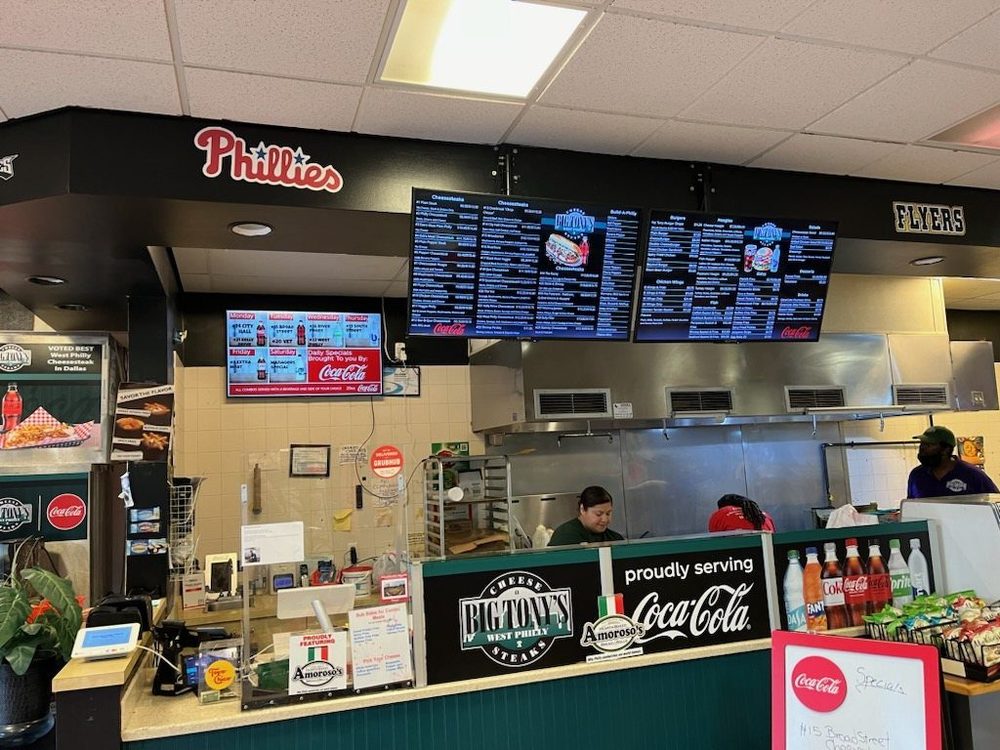
Big Tony’s West Philly Steaks · Dallas, TX