✓ Square integration · Live
Change it in Square. Your digital menu boards follow.
Made for cafés, food trucks and counter-service spots that run on Square. Edit an item in your Square item library or mark it sold out, and your digital menu boards, QR menu and print menus match it. You never log in to Just a Menu to keep them right.
- Read-only, never writes back
- Sold-out flags follow
- Each location, its own board
Your Square item library
Square
- Items & categories
- Sizes & prices
- Sold out
- Photos
↓
Edits flow to every screen.
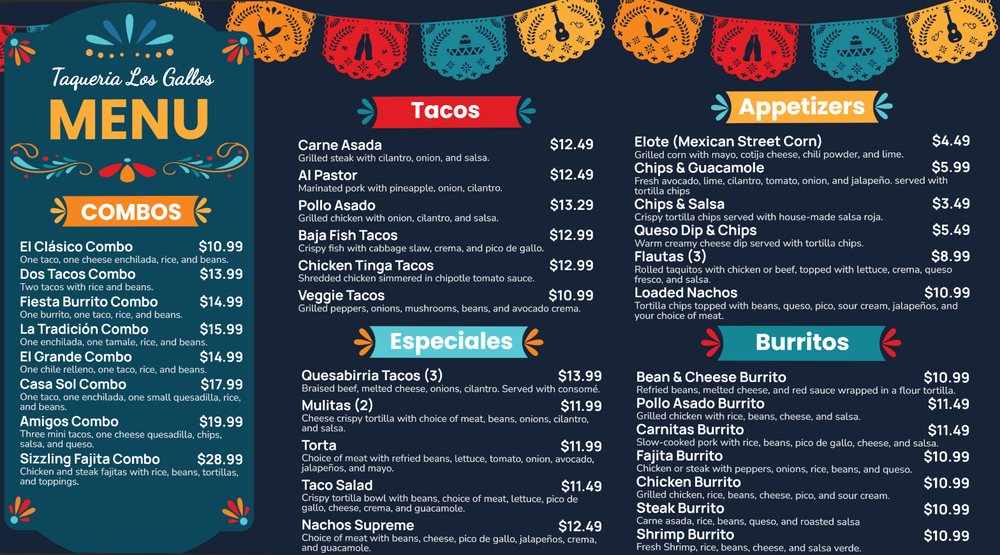
TV menu boards
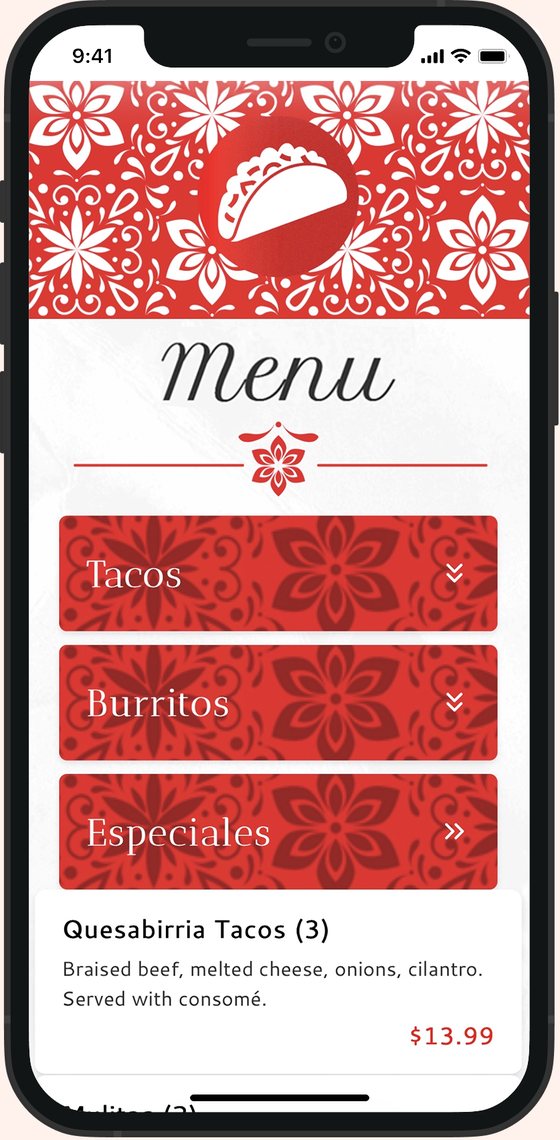
QR menu
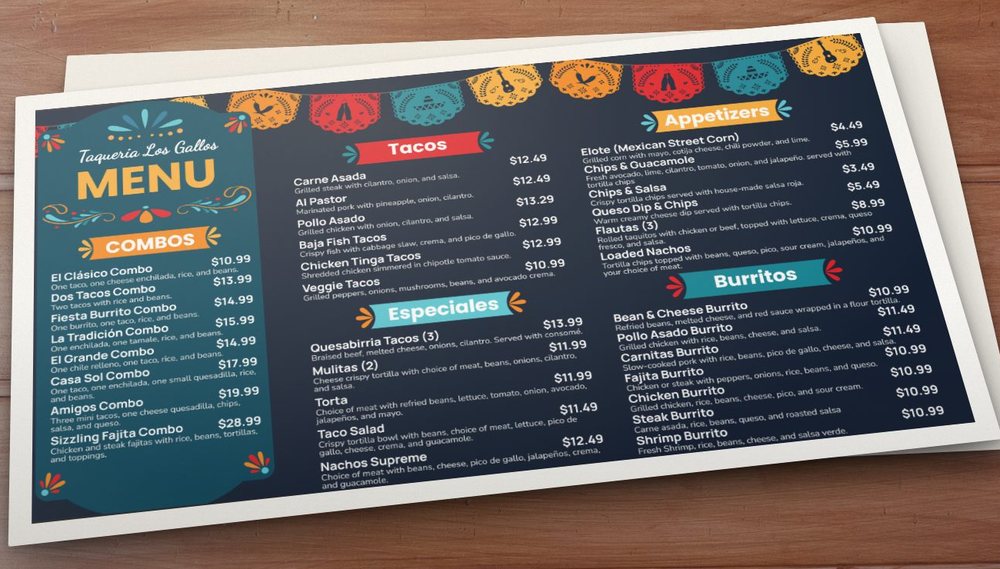
Print PDF
Shown: our demo taqueria
How it works
Approve it in Square once. Then get back to the counter.
Your Square item library already holds every drink, dish and price, and Just a Menu builds your screens from it. Running a food truck? The JAM Player works on a mobile hotspot and keeps showing the saved menu if the signal drops.
1
Approve access
Square’s account owner says yes one time. The access is read-only.
2
Your library comes over
Items, categories, sizes, prices and photos from Square, with nothing to type again.
3
We design the boards
Design is included. Your TV boards, QR menu and print menus are built from those Square items.
4
Edit from the counter
Change a price or flip an item to sold out in Square. The boards take it as soon as it’s posted.
Square sets the menu. You add the finishing touches.
Prices, names and sold-out flags stay tied to Square. Anything extra you write in Just a Menu stays exactly where you put it.
Comes from Square
- ✓Items and categories you add in Square
- ✓Price and name edits, for every size
- ✓Sold-out flags, on and off
- ✓New photos, and deleted Square items disappear
Stays in Just a Menu
- ✓Allergy and nutrition details
- ✓Descriptions you write (Square’s stay behind)
- ✓QR menu translations, refreshed after a rename
- ✓Extras like a weekend pastry. The sync skips them
Not everything on Square?
Using a second POS somewhere else? We integrate other systems by request, at no charge.
Square item library
One Square item library,
every menu.
Square keeps your items in one item library. Your register uses it, and Square Online pulls from it too. Just a Menu reads the same library, so every menu matches.
1
One item library
Your items, sizes, prices and photos, set up once in Square.
2
Square POS and Square Online
Your register and your online store both use those items.
3
Just a Menu reads it
Read-only access. Nothing is written back to Square.
4
Every menu matches
Your TV boards, QR menu, print menus and website menu show the same items and prices.
Behind the counter
Square knows first. Your boards know next.
Mark an item sold out or change a price in Square. As soon as it’s posted in Square, Just a Menu updates your menu boards, so the line sees the real menu.
Square questions.
Ask us anything: (202) 886-2442 or sales@justamenu.com. Another POS? See all integrations.
Can I use Square for my digital menu boards?
Yes. Connect your Square account, and the items in your Square item library run your TV menu boards, QR menu and print menus. Edit an item in Square, and those menus show the change.
Do I have to update my boards after a Square change?
No. As soon as a change is posted in Square, Just a Menu updates every screen, plus your QR menu and website menu, on its own. There’s nothing to refresh or upload again.
What if we sell out of something?
Mark it sold out in Square, and Just a Menu does the same. Your boards show “Sold Out”, and the QR menu hides it or grays it out. Turn sold out off in Square, and it’s back.
Can I add things that aren’t in my Square item library?
Yes. Add allergy notes, write your own descriptions, or add a weekend pastry that isn’t in Square. Names, prices and sold out stay matched to Square, and what you add is never touched.
I have more than one Square location. Can each have its own board?
Yes. Every location reads from your Square account, and each one keeps its own sold-out items, plus its own prices if you allow it. See multiple locations.
Will Just a Menu edit my Square items?
No. It gets read-only access to your Square menu and orders. Nothing is ever written back to Square.
Do Square modifiers come across?
Not today, and neither do Square descriptions. You get items, categories, sizes, prices, photos and sold-out flags. Write descriptions in Just a Menu, and they stay put.
Can my Square Online site show my menu?
Yes. In Just a Menu, go to QR Menu, open Your designs and click Embed Menu. On your Square Online site, add an Embed code section, paste the code and publish. It shows the same items and prices as your Square item library. That section comes with Square’s paid plans. Not on one? Make your menu link your site’s Menu button. See website menus. Step by step: add your menu to Square Online.
Can I use it for a drive-thru menu board?
Yes. A JAM Player plugs into any screen with HDMI, and your Square prices and 86s follow on their own. For a drive-thru, choose a high-brightness or outdoor-rated display. See outdoor menu boards.
Do item photos come across from Square?
Yes. Each item’s photo comes across from Square with the item, so you don’t upload it again. Change the photo in Square, and your menus follow.
What does it cost?
Contact us for pricing. Whether it’s one food truck or several cafés, we’ll quote what you need.
On Square? Your menu’s already built.
Your item library has the hard part done. Tell us about your café, truck or shop, and we’ll talk menu boards.
Talk to a real person. We reply within one business day.
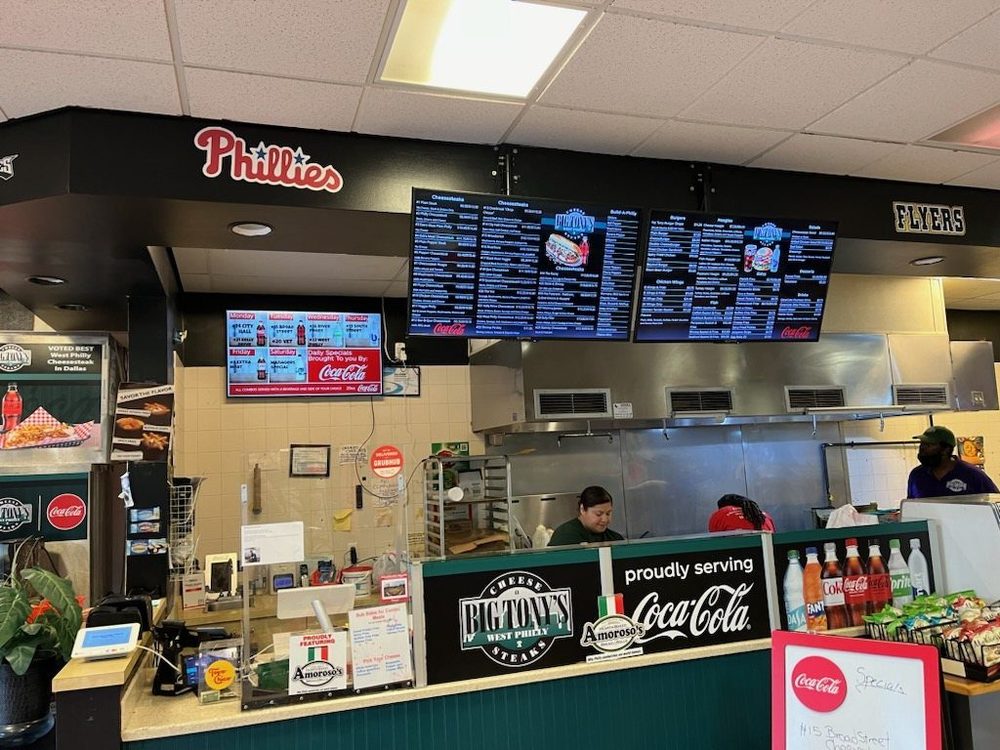
Big Tony’s West Philly Steaks · Dallas, TX