Beverage partner? Enroll a new account here →

Tips and team
Tip pool calculator
Enter the tips you’re sharing and who worked, and this tip pool calculator splits them by hours worked, by hours and points, or into equal shares. Every cent is shared out, so the payouts always add up to the exact total.
Split by hours = total tips × your hours ÷ everyone’s hours. Split by points = total tips × (your hours × points) ÷ everyone’s hours × points.
It all runs on this page. Your team list is remembered on this device only, and nothing you type is sent anywhere.
From the team behind this calculator
Fewer “sorry, we’re out” moments. Happier tables.
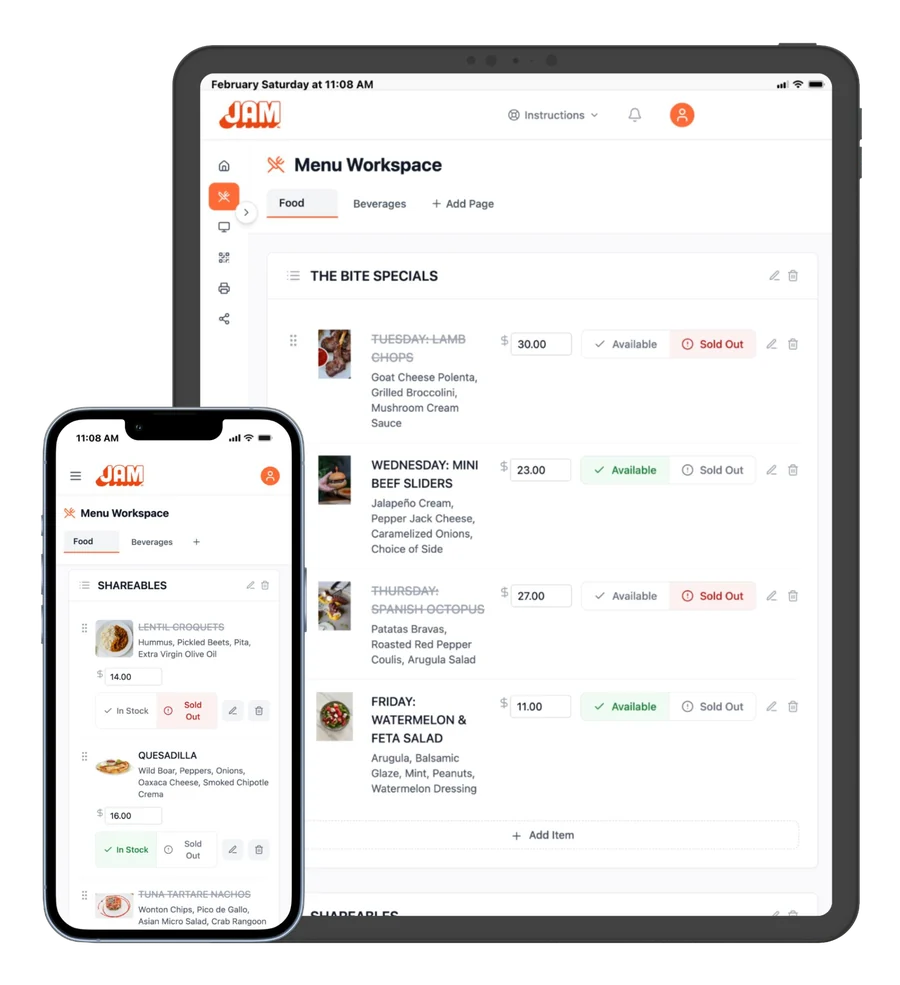
Tips follow good service, and good service starts with a menu that’s right. With Just a Menu, tap Sold Out once and your TV menu boards and QR menu show it straight away, so guests don’t order what you’ve run out of and servers aren’t stuck apologizing. Snap a photo of your menu to start, and Just a Menu builds your custom menu boards, QR menu and print menus. Works with Square, Toast, Clover and Oracle.
Or email sales@justamenu.com or send us a message. A real person replies within one business day.
Three ways to split a tip pool
Most restaurants pool tips one of three ways. Pick the one your team agreed to, write it down and use it every shift, so nobody has to argue about it at close.
By hours worked
Share = total tips × your hours ÷ everyone’s hours. Fair when everyone in the pool does similar work.
By hours × points
Each role gets points, like 1 for servers and 0.5 for bussers. Share = total × (your hours × points) ÷ everyone’s hours × points.
Equal shares
Everyone gets the same amount, however long they worked. Simple for short shifts with a small crew.
No lost pennies
The calculator works in cents and hands leftover cents to the biggest remainders, so the payouts always match the total.
A worked example: $640 split by hours
Four people shared $640 in tips on a Friday night. Server 1 and the bartender worked 6 hours each, and Server 2 and the busser worked 5 hours each. That’s 22 hours in all.
- Divide the tips by the total hours: $640 ÷ 22 = about $29.09 an hour.
- Multiply by each person’s hours: 6 hours comes to $174.55 and 5 hours comes to $145.45.
- Check the total: $174.55 + $145.45 + $174.55 + $145.45 = $640.00.
Now try points. Switch the calculator to Hours × points and give the busser 0.5 points. The busser’s share drops to $82.05, and the servers and bartender each get more, about $32.82 an hour.
How to set points by role
Points let you weight roles once, instead of debating shares every night. A common place to start is 1 point for servers and bartenders, and 0.5 to 0.75 for bussers, server assistants, food runners and hosts. Adjust them to fit how your team actually works.
- ✓Agree on them together. Points your team helped set are points your team trusts.
- ✓Put them in writing. Post the point list where everyone can see it.
- ✓Use real hours. Pull clock-in and clock-out times from your POS or scheduling app.
Who can share in a tip pool
The rules depend on where you are and how you pay. Under federal law, managers and supervisors can’t keep any part of employees’ tips. If you take a tip credit, the pool can only include staff who usually get tips, like servers, bartenders and bussers. If you pay everyone at least the full minimum wage, back-of-house staff such as cooks and dishwashers can share too. Many states add their own rules, so check the Department of Labor’s tipped employee fact sheet and your state labor department before you set a policy.
This calculator does the math, not the law. It isn’t legal or tax advice.
Print it, copy it or download it
Once the split looks right, share it the same way every shift.
- ✓Print gives you a sheet with the date, every share and a signature line for each person.
- ✓Copy puts the split on your clipboard, ready to paste into a text or the team group chat.
- ✓Download saves a file that opens in Excel or Google Sheets, so you can keep a running record.
Your team list stays on this device, so next shift you only change the hours and the total.
Less time on the menu. More time with your team.
Closing out is enough work without updating menus by hand. With Just a Menu, you change a price or mark something sold out once, from your phone or computer, and your menu boards, QR menu and print menus all follow. On Square, Toast, Clover or Oracle? Your boards follow your POS on their own.
It starts with a photo of your menu. See how a photo becomes your menu boards
Questions
How do you calculate a tip pool?
Add up the tips going into the pool and the hours everyone worked. Divide the tips by the total hours to get an hourly rate, then multiply that rate by each person’s hours. If roles get different points, multiply each person’s hours by their points first and divide the tips by the total of those.
How do you split tips by hours worked?
Each person’s share is the total tips times their hours, divided by everyone’s hours. With $640 in tips and 22 hours worked, that’s about $29.09 an hour, so a 6-hour shift gets $174.55.
What is a tip pool points system?
Each role gets a number of points, such as 1 for servers and 0.5 for bussers. Multiply each person’s hours by their points, then share the tips in proportion to those totals. It lets you weight roles without changing the math every shift.
Can managers be part of a tip pool?
Under federal law, managers and supervisors can’t keep employees’ tips, so they can’t take a share of the pool. Some states have stricter rules, so check yours before you set a policy.
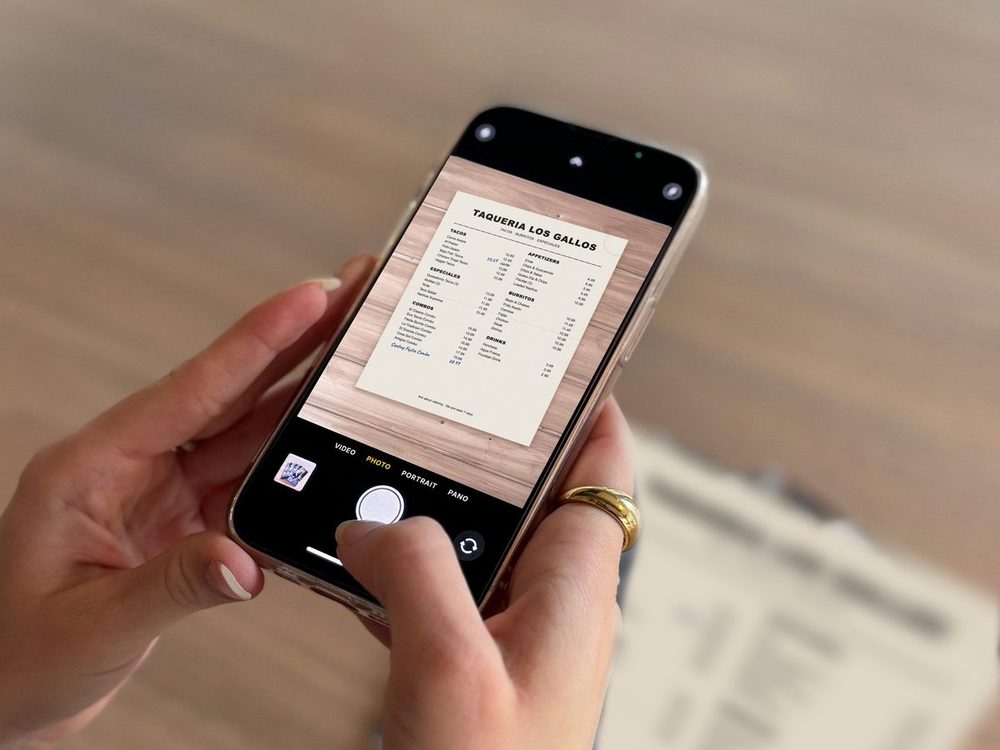

Print menus from the same menu
Your prices are already in the design. Download a fresh PDF whenever prices change.
See print menus →
POS integrations
On Square, Toast, Clover or Oracle? Change a price there and your boards follow on their own.
See POS integrations →
Restaurant profit calculator
See your food cost, labor, prime cost and how many guests a day you need to break even.
Try the calculator →
Tips sorted? Let’s sort your menu boards.
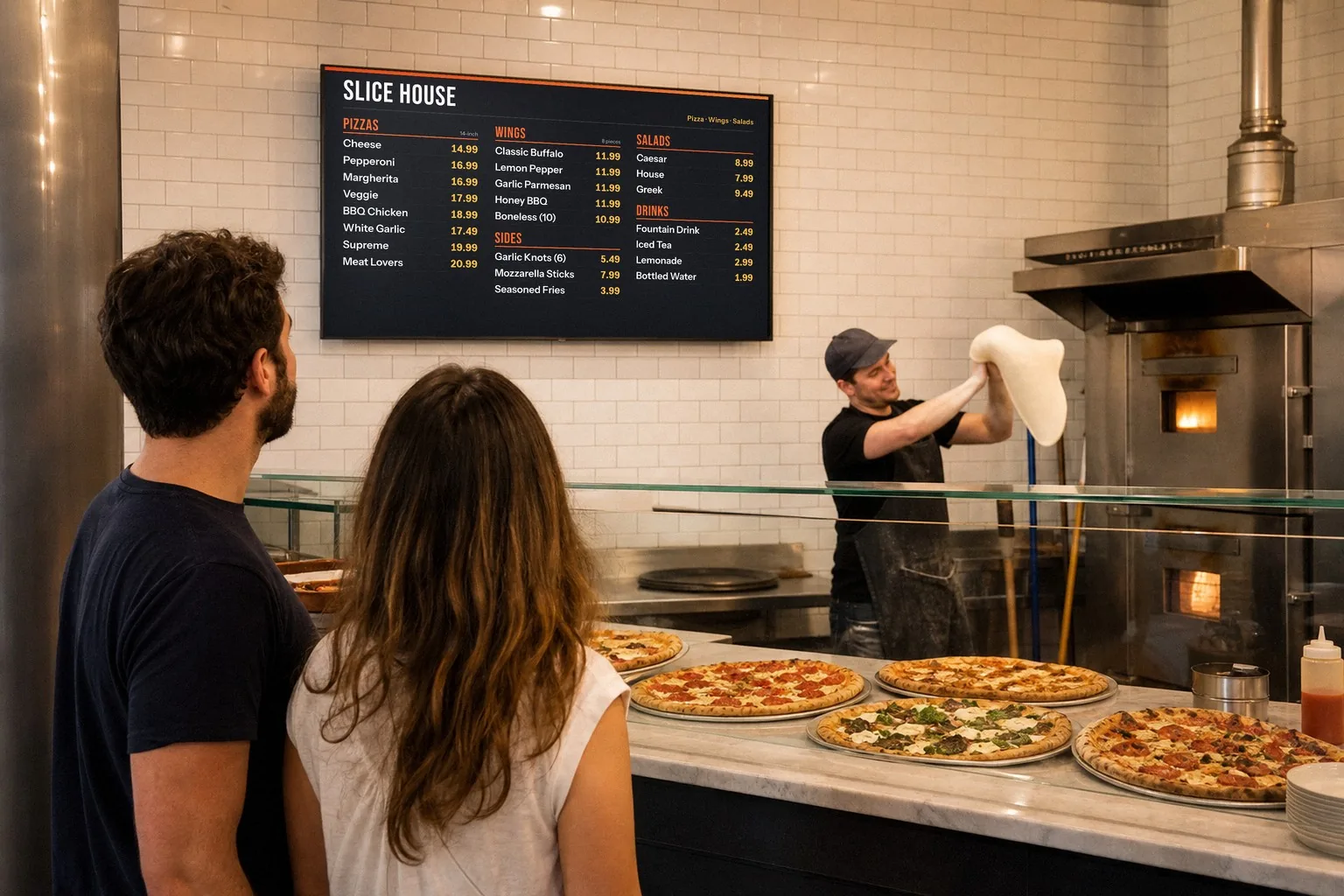
Once you’re set up, snap a photo of your menu and Just a Menu builds custom menu boards for your TVs, plus a QR menu and print menus. Change a price or mark something sold out once, and every screen follows.
Talk to a real person. We reply within one business day.
Illustration
Want menu boards that update themselves? Email sales@justamenu.com or call (202) 886-2442.