Beverage partner? Enroll a new account here →

Menu board tips
USB stick menus vs a menu board that updates itself
You can display a menu on a TV using a USB stick, but it rarely lasts. Many TVs drop back to their home screen, someone has to start the file again each morning, and every price change means a new file and a ladder. A JAM Player in the TV’s HDMI port updates your menu board by itself.
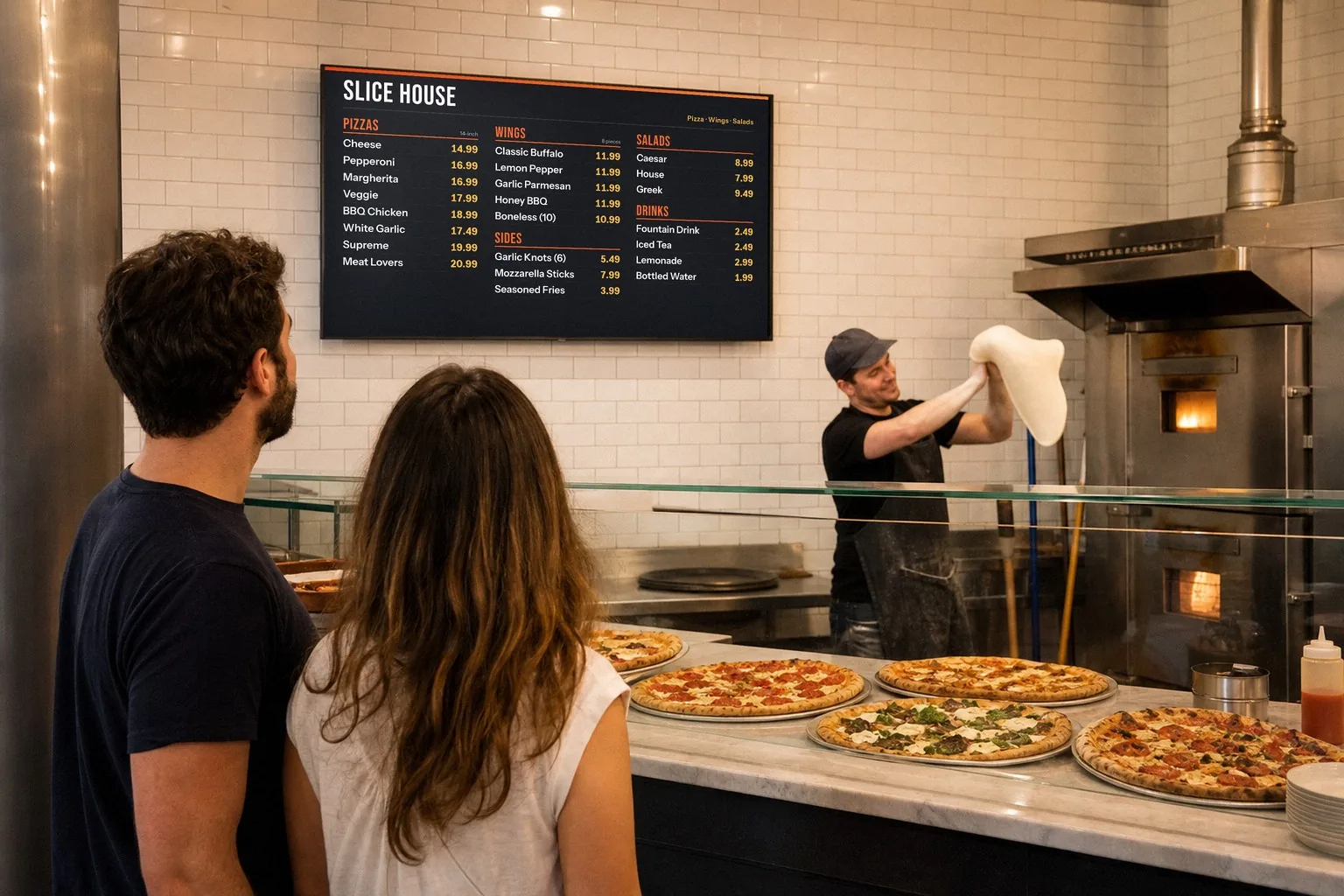
Illustration
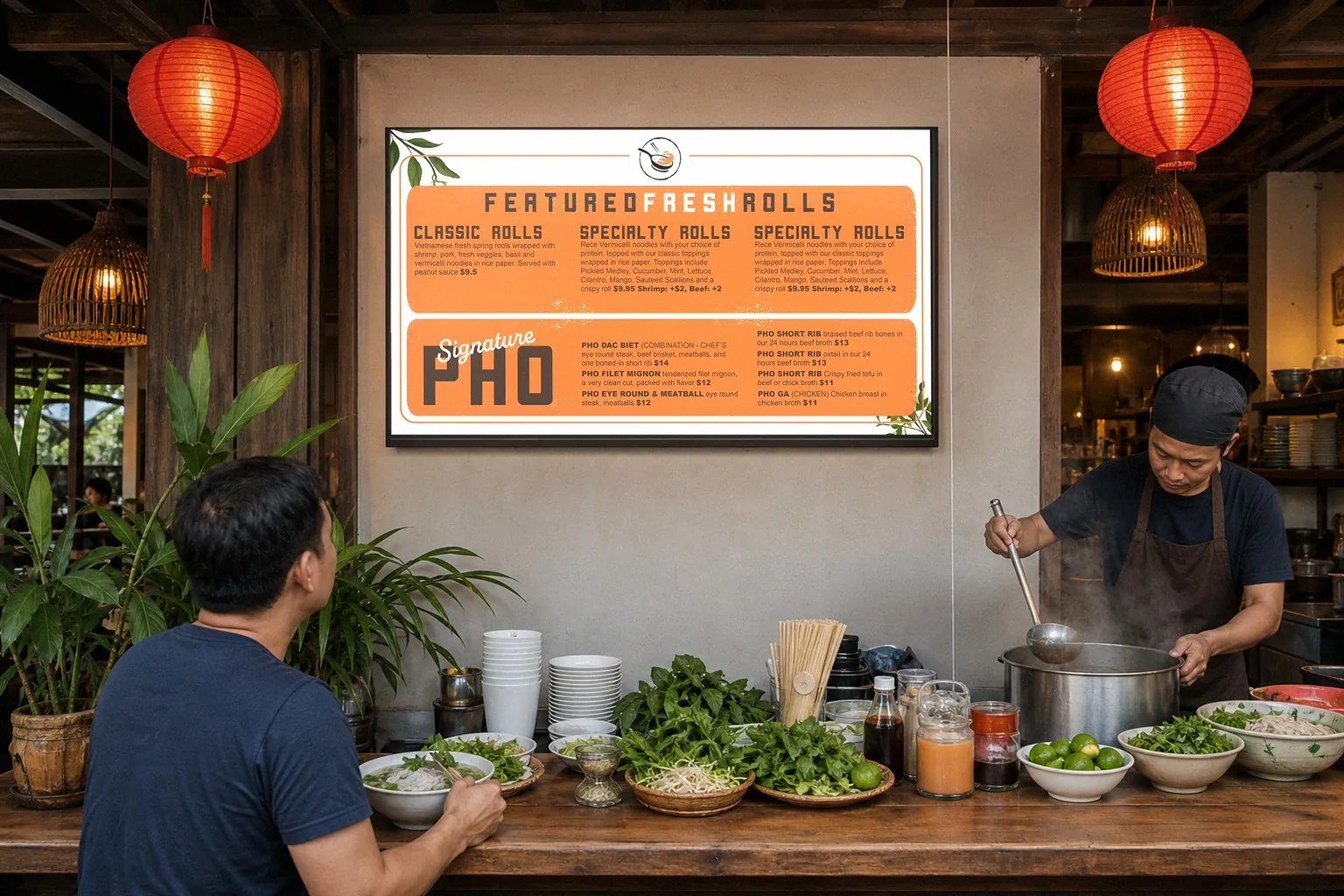
Menu TVs hang up high, where guests look, and where nobody wants to climb every time a price changes. Staged scene with a sample design.
In this guide
Done with the stick? See the JAM Player →
The USB stick setup people try
Most people save their menu as a picture or a slideshow, copy it onto a USB stick, plug the stick into the TV and play it from the TV’s built-in viewer. It uses the TV you already have and looks fine on day one. The trouble starts on day two, and it grows every time the menu changes.
That’s the classic DIY digital menu board: you design it, you save it, you carry it to the TV. The design takes real time. Keeping it current is what wears people down.
Why a USB menu breaks
A file on a USB stick never changes by itself, and a TV’s built-in viewer isn’t made to play it all day. So the menu on the wall is only as current as the last time someone updated the file, carried it over and climbed up to plug it in. Here’s where it goes wrong.
1. The screen goes dark, or back to the TV’s home screen
After a power blip, a software update or a sleep timer, many TVs come back on their home screen or a TV channel instead of your menu. Many also have an energy-saving setting that turns them off after a few hours with no remote button pressed. Guests see a blank screen right when they’re deciding what to order.
2. The file has to be started again every morning
Turn the TV off at close, and many TVs don’t reopen the slideshow when they come back on. Someone has to find the remote, open the stick and start it again, every day. On a busy morning, that’s the job that gets skipped.
3. Someone has to climb up to swap the stick
Menu TVs hang high over the counter, so the stick is up there too. Every update means a ladder or a step stool, often right over the line or a counter full of food. And it’s usually the same one person who knows how.
4. Every price change means a new file
Raise one price and the whole file has to be redone: open the design, change the number, save it again, copy it over, then climb up and swap the stick. Miss a spot and the board and the register disagree. That’s how menus end up with sticky notes over old prices.
5. Sold out can’t show
A file on a stick doesn’t know you just ran out of brisket. The item stays up with its price, and guests order it anyway. Staff end up apologizing at the counter or taping a sign to the TV.
The pattern: every fix needs a person standing at the TV. A menu board should work the other way around. You change the menu once, wherever you are, and the TV follows.
A menu board that updates itself
Just a Menu replaces the stick with a JAM Player, a small box about the size of a pack of playing cards that plugs into the TV’s HDMI port. You set it up from your phone in about 2 minutes. After that, you change the menu from your phone or your POS, and the TV follows on its own.
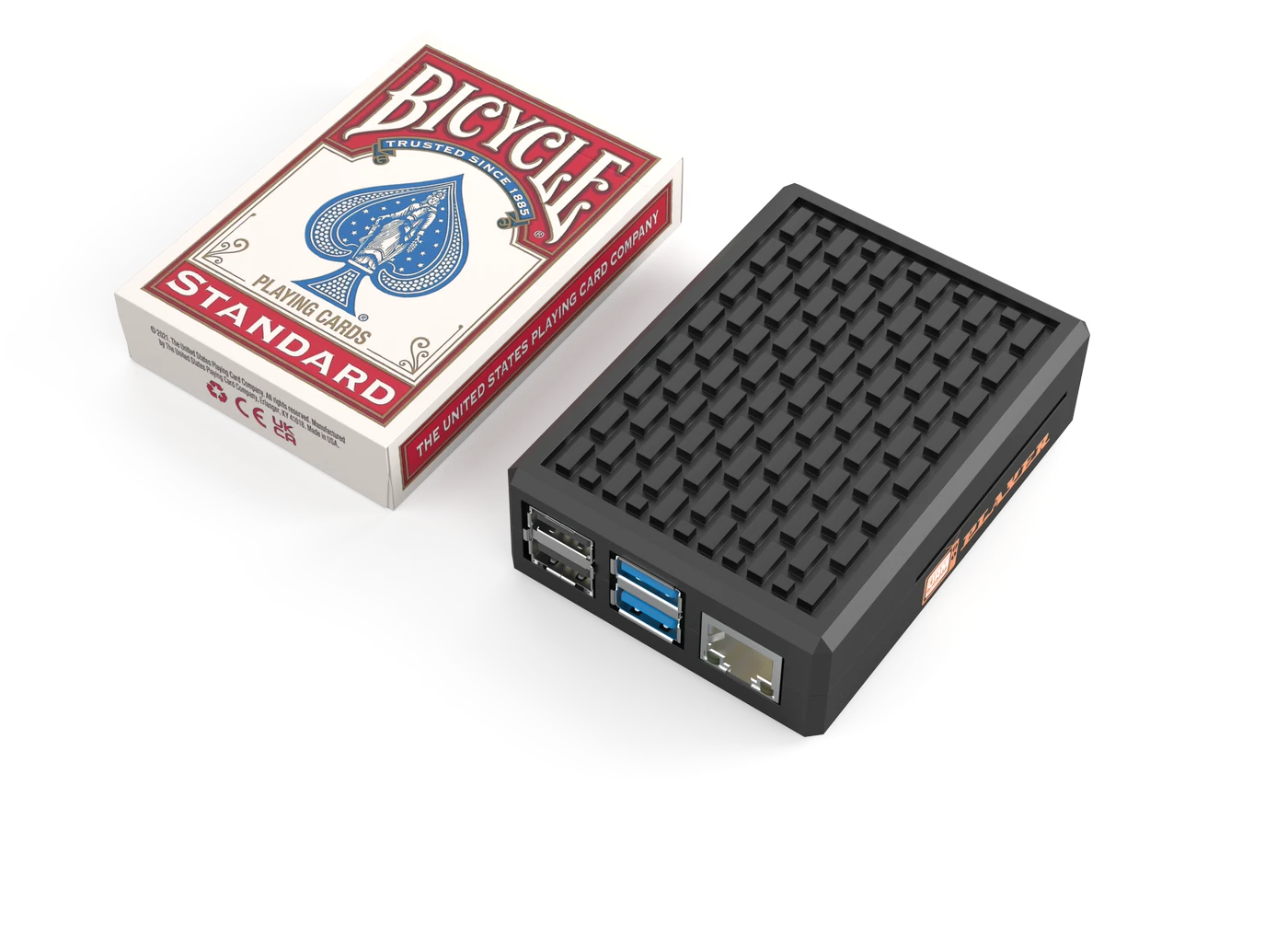
The JAM Player tucks behind the TV. No USB sticks, no remote, no rebooting the TV.
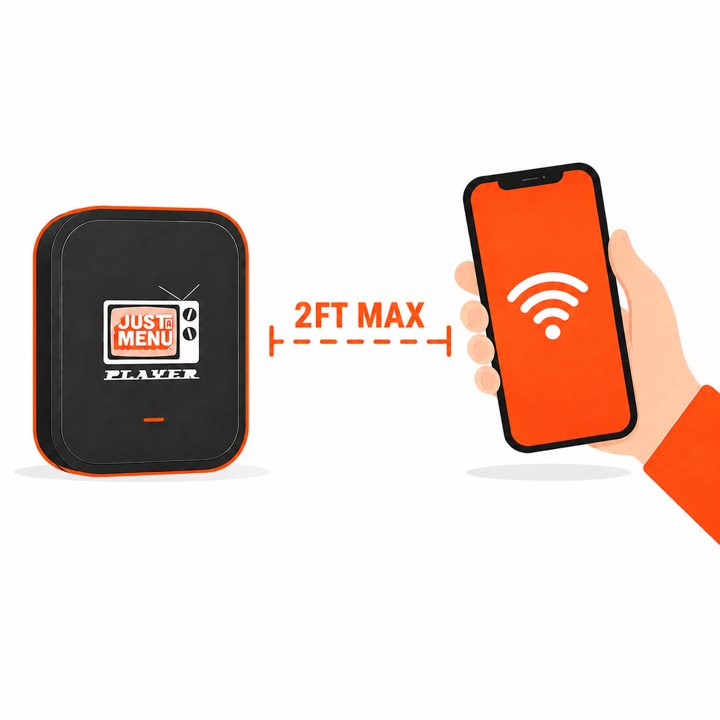
- ✓About 2 minutes to set up. Plug it into the TV’s HDMI port and into power, then connect it to your Wi-Fi with the JAM Player Setup app on your phone.
- ✓Change it from your phone. Change a price, add an item or tap Sold Out in Menu Workspace, on your phone or computer. Every board that shows it updates by itself, and so does your QR menu.
- ✓Or let your POS do it. On Square, Toast, Clover or Oracle? Change a price or 86 an item there, and your boards follow on their own.
- ✓Keeps playing without Wi-Fi. The player uses your business Wi-Fi to set up and to get your changes. If the Wi-Fi drops, your menu stays on the screen. It works on a mobile hotspot too.
- ✓Runs on a schedule. Set when each slide shows, by day and time: breakfast at 7, lunch at 11, happy hour at 4. The TV switches on its own.
The DIY way
USB stick
Price change
New file, then a ladder
Sold out
Can’t show it
Each morning
Start the file again
Breakfast to lunch
Same slides all day
The design
You make it yourself
Updates itself
JAM Player
Price change
From your phone or POS
Sold out
Tap Sold Out
Each morning
Nothing to restart
Breakfast to lunch
Switches on a schedule
The design
Built from a photo of your menu
The boards themselves are made for you: snap a photo of your menu, and Just a Menu builds custom boards for your TVs with your items and prices. See what digital menu boards can do
New to digital menu boards? Here’s what a digital menu board is, and how it differs from a regular TV.
Already have a TV? Use it
You don’t need new screens or a smart TV. Any TV with a spare HDMI port can be a menu board, including the one already on your wall with a USB stick in it. Each TV gets its own JAM Player, and the TV’s own apps aren’t used, so it doesn’t matter how smart the TV is.
What each TV needs
- ✓HDMI: a spare HDMI port you can reach once the TV is mounted.
- ✓Power: an outlet behind the TV. The TV and the JAM Player each need power.
- ✓Wi-Fi: your business Wi-Fi at the TV. Guest networks that make you sign in on a web page can block the player.
- ✓Settings: turn off sleep timers, auto power-off and eco dimming, and leave the TV on the player’s HDMI input.

Real install: Artesanal Tortilleria · San Antonio, TX
Two TVs over the counter, each with its own JAM Player and its own part of the menu.
A row of TVs? Each one gets its own player, and your designs can run across them like one big board.
Buying new? Size, brightness and regular vs commercial are covered in how to choose the best TV for your menu board. We can also deliver JAM-ready screens.
Ready to plug in? Step by step: Put your menu on your TV
Questions
Can I put my menu on a TV with a USB stick?
You can, but it’s hard to keep running. Many TVs drop back to their home screen or switch themselves off, the file has to be started again after the TV turns off, and every change means a new file and a trip up to the TV. A JAM Player in the HDMI port updates itself whenever you change the menu.
Why does my USB menu stop playing?
Usually because the TV’s built-in viewer isn’t made to run all day. A power blip, a software update, a sleep timer or an energy-saving setting can stop the slideshow, and many TVs don’t restart it on their own. With a JAM Player, the menu plays from the player, so there’s no slideshow to restart. Turn off the TV’s sleep timers and auto power-off too, so the screen stays on.
Is a DIY digital menu board worth it?
It looks easy at first. But menus change: prices go up, items sell out, breakfast turns into lunch. On a DIY board, every change means redoing the design, saving a new file and swapping it by hand. With Just a Menu, design is included: your boards are built from a photo of your menu, and changes reach the TV on their own.
Do I need a smart TV?
No. Any TV with a spare HDMI port works, including the one you already have. The JAM Player does the work, so the TV’s own apps aren’t used.
What do I use instead of a USB stick?
A JAM Player. It’s a small box that plugs into the TV’s HDMI port, sets up from your phone in about 2 minutes and shows your Just a Menu boards. Change a price or mark an item sold out from your phone or your POS, and the TV updates by itself. If the Wi-Fi drops, it keeps playing.
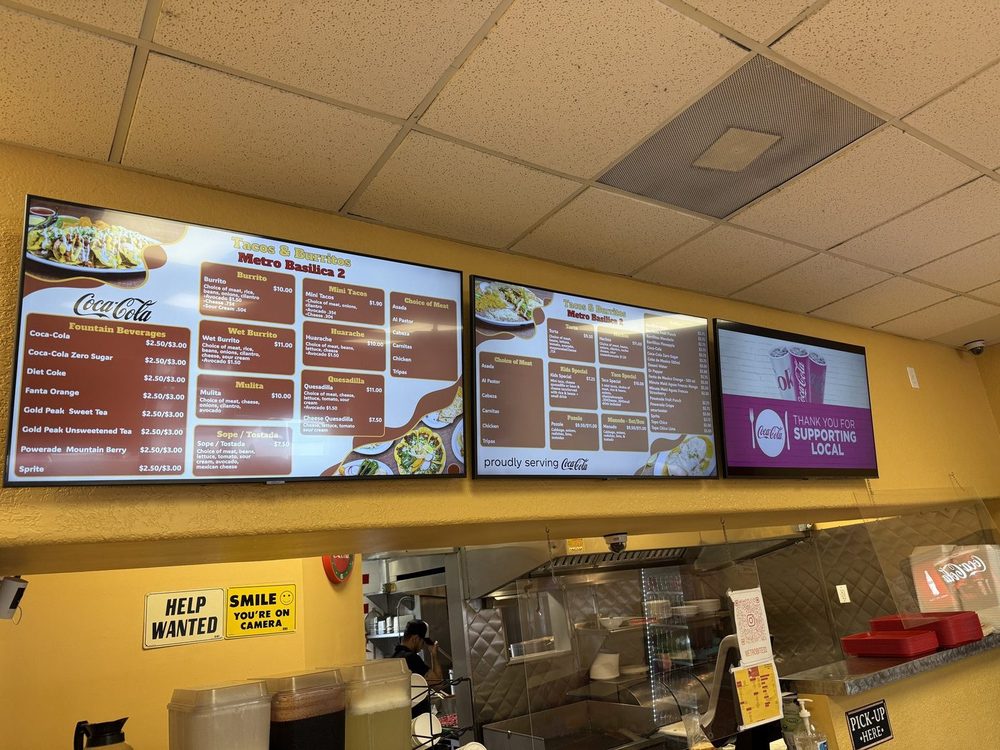
Tacos & Burritos Metro · Phoenix, AZ
Choose the best TV for your menu board
Regular TV or commercial display, size, brightness and a mounting checklist.
Read the TV guide →
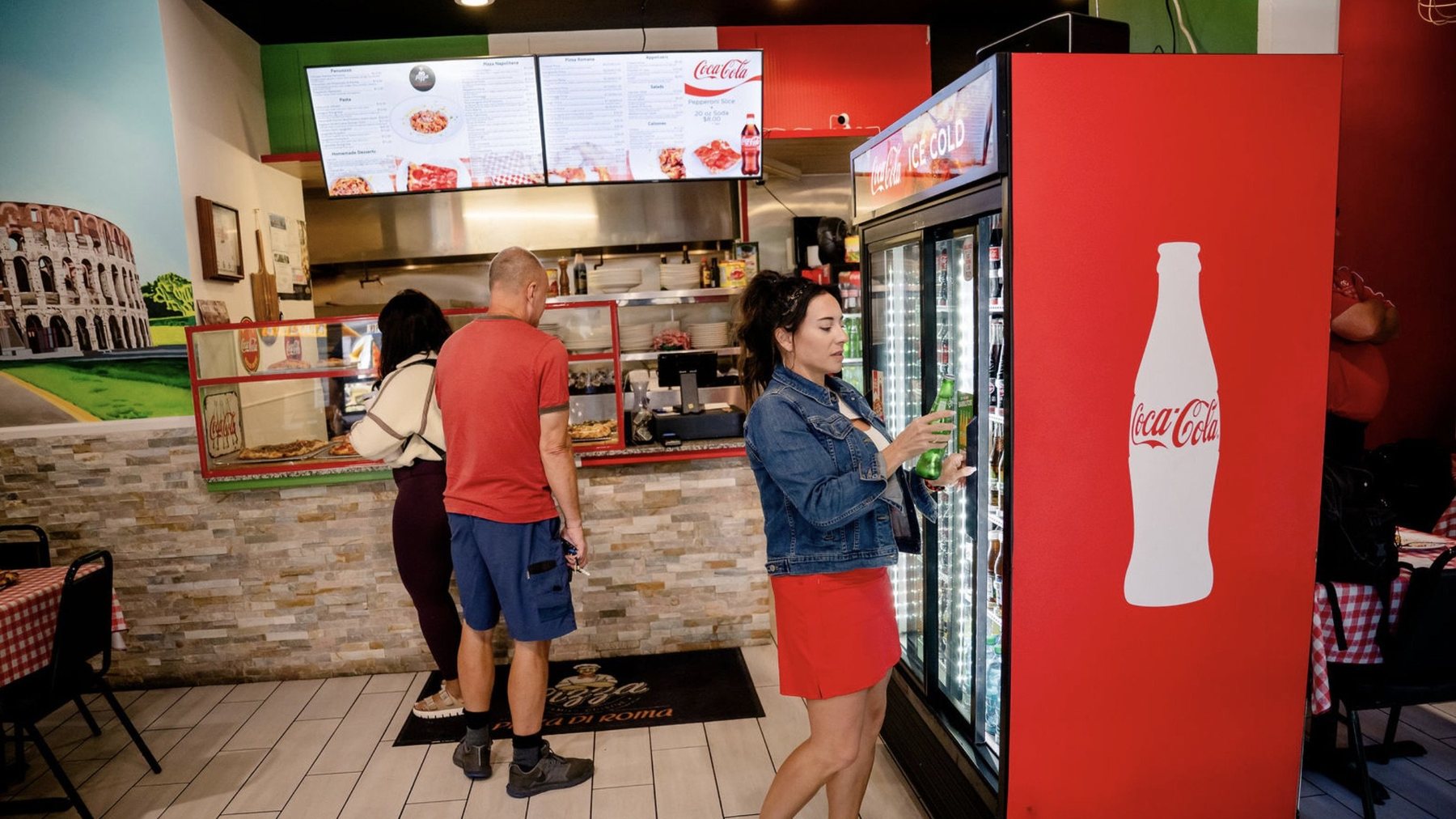
Pizza Di Roma · Austin, TX
What size should your menu board be?
TV size and text size by how far away your guests stand.
Read the size guide →
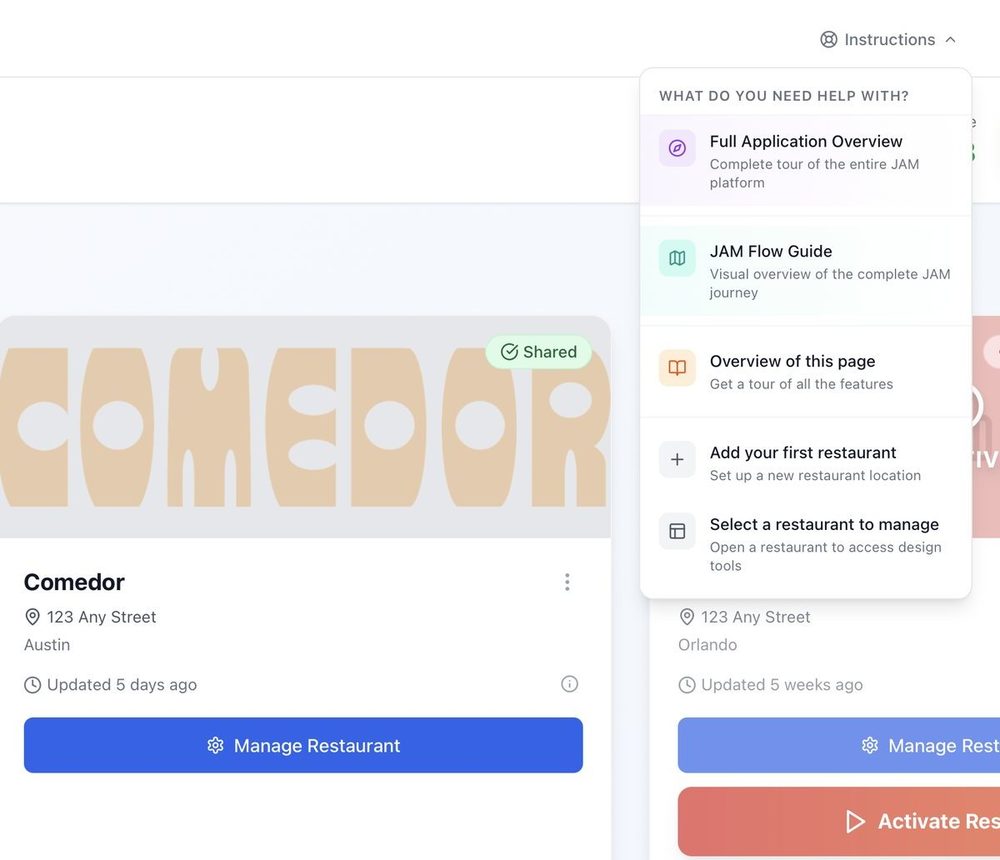
Getting started
From a photo of your menu to your TV, in four steps.
Read the guide →
Done with the USB stick? Let’s talk about your menu.
Tell us how many TVs you have. Once you’re set up, snap a photo of your menu and Just a Menu builds custom boards for your TVs. The JAM Player keeps them up to date on its own.
Talk to a real person. We reply within one business day.
Illustration
Questions about your TVs? Email support@justamenu.com or call (202) 886-2442.