Beverage partner? Enroll a new account here →

Menu board basics
Digital menu board vs a regular TV: what’s the difference?
The TV is the screen. A digital menu board is the screen plus a player, software and a menu made for it. So a regular TV can be your menu board: with Just a Menu, a small JAM Player plugs into its HDMI port, and you change prices, specials and what shows when from your phone.

Illustration
Two regular TVs, each showing its own part of the menu. Illustration with sample designs.
In this guide
Picking a screen? Choose the TV →
A slideshow on a TV vs a digital menu board
Plenty of restaurants start with a slideshow: pictures of the menu playing on a TV. It looks fine on day one. Then a price changes, an item runs out or lunch starts, and someone has to remake the slides and load them onto every TV again. A digital menu board is built for those changes. Why USB stick menus break
What people try
A TV playing a slideshow
Updates
Remake the slides, then load them onto every TV
Schedules
The same slides all day
Sold out
Stays on screen until someone fixes it
Several screens
Each TV set up and started by hand
Wi-Fi drops
Streamed slides can stop until someone restarts them
Design
Yours to make. A photo of a paper menu is hard to read from the line.
With Just a Menu
A digital menu board
Updates
Change it once from your phone. Every screen updates on its own.
Schedules
Breakfast, lunch and happy hour switch by day and time
Sold out
Tap Sold Out. The item hides or grays out, your choice.
Several screens
Each TV shows its own part, and designs line up across the wall
Wi-Fi drops
The TVs keep playing your saved menu
Design
Built from a photo of your menu, sized for your screens
The short version: it can be the same TV either way. The difference is the player, the software and the menu behind it.
On Square, Toast, Clover or Oracle? Change a price or 86 an item there, and your boards follow on their own. Want a special up tonight? Scene Magic builds a finished slide with your real item and price. See what Just a Menu boards do
Can a regular TV be a menu board?
Yes. Any TV with a spare HDMI port can be a digital menu board, including the ones already on your wall. With Just a Menu, one small JAM Player plugs into each TV and shows your menu. You set it up from your phone in about 2 minutes. You don’t need a smart TV: the player does the work.
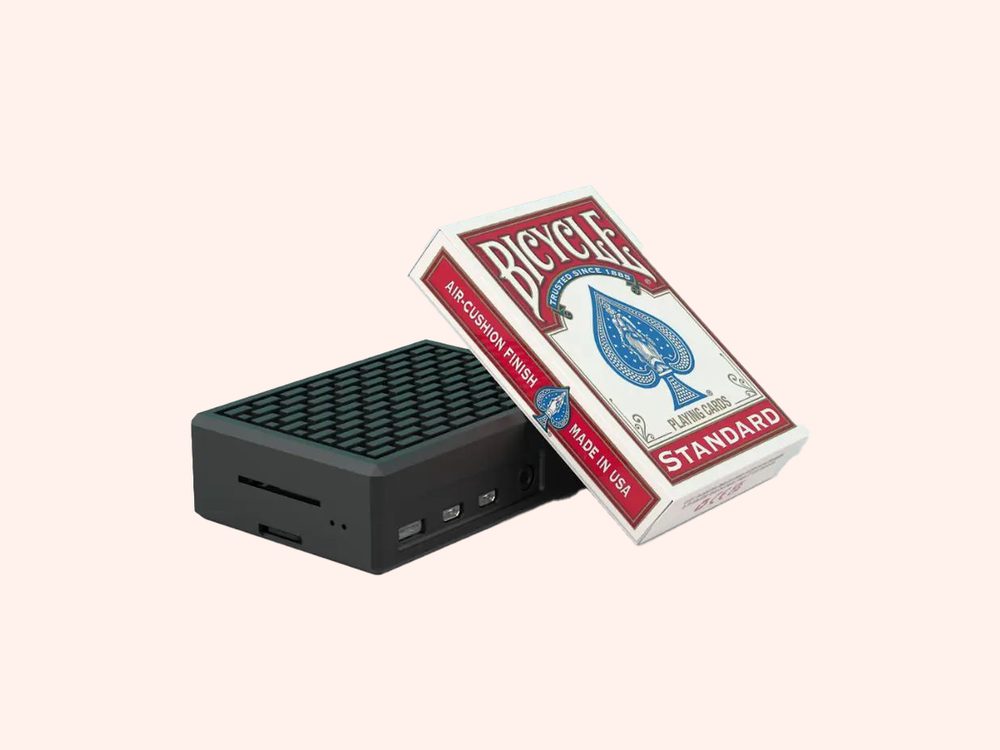
The JAM Player is about the size of a pack of playing cards. It tucks behind the TV.
- ✓Plug it in: the JAM Player goes into the TV’s HDMI port and into power.
- ✓Connect it: the JAM Player Setup app on your phone puts it on your business Wi-Fi.
- ✓Pick what it shows: link the player to a screen in Just a Menu, and your menu is on the TV.
- ✓Leave it alone: from then on, it updates itself whenever you publish a change.
That’s the whole setup. Step by step: Put your menu on your TV
Each TV gets its own player, so a row of three TVs needs three. No TVs yet? Tell us how many screens you need. We ship JAM Players straight to your restaurant, and we can deliver JAM-ready screens too. More about the JAM Player
Regular TV or commercial display? A regular TV is a fine start for most indoor counters. If the screen faces a sunny window, runs from open to close every day or hangs in portrait, read how to choose the TV before you buy.
Digital menu boards vs paper and printed menus
A printed menu board is out of date the day a price changes. The fix is a reprint, or a sticker over the old price. Specials need their own sign, and sold-out items stay up. A digital menu board changes when your menu does, so the wall matches what you’re selling today.

After
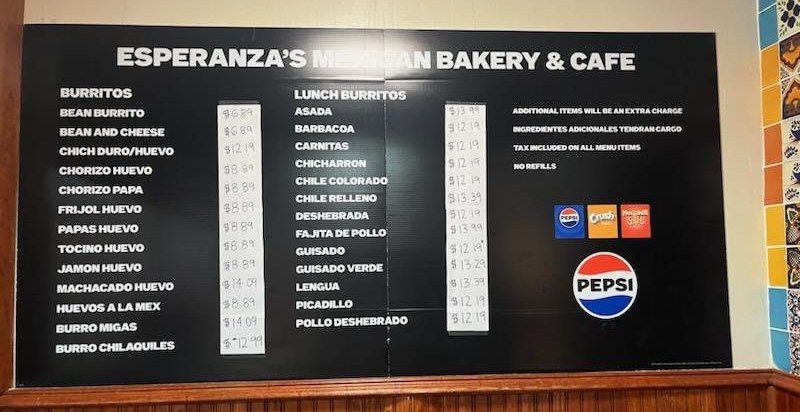
Before
Esperanza’s Mexican Bakery & Cafe · Dallas, TX
A printed board with price stickers taped over it. Now: two menu boards that change from a phone.
- ✓Price changes: change a price once, and every board that shows it updates. No reprints, no stickers.
- ✓Specials: a finished special slide in a few taps, with your real item and price, scheduled for the days it runs.
- ✓Time of day: breakfast, lunch and happy hour each show at their own times, on the same TV.
- ✓Sold out: tap Sold Out, and the item hides or grays out on your boards and your QR menu.
Keep print for what guests hold. Table menus and takeout menus still earn their place. With Just a Menu, they come from the same menu as your boards: pick a paper size and a design, and download a print-ready PDF with your items and prices already in it. Print it in-house or at any print shop. Print menus from the same menu
Between print runs, put your QR code on the printed menu. Guests scan it and see today’s prices and specials, from the same menu as your boards.
Which is right for you?
Start with how often your menu changes. If your prices, specials or menu change with the season, the day or the hour, a digital menu board saves you the reprints and the stickers. If you already have a TV with a spare HDMI port, you’re most of the way there.
Prices change during the year?
Digital. Change a price once and every board shows it.
Breakfast, lunch, happy hour?
Digital. Each menu shows at its own time, on the same TV.
Daily specials?
Digital. A special slide in a few taps, on the days it runs.
Items sell out?
Digital. Tap Sold Out and it hides or grays out.
Guests order at the table?
Print table menus from the same menu, with a QR code for today’s specials.
Already have a TV?
Keep it. Add a JAM Player and it becomes a menu board.
Our advice: start with the TVs you have. If one needs replacing later, swap the screen and keep everything in Just a Menu as it is.
Questions
Can I use a regular TV as a menu board?
Yes. Any TV with a spare HDMI port can be a menu board, including the TVs you already have. Plug in a JAM Player, set it up from your phone in about 2 minutes, and pick what it shows. You don’t need a smart TV.
What’s the difference between digital signage and a TV?
A TV is only the screen. Digital signage adds a player and software that decide what the screen shows, and when. A digital menu board is digital signage made for your menu: your items and prices, designed for the screen and changed from your phone. What is a digital menu board?
Are digital menu boards better than printed menus?
For a menu that changes, usually yes. You change a price once instead of reprinting or adding a sticker. Specials and sold-out items show on the board, not on a taped-up sign. Breakfast switches to lunch on its own. Printed menus still work well at the table and for takeout.
Do I still need printed menus?
Often, yes: for table menus, takeout menus and a menu by the register. With Just a Menu, they come from the same menu as your boards. Pick a paper size, download a print-ready PDF and print it in-house or at any print shop. When a price changes, the next PDF already has it.
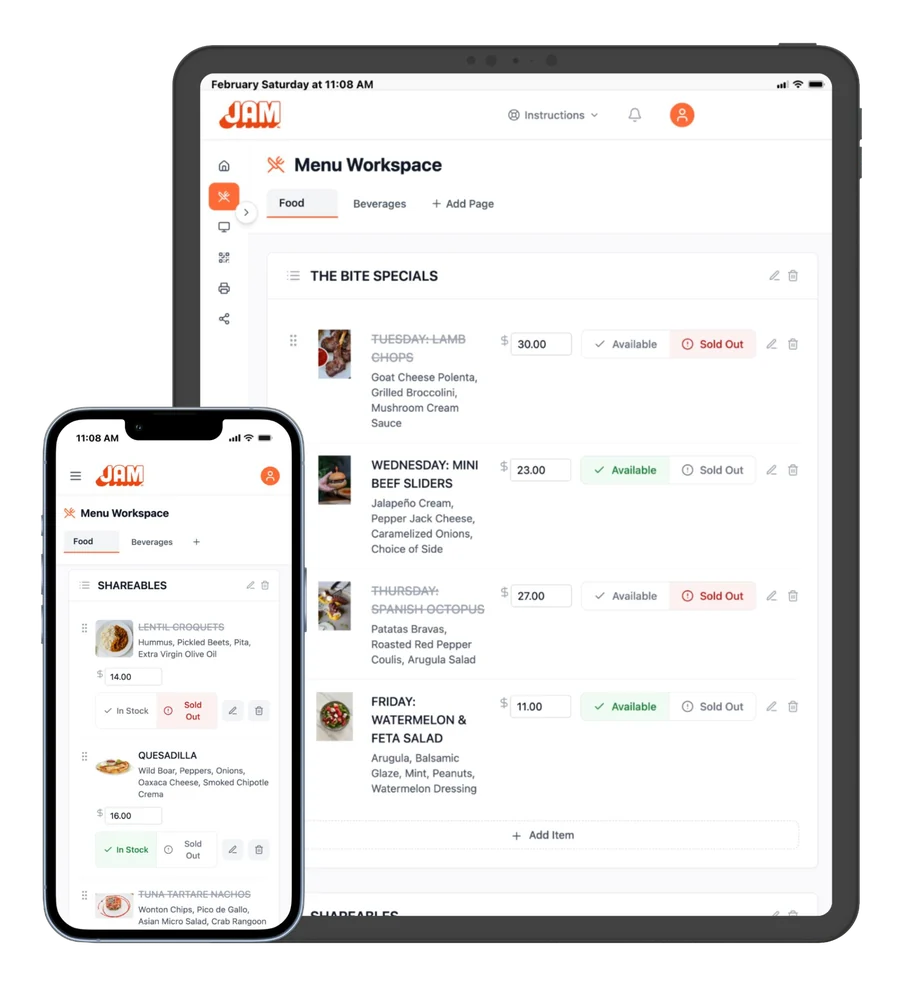
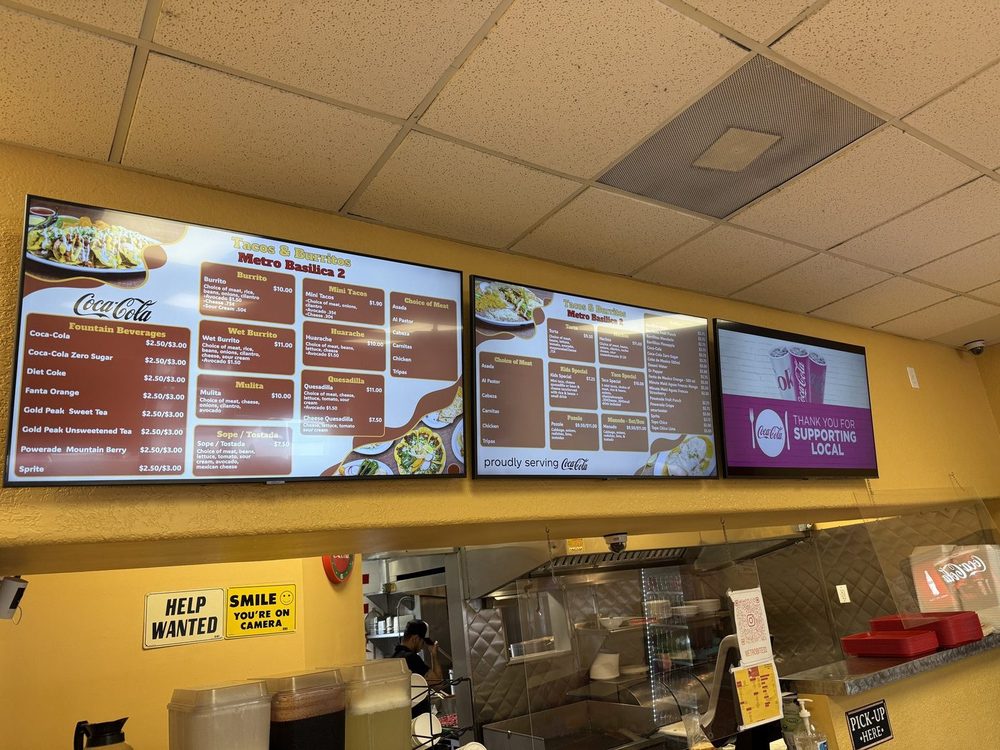
Tacos & Burritos Metro · Phoenix, AZ
Choose the best TV for your menu board
Regular TV or commercial display, size, brightness and mounting.
Read the TV guide →
Getting started
From a photo of your menu to your TV, in four steps.
Read the guide →
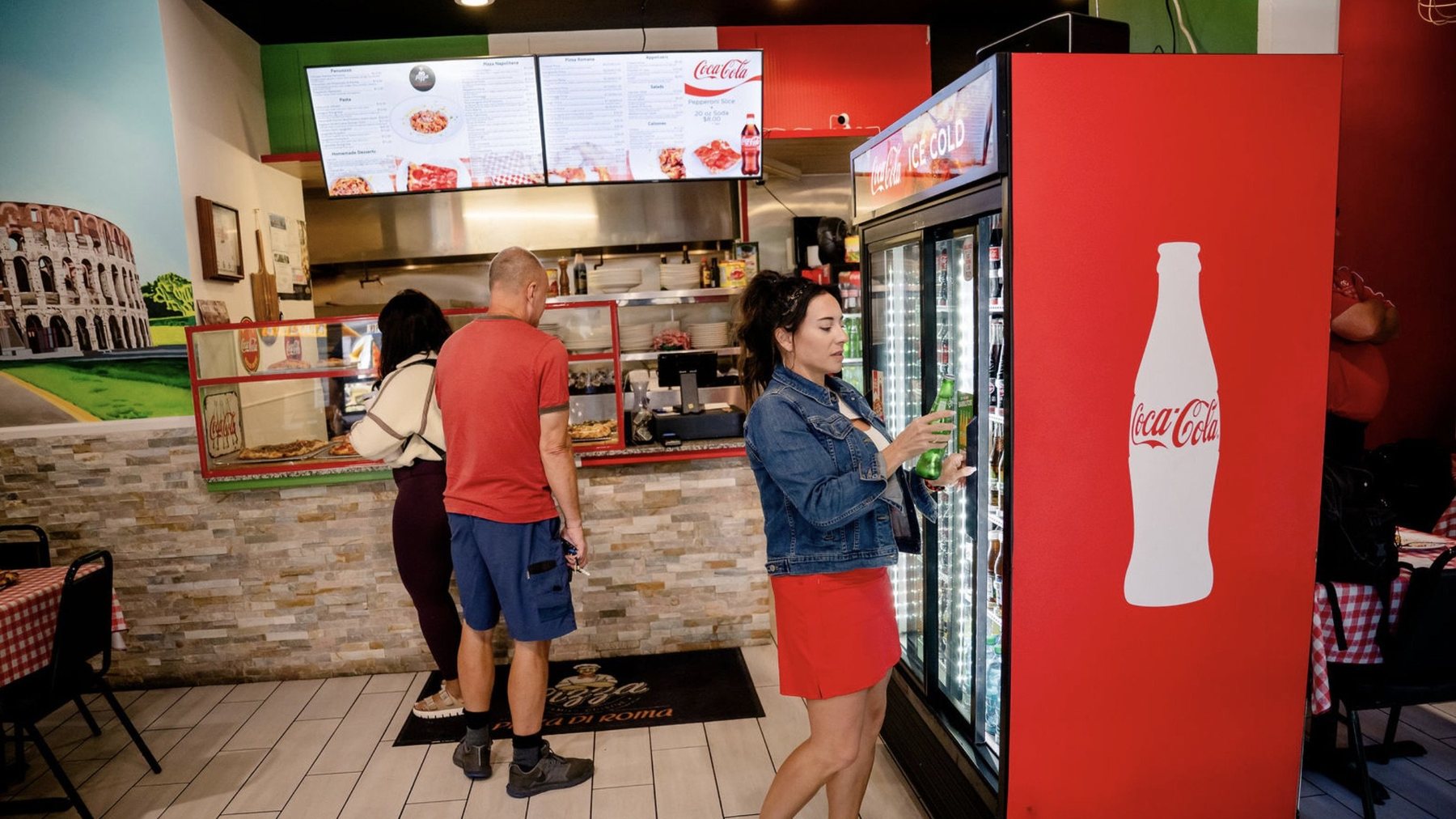
Pizza Di Roma · Austin, TX
Design a board people can read
Text size, how much fits, and where photos earn their place.
Read the design guide →
Have a TV? Let’s turn it into a menu board.
Once you’re set up, snap a photo of your menu and Just a Menu builds custom menu boards for your TVs. One JAM Player per TV, and you run them all from your phone.
Talk to a real person. We reply within one business day.
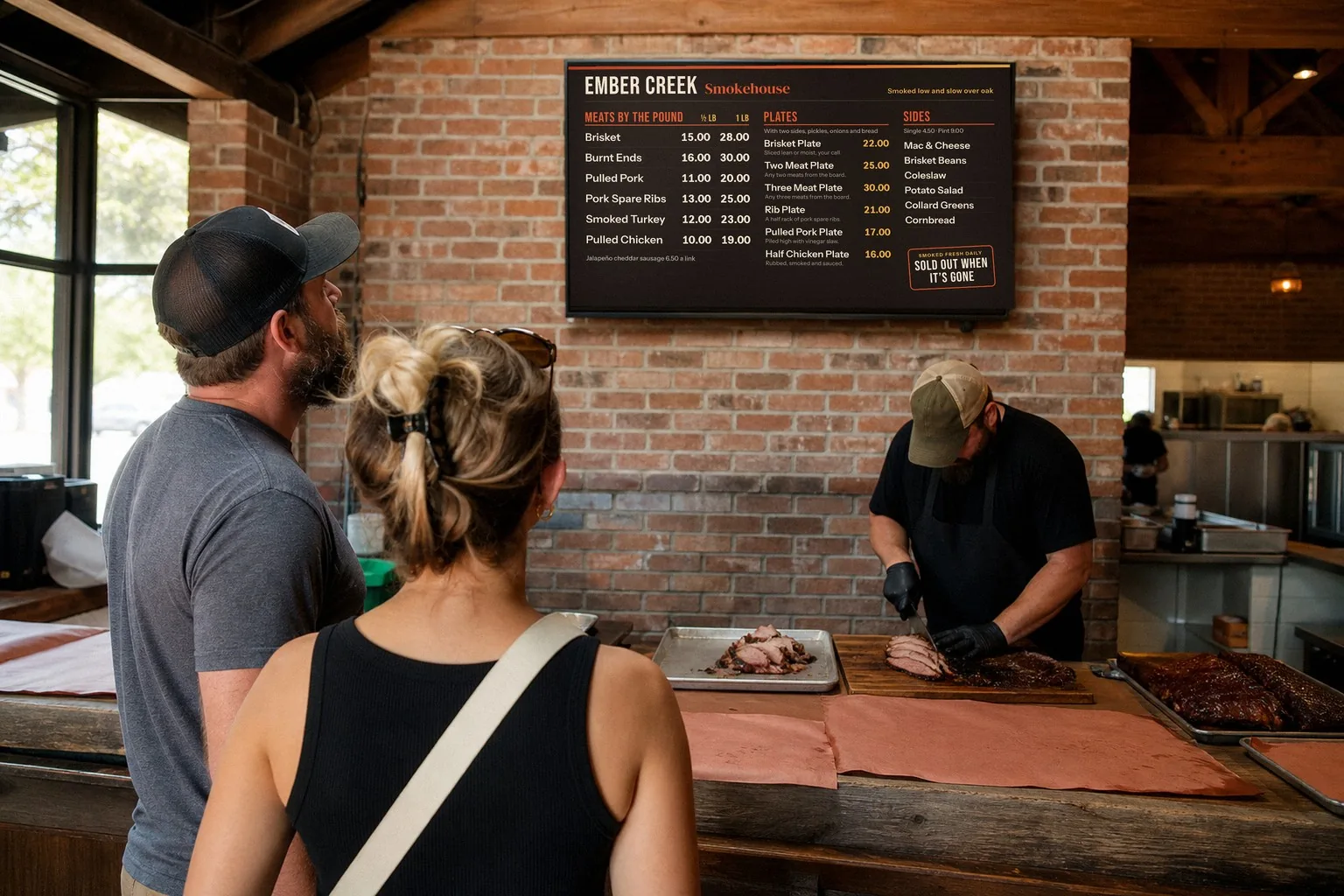
Illustration
Questions about your TVs? Email support@justamenu.com or call (202) 886-2442.