Beverage partner? Enroll a new account here →

Menu board tips
How to increase beverage sales in your restaurant
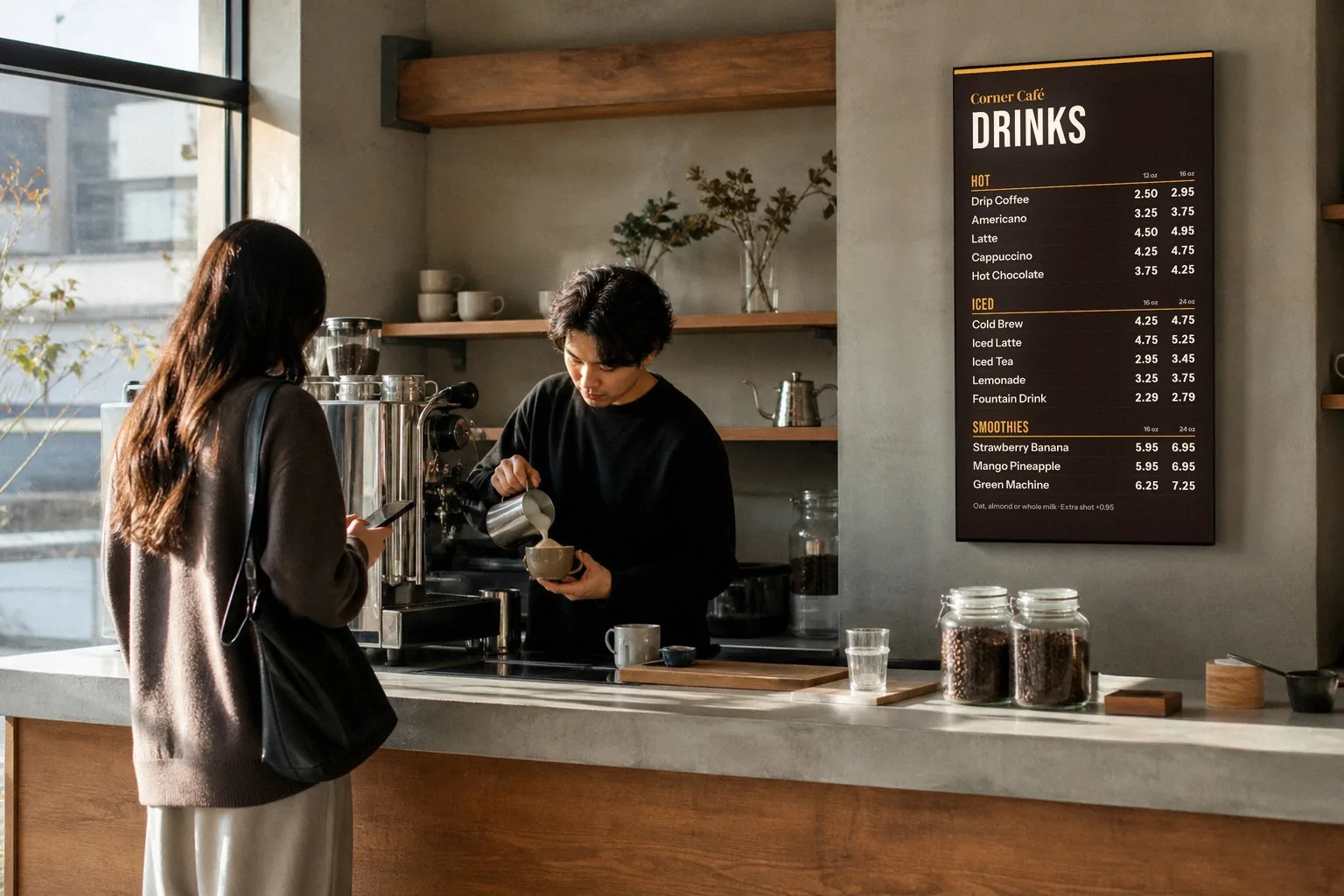
To increase beverage sales in your restaurant, put drinks where guests decide: on the menu board, next to the food, with a price and a photo. Then give guests a reason to add one: a food-and-drink combo, a happy hour that starts on time, a drink special that changes, and staff who name it. With Just a Menu, one menu runs all of it: Scene Magic builds the combo slides, happy hour switches on by itself, and a kicked keg comes off every screen in one tap.
Illustration
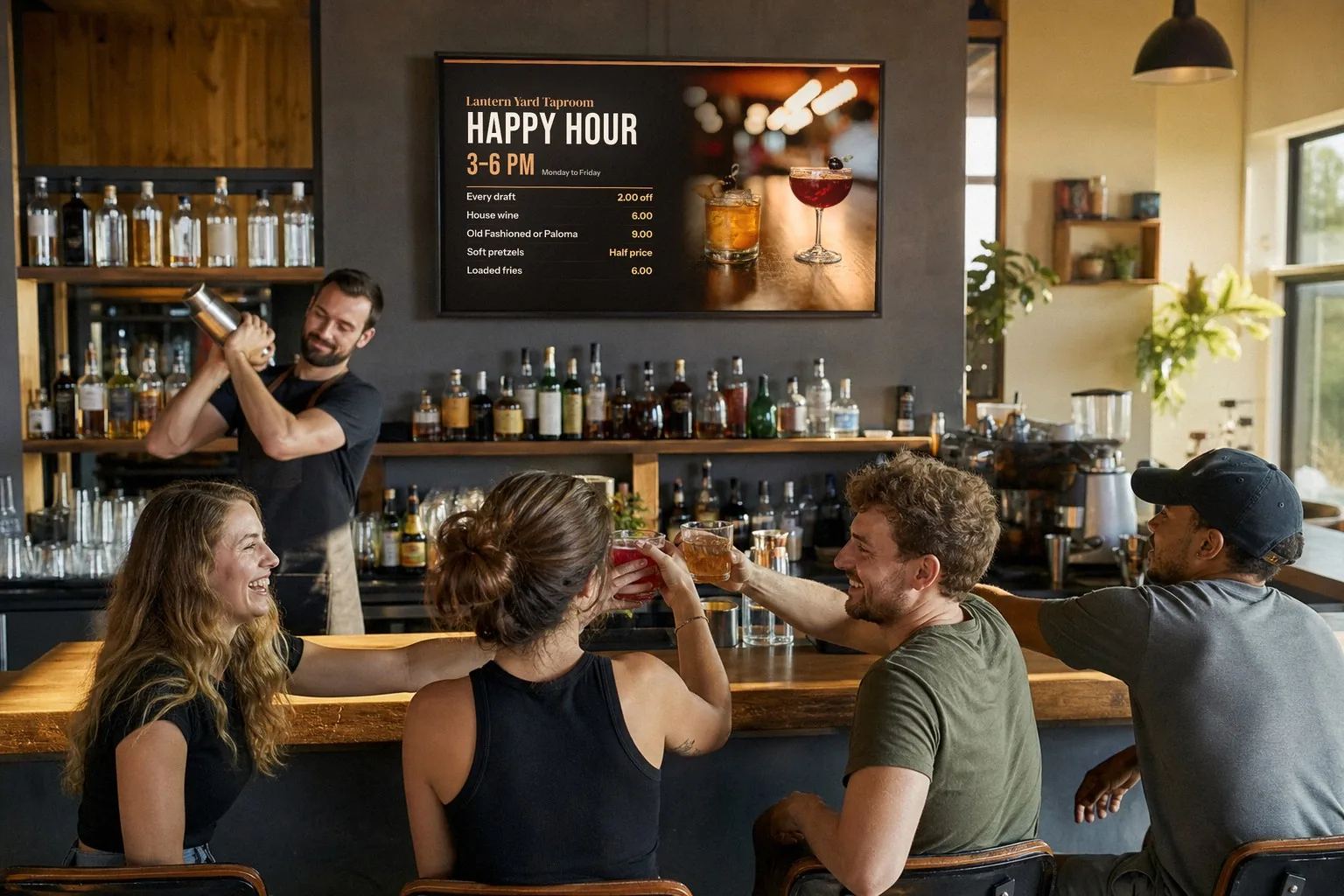
Happy hour on the TV over the bar: the deals, the hours and a photo of the drinks, right where guests order. The bar is staged; the board is a sample Just a Menu design.
The short list
Where?
On the board, next to the food. Guests can’t order a drink they never see.
Combos?
One dish, one drink, one price. Scene Magic builds the slide.
Happy hour?
Give the slide its days and hours. Your TVs switch on their own.
Photos?
One to four big photos per screen, of the drinks you most want to sell.
Staff?
Suggest one drink by name, and mention the special.
Pricing?
Price each pour to a target pour cost. Many bars aim for roughly 18 to 24% overall.
Put drinks where guests decide: on the board, next to the food
Guests usually decide on a drink while they read the food menu. If your drinks live on a separate card, a back page or a cooler door, they’re easy to miss. Put them on the board guests are already reading.
- ✓Same screen as the food. A short drinks section beside the mains and sides, with clear prices, not a list guests have to ask for.
- ✓Lead with the drinks you want to sell. House cocktails, local drafts, fresh lemonade or your best-margin drinks go at the top of the section.
- ✓Got a row of TVs? Give drinks their own screen, right next to the food. Just a Menu designs run across the whole row, so it reads like one big board.
- ✓Keep the long list on the QR menu. Bottles, cans and the full wine list fit on guests’ phones, so the board stays easy to read.
Just a Menu builds your boards from a photo of your menu, food and drinks together. Change a price once, and your TVs, your QR menu and your print menus all use it. How Just a Menu boards work
Combos and pairings: one dish, one drink, one price
A combo makes the drink part of the decision. Instead of asking guests to add a drink, you show the dish and the drink together, at one price.
Scene Magic in Just a Menu builds the slide for you. Choose a food-and-drink combo, pick a look like Game Day, Moody or Golden Hour, and it builds a finished slide with your real items and prices in about a minute.
Pairings to try
- ✓A burger and a pint: any burger with a 16 oz draft.
- ✓Wings and a pitcher: in the Game Day look, scheduled for game days only.
- ✓Tacos and an agua fresca, or tacos and a house margarita.
- ✓A lunch plate with a drink included, for the weekday lunch crowd.
- ✓Coffee and a pastry on the morning board.
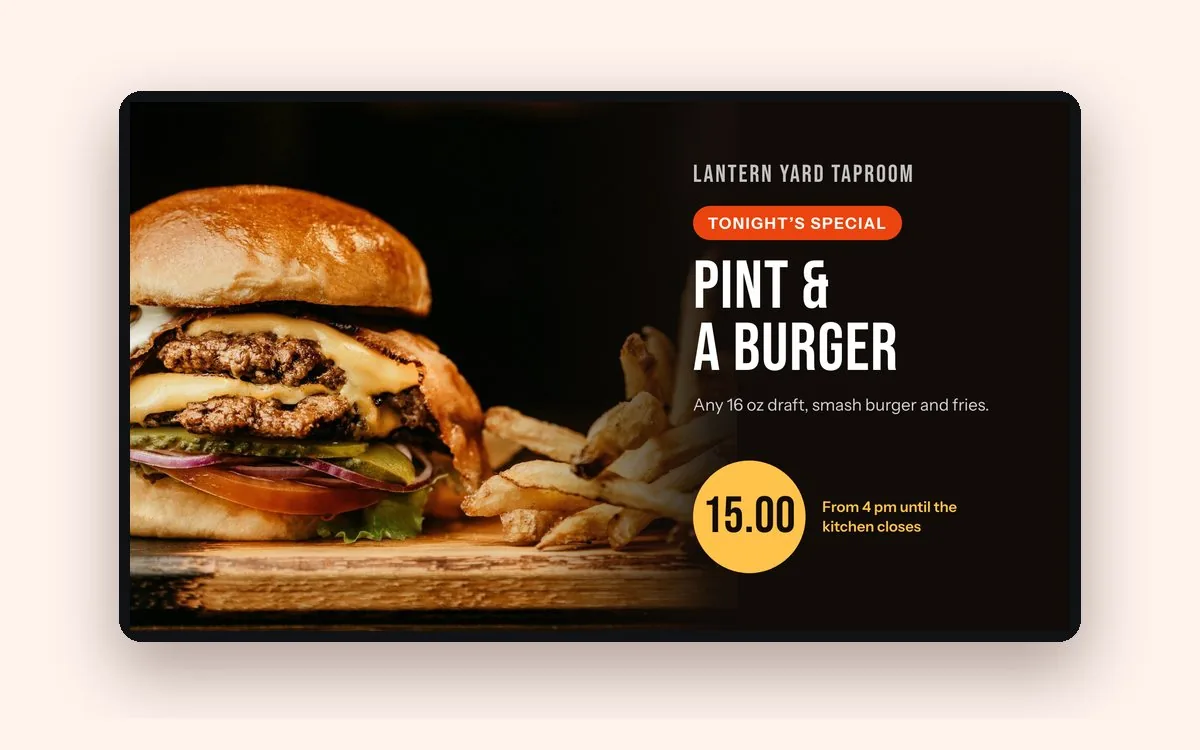
Sample design
A combo slide: one dish, one drink, one big price.
Give the combo a short name, like “Pint & a Burger”, so staff can say it and guests can order it in a few words. Specials play in the loop with your menu, so a combo slide never covers the menu itself.
Put happy hour on a schedule
Happy hour only sells drinks if guests know it’s on. A slide with the deals and the hours tells the whole room, and a schedule makes sure it starts and ends on time, every day.
- Make a happy hour slide with your deals and hours, like 3 to 6 PM, Monday to Friday. Scene Magic builds one from a promo like happy hour, or design your own in JAM Canvas.
- In Digital Signage, find the slide (the app calls a slide a scene) and click Schedule.
- For each day, choose All Day, OFF or Custom. With Custom, set a start and end time. Then click Save Schedule.
Your TVs switch to happy hour and back on their own. Nobody has to remember. Do the same for lunch, late night or weekend brunch drinks. Step by step: set the times
- ✓Add a food deal or two, like pretzels or fries, so the whole table has a reason to order.
- ✓Show the hours big, so guests know how long the deal lasts.
- ✓Check your local rules. Some states limit or ban happy hour drink deals.
Show the drink: photos on your boards and QR menu
A photo gives guests something to point at. A cold pint, a bright cocktail or a fresh lemonade is easier to choose when guests can see it.
- ✓One to four big photos per screen. A few large, well-lit photos of what you most want to sell beat a wall of thumbnails.
- ✓Use your own photos where you have them. Your glassware and garnish look like what guests will get.
- ✓Photograph the drinks that matter: house cocktails, specials and seasonal drinks.
- ✓Never put text over a busy photo. Keep the drink name and price on a plain background.
Illustration
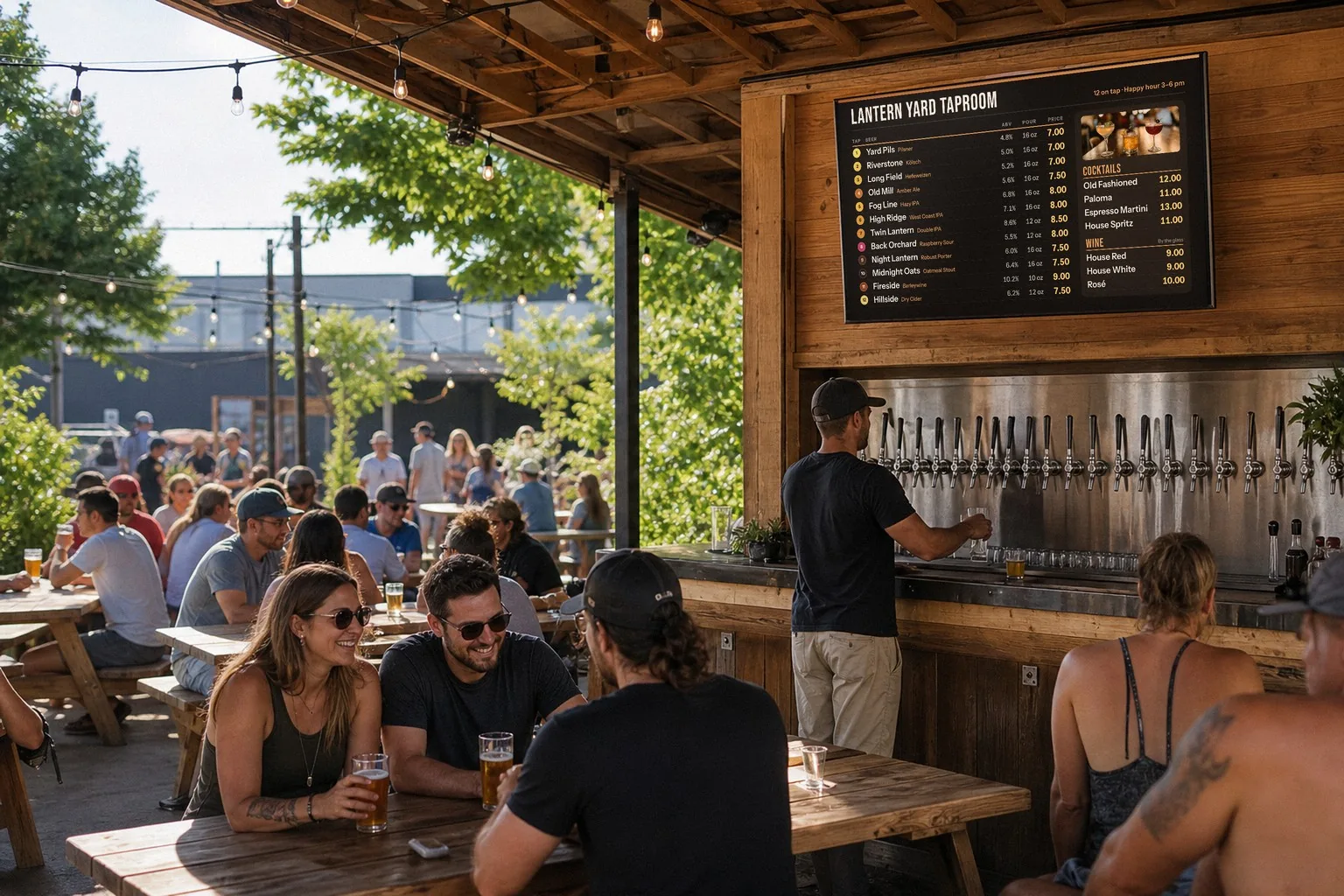
The drinks list over the taps, with a photo of the cocktails beside it. The scene is staged; the board is a sample Just a Menu design.
In Just a Menu, use your own photos or pick from stock and food photo libraries, and remove a photo’s background in one tap. Your QR menu shows photos too, right on the menu guests are reading. On Square, Toast, Clover or Oracle? Item photos come across from your POS.
Run a rotating drink special, with no reprints
A drink special that changes gives regulars a reason to look up at the board and try something new. On paper, every change means a reprint. On a screen, it takes a few taps.
Drink special ideas
- ✓Drink of the week: one house cocktail at a set price.
- ✓Just tapped: the newest keg on its own slide.
- ✓Seasonal: a spiced cider in the fall, a frozen drink in summer.
- ✓A flight: four small pours at one price.
- ✓Zero-proof: a mocktail or a house lemonade for guests who aren’t drinking.
- ✓Weekends only: brunch drinks on Saturday and Sunday mornings.
Run it with Just a Menu
- Make the slide. Scene Magic builds one from a combo or a promo, with your real items and prices, or design your own in JAM Canvas.
- Schedule it for the days you choose, like weekends only. It plays in the loop with your menu.
- Put it on your QR menu too: there’s a spot for today’s special.
- Post it: social templates fill in with your item, price and photo, sized for Instagram and Facebook. Download it and post it yourself.
When the special changes, make a new slide in about a minute. Nothing to print.
Keep rotating specials off paper. A printed menu has to be reprinted after every change, so print the regulars and add your QR code, and guests can check what’s on today. Print menus
Staff prompts: suggest a drink, name the special
Done right, suggesting a drink isn’t pushy. It’s good service. A specific suggestion usually works better than a yes-or-no question.
Instead of
Try
“Anything to drink?”
“Can I start you with a house margarita or a cold draft?”
“Want a drink with that?”
“That burger’s great with our IPA. Want to make it the Pint & a Burger?”
“Need anything else?”
“Another one of those, or want to try tonight’s special?”
A guest who isn’t drinking
“We’ve got fresh lemonade and a mocktail on special today.”
- ✓Name the special at every table, with its price. The board backs you up.
- ✓Offer a choice of two, not a yes-or-no question.
- ✓Suggest a pairing that fits what the guest ordered.
- ✓Taste the specials at line-up, so staff can describe them honestly.
- ✓Suggest once, then let it go. A guest who says no should hear nothing else about it.
Serve responsibly: never suggest another round to a guest who’s had enough, and follow your local alcohol service rules.
Keep the list honest: mark a kicked keg sold out right away
A drink that’s gone but still on the board means a guest picks it, hears no and has to start over. Fix it from your phone before the next order.
- Open Menu Workspace and tap Sold Out on the drink. It comes off your TVs and your QR menu, or shows as sold out. You choose which.
- Tapping a new keg or swapping a cocktail? Add the new drink with its sizes and price.
- When a drink comes back, tap Available.
On Square, Toast, Oracle or Clover? 86 the drink in your POS, and it’s marked sold out automatically on your boards and QR menu. POS integrations
Tap lists change the most. For what to list per beer, layouts and text size, see the digital beer menu board guide.
Good to know: your drinks are menu items you list and change yourself. Just a Menu doesn’t connect to keg monitors or beer-list apps.
Price drinks to a target pour cost
Selling more drinks only helps if each one makes money. Pour cost is what a drink costs you, as a share of its menu price. Pick a target, then price every pour to hit it.
Work out
How
Cost per pour
Bottle or keg cost × pour size ÷ ounces in the bottle or keg
Pour cost %
Cost per pour ÷ menu price × 100
Price for a target
Cost per pour ÷ target pour cost, as a decimal (20% = 0.20)
A worked example: a 750 ml bottle of liquor, poured 1.5 oz at a time.
Bottle cost · 750 ml is about 25.36 oz
24.00
Pours per bottle · 25.36 ÷ 1.5
16.9
Cost per pour · 24.00 × 1.5 ÷ 25.36
1.42
Price at a 20% target · 1.42 ÷ 0.20
7.10
Sample numbers. Round to a price that fits your menu, like 7.00 or 7.50, then check the pour cost again. Run your own numbers with the pour cost calculator.
Many bars aim for an overall pour cost of roughly 18 to 24%. Liquor and draft beer usually run lower; wine and bottled beer usually run higher. Your own targets depend on your drinks, your prices and your area.
Beer works the same way. A half-barrel keg holds 1,984 oz, or 124 pours of 16 oz on paper. Foam, spills and over-pours mean fewer in real life, so leave some room in the price.
Illustration
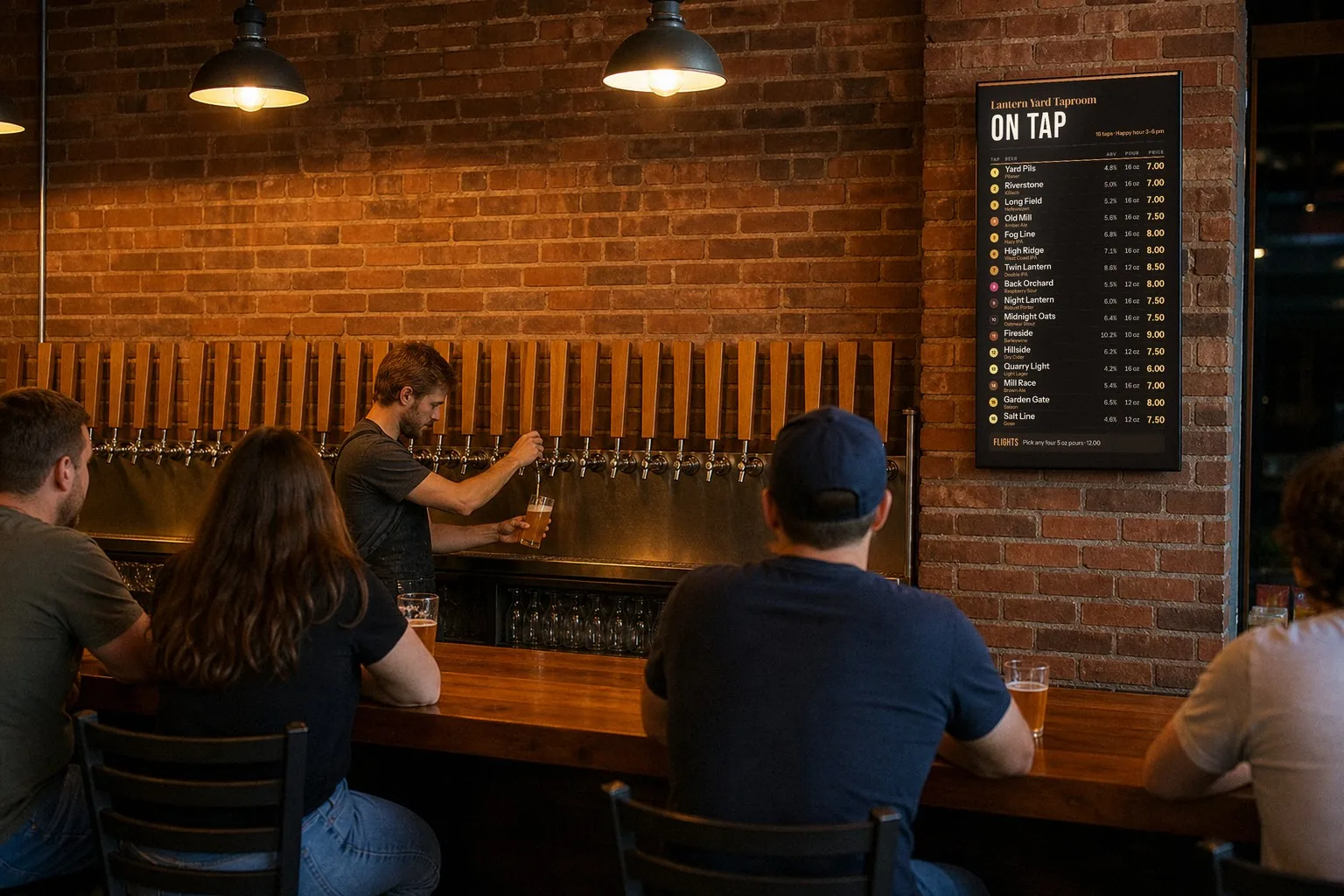
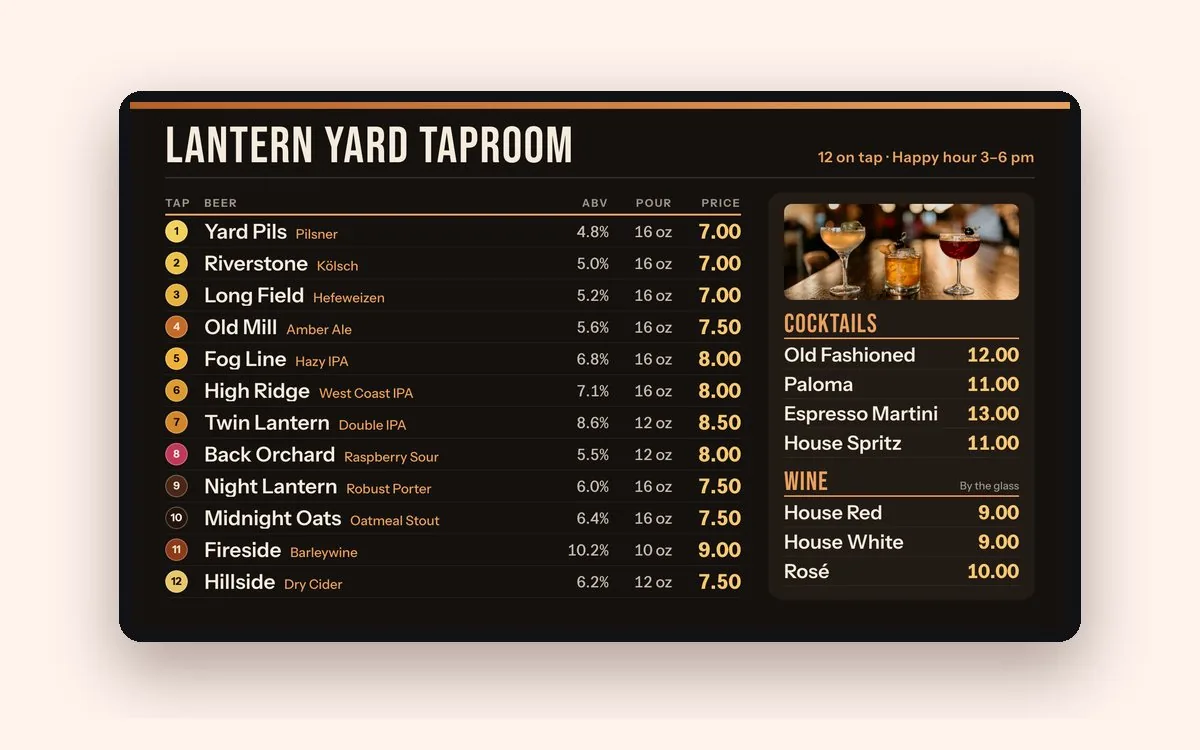
Pour size and price on every line, plus a flights line at the bottom. The taproom is staged; the board is a sample Just a Menu design.
In Just a Menu, each pour is a size with its own price, so a 12 oz and a 16 oz sit on one line. Change a price once in Menu Workspace, and your boards, your QR menu and your next print PDF all use it.
Questions
How do I increase beverage sales?
Put drinks on the menu board next to the food, with clear prices and a photo or two. Pair them with food in combos, run happy hour on a schedule, rotate a drink special and have staff suggest a drink by name. Keep sold-out drinks off the board, and price every pour to a target pour cost.
How do I upsell drinks without being pushy?
Suggest one specific drink that fits the order, name the special, or offer a choice of two. Say it once, and take no for an answer. A board that shows the drinks and the special does a lot of the selling for you.
Do drink photos help?
Usually, when you use a few. One to four large, well-lit photos per screen, of the drinks you most want to sell, give guests something to point at. A wall of small photos is harder to read. Just a Menu shows photos on your boards and your QR menu.
Should drinks be on the menu board or a separate menu?
Put your main drinks and specials on the board, next to the food, because that’s where guests decide. Keep the long list, like bottles, cans and wine, on your QR menu or a printed drink list. With Just a Menu, one menu feeds all three.
How do I run happy hour on my menu board?
Make a happy hour slide with your deals and hours, then schedule it. In Just a Menu, open the slide’s Schedule in Digital Signage, choose Custom for the days you want and OFF for the rest, set the start and end times and save. Your TVs switch to happy hour and back on their own.
Sample templates
Free menu board templates
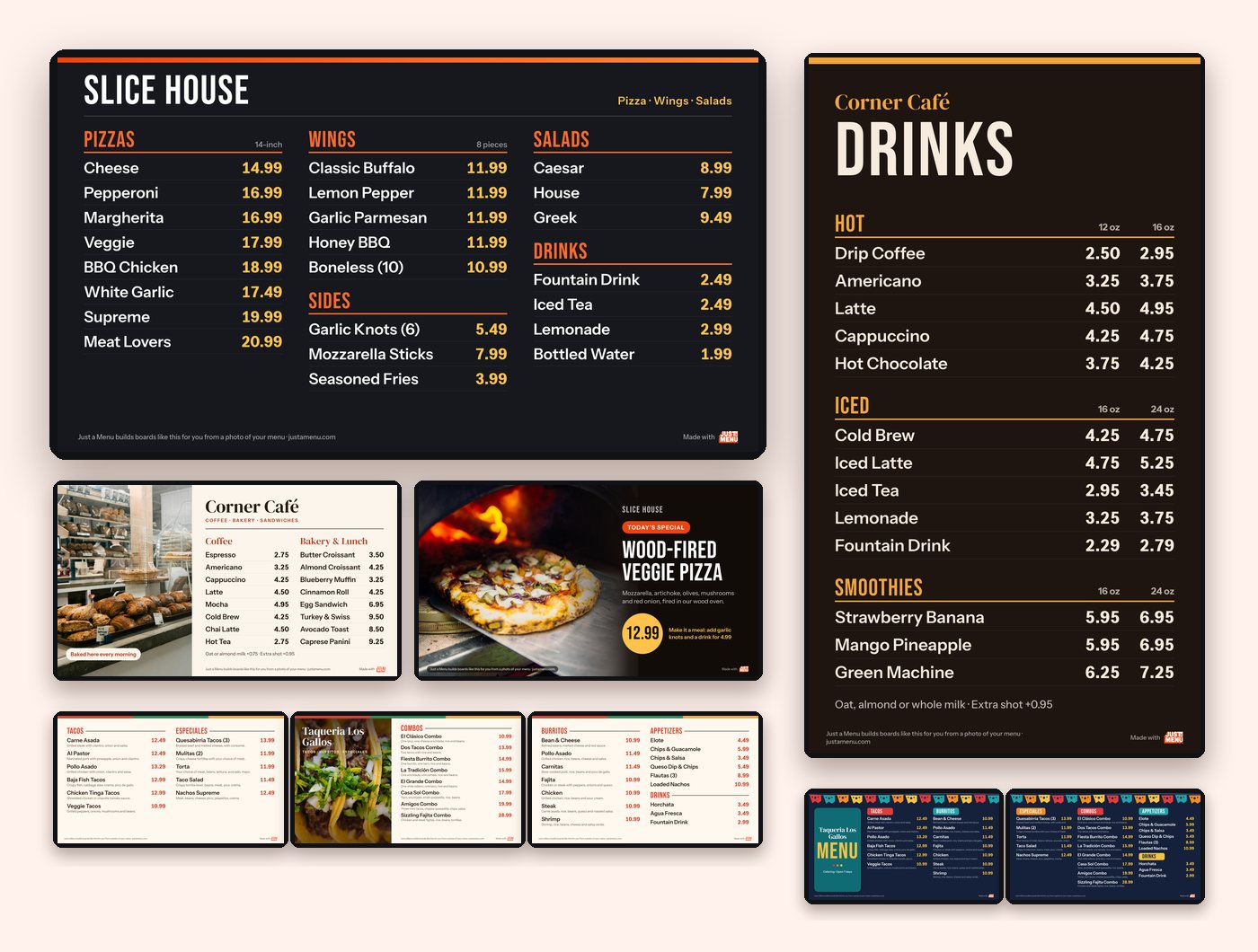
Six layouts for one TV or a row, plus a tall drinks board and a 12-tap list.
See the templates →
How to make a QR code menu
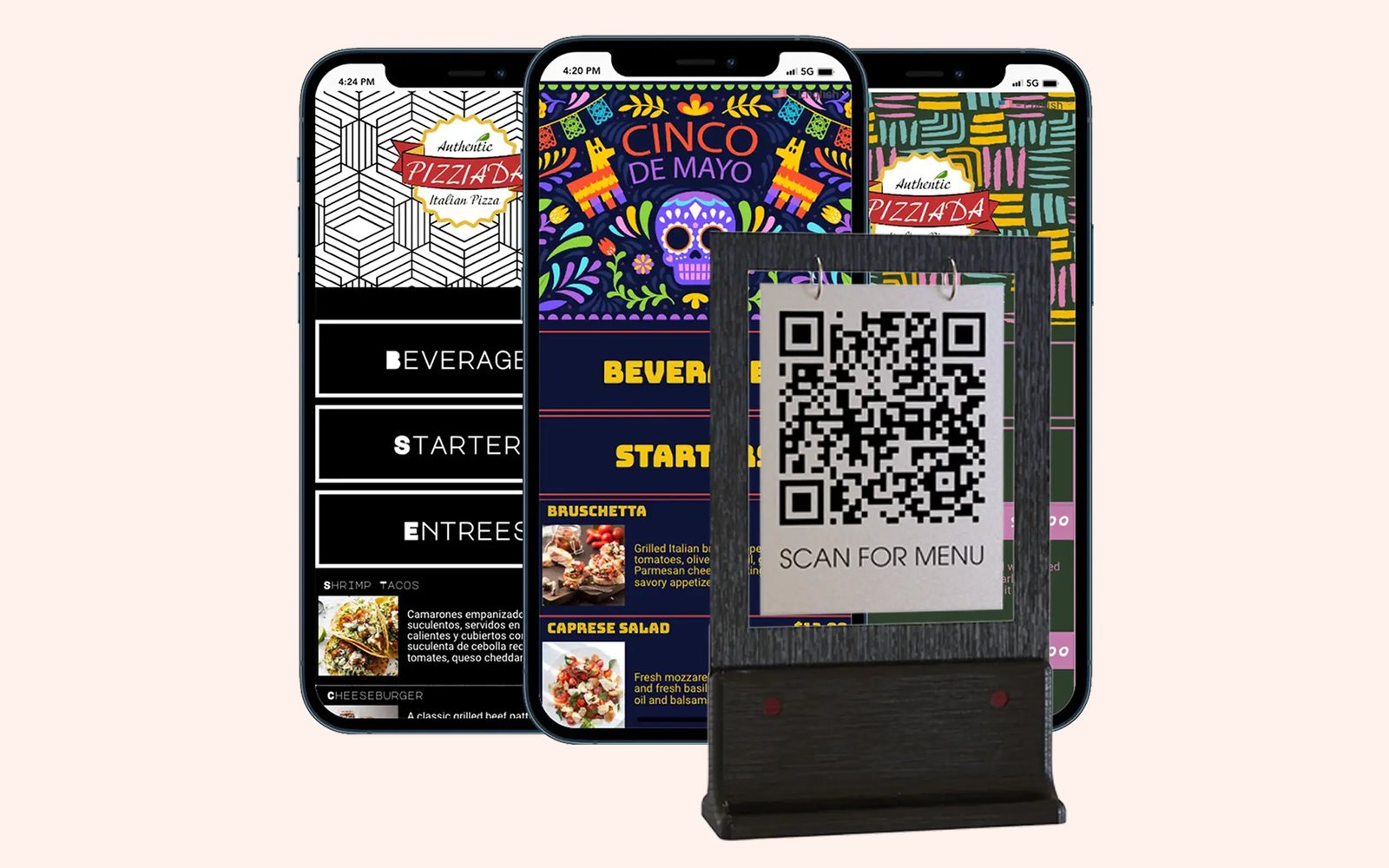
Your whole drinks list on every guest’s phone. Print the code once.
Read the guide →
Turn a menu photo into a menu board
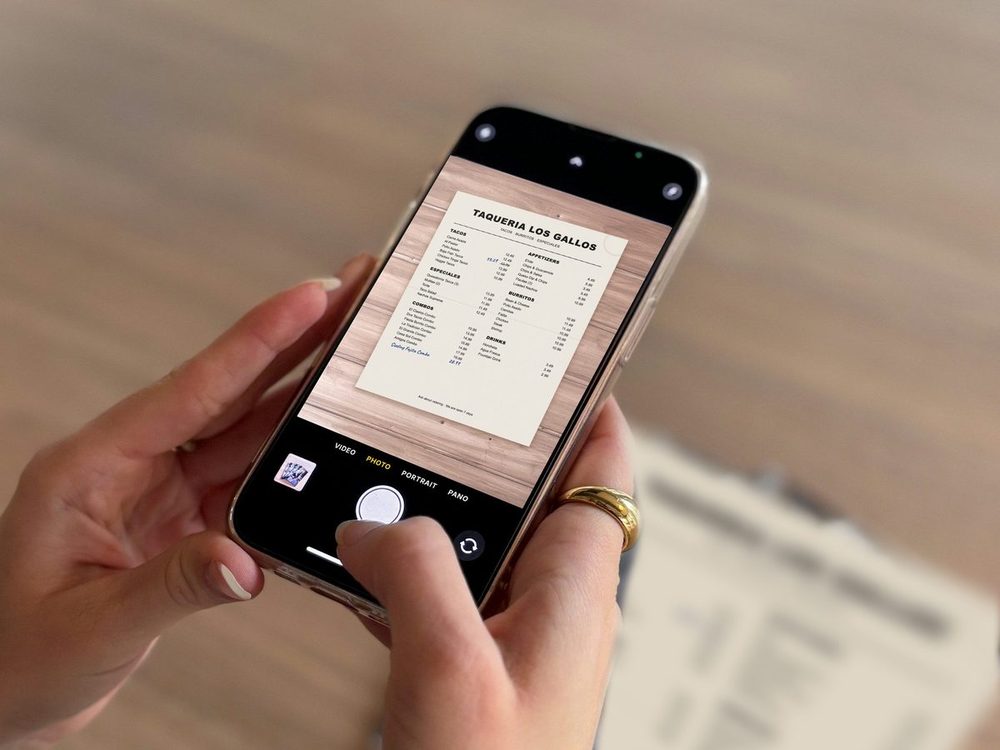
Snap your food and drink menu, and get finished boards for your TVs.
Read the guide →
Ready to sell more drinks? Let’s talk about your menu.
Once you’re set up, snap a photo of your menu and Just a Menu builds finished boards for your TVs, food and drinks together, plus the same menu on a QR code and in print.
Talk to a real person. We reply within one business day.
Illustration
Questions about your drinks menu? Email support@justamenu.com or call (202) 886-2442.