Beverage partner? Enroll a new account here →

Menu pricing
Menu engineering: how to find your stars, plowhorses, puzzles and dogs
Menu engineering sorts every item on your menu by two numbers: how many you sell and how much each one earns after food cost. That puts each item in one of four groups (stars, plowhorses, puzzles or dogs) and tells you what to feature, reprice, sell harder or cut. All you need is your POS item sales report and your plate costs. Then act on it where guests choose: with Just a Menu, moving an item, adding a photo or running a special is a quick edit, not a reprint.
Illustration
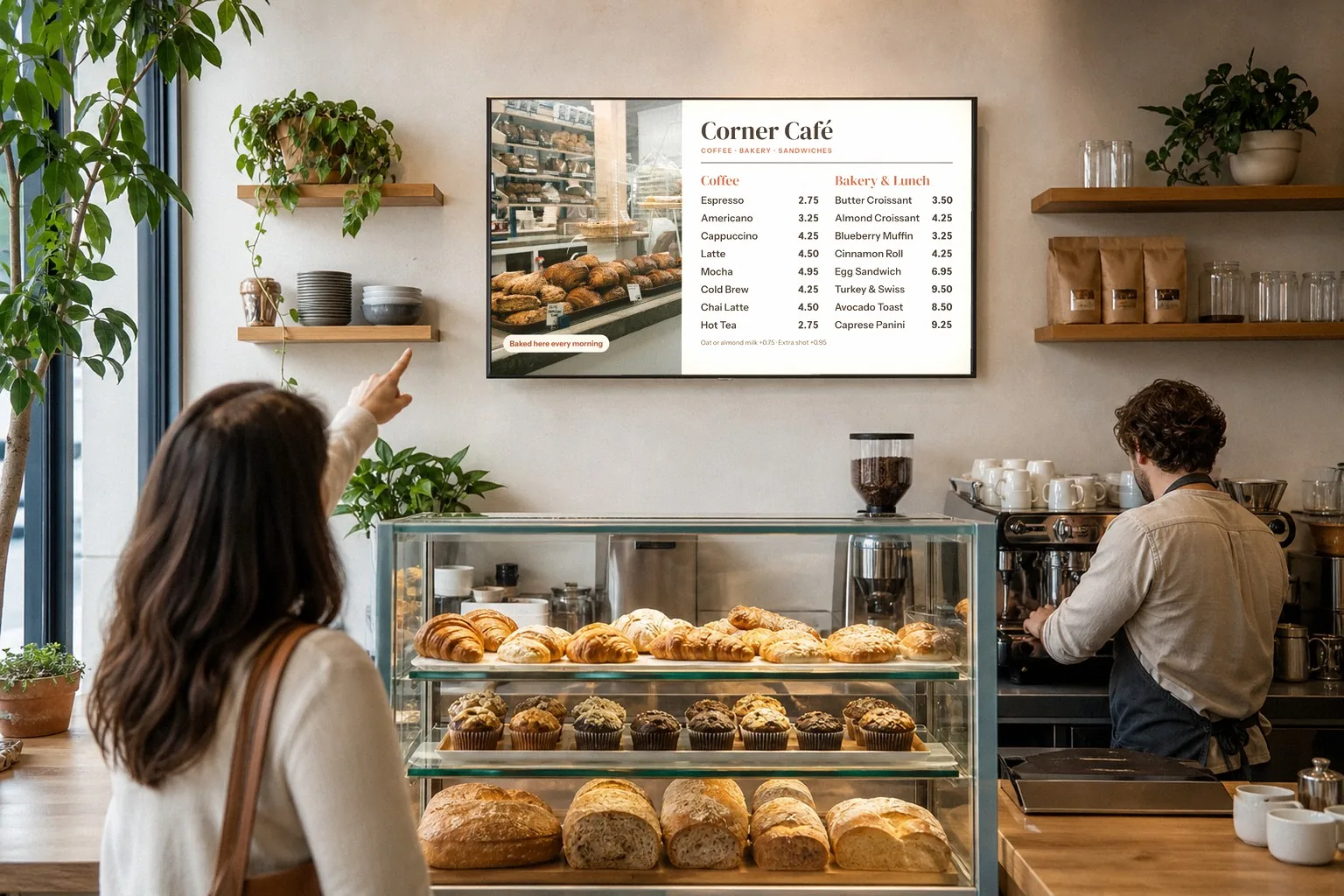
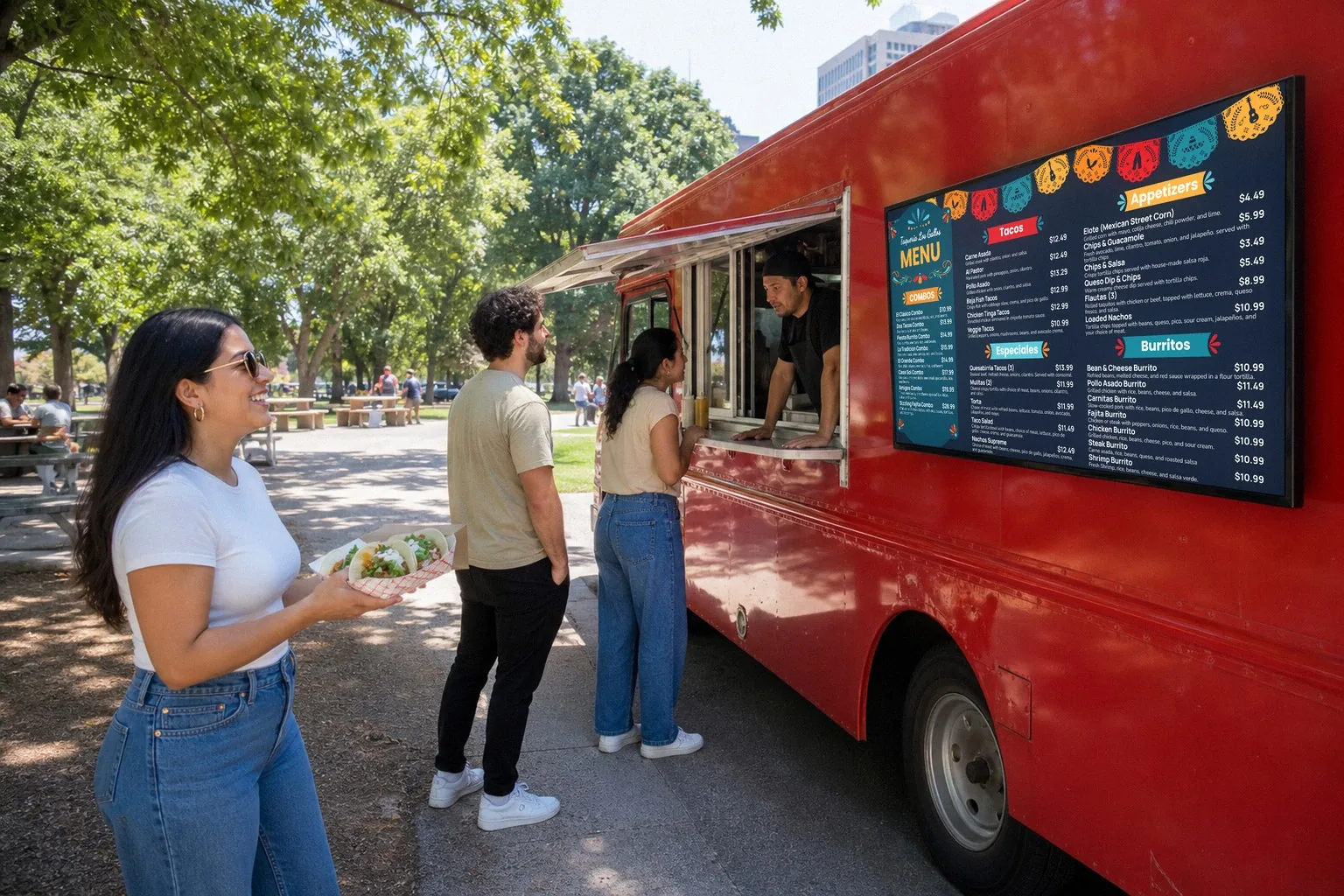
The menu board is where guests choose, so it’s where menu engineering pays off. The café is staged; the board is a sample Just a Menu design.
The short list
What is it?
Sorting each menu item by how well it sells and how much it earns, so you know what to feature, fix or cut.
Popularity?
Menu mix %: the item’s share of all units sold in its category.
Profit?
Contribution margin: menu price minus plate cost, in dollars.
Four groups?
Stars, plowhorses, puzzles and dogs.
The 70% rule?
An item is popular if it sells at least 70% of an even share. With 10 items, that’s 7%.
How often?
Monthly or quarterly, and after a price change.
What is menu engineering?
Menu engineering is a way to review your menu one item at a time with two questions: does it sell, and does it make money? Michael Kasavana and Donald Smith of Michigan State University introduced it in 1982. It’s still one of the most common ways restaurants decide what stays on the menu, what it costs and where it goes.
The big idea is to judge items by dollars, not percentages. Food cost % tells you what share of the price goes to ingredients. Contribution margin tells you how many dollars each plate leaves to pay for labor, rent and profit. You pay the bills in dollars, so a steak with a 40% food cost can be worth more to you than a sandwich at 26%, if it leaves more on every plate.
The menu engineering matrix: stars, plowhorses, puzzles and dogs
Every item lands in one of four groups, based on two tests: is it popular for its category, and is its margin high or low for its category?
Popular · high margin
Stars
What it is
Guests order it often, and each one earns more than average.
What to do
Protect it and feature it.
Less popular · high margin
Puzzles
What it is
Each one earns well, but too few guests order it.
What to do
Sell it harder: a better spot, name, photo or special.
Popular · low margin
Plowhorses
What it is
Guests love it, but each one earns less than average.
What to do
Nudge the price or the plate cost, or pair it with something that earns more.
Less popular · low margin
Dogs
What it is
Few guests order it, and each one earns less than average.
What to do
Rework it or take it off, unless it earns its place another way.
You’ll also see plowhorses called workhorses. Same idea: they do the heavy lifting on volume, not on margin.
What you need before you start
No special software. A spreadsheet works, and so does a notepad and a calculator.
- ✓Your POS item sales report. Units sold for each item over one period. Many systems call it a product mix or item sales report.
- ✓Your plate costs. What the ingredients in one serving cost you, at your latest invoice prices.
- ✓Your menu prices for that period.
- ✓One category at a time. Mains with mains, appetizers with appetizers, drinks with drinks. A side and a steak shouldn’t be judged against each other.
- ✓The same period for every item. A month or a quarter. Leave out specials that ran for only part of it, or look at them on their own.
No plate costs yet? List every ingredient in one serving, cost each one from your latest invoice and add them up. How to work out plate cost
How to do menu engineering, step by step
- Pick one category and one period, like mains for last month.
- List each item with its units sold, menu price and plate cost. Add up the units sold.
- Work out each item’s menu mix %: its units sold ÷ total units sold × 100.
- Work out each item’s contribution margin: menu price − plate cost.
- Set your two lines: the popularity line and the margin line (formulas below).
- Sort each item. At or above both lines is a star. Popular but under the margin line is a plowhorse. Over the margin line but not popular is a puzzle. Under both is a dog.
Work out
How
Menu mix %
Units sold of the item ÷ total units sold in the category × 100
Contribution margin
Menu price − plate cost
Popularity line
70% × (100% ÷ number of items in the category). At or above it is popular.
Margin line
Total margin ÷ total units sold. For total margin, multiply each item’s margin by its units sold and add them up. At or above it is high margin.
Why 70%? If every item sold the same amount, each would get an even share: 1 in 6 with six items. An item that reaches at least 70% of that share counts as popular. The 70% cut-off comes from the original method, and most guides still use it.
Why weight the margin line? A plain average of the margins lets an item that hardly sells pull the line up or down. Dividing total margin by total units gives you what the category really earns per plate.
A worked example: six mains, one month
Here are a casual restaurant’s mains for one month. Sample prices and costs, in dollars.
Now set the two lines:
Total sold · six mains, one month
900
Popularity line · 70% × (100% ÷ 6)
11.7%
Total margin · each margin × units sold, added up
9,276.00
Margin line · 9,276.00 ÷ 900
10.31
Then sort each item against the two lines:
Two things stand out. The smash burger is the best seller, but each one earns 2.21 less than the margin line. And steak frites has the highest food cost on the list, 40%, yet it earns the most per plate: 16.80. Judged by food cost % alone, the steak would look like your worst main.
Sample numbers. Your own report will look different, but the math works the same for any category.
What to do with stars, plowhorses, puzzles and dogs
Stars: protect them and feature them
- ✓Keep them the same. Same recipe, same portion, same quality. Guests order them for a reason.
- ✓Give them a prime spot. On a menu board, many operators use the top or left of the first screen, or a feature spot.
- ✓Show them. A big, well-lit photo helps guests find a star in a second. One to four photos per screen is plenty.
- ✓Raise prices with care. Stars can often take a small increase, because guests already want them. Go small, then check the next report.
About the “sweet spot”: you may read that guests’ eyes go to a “golden triangle” on a printed menu. Eye-tracking research on that is mixed, so treat any sweet spot as a place to start, then test it on your own menu.
Plowhorses: earn a little more from each one
- ✓Nudge the price. In the example, 0.50 more on the burger is 150.00 more margin a month, if it keeps selling 300.
- ✓Trim the plate cost. Check the portion, the side and your supplier’s price, without changing what guests love about it.
- ✓Pair it with something that earns more. A combo with a side and a drink, or an upgrade like a premium side.
- ✓Don’t give it your best spot. It already sells. Many operators save that space for stars and puzzles.
Puzzles: get more guests to order them
- ✓Move them up. A puzzle at the bottom of a long list is easy to miss.
- ✓Rename and describe. A clear, tasty name and one short line on why it’s good.
- ✓Add a photo. It gives guests something to point at.
- ✓Run it as a special for a few weeks, and have staff suggest it by name.
- ✓Check the price. If it’s far above everything else in the category, a small cut can bring more orders and still leave a good margin.
Illustration
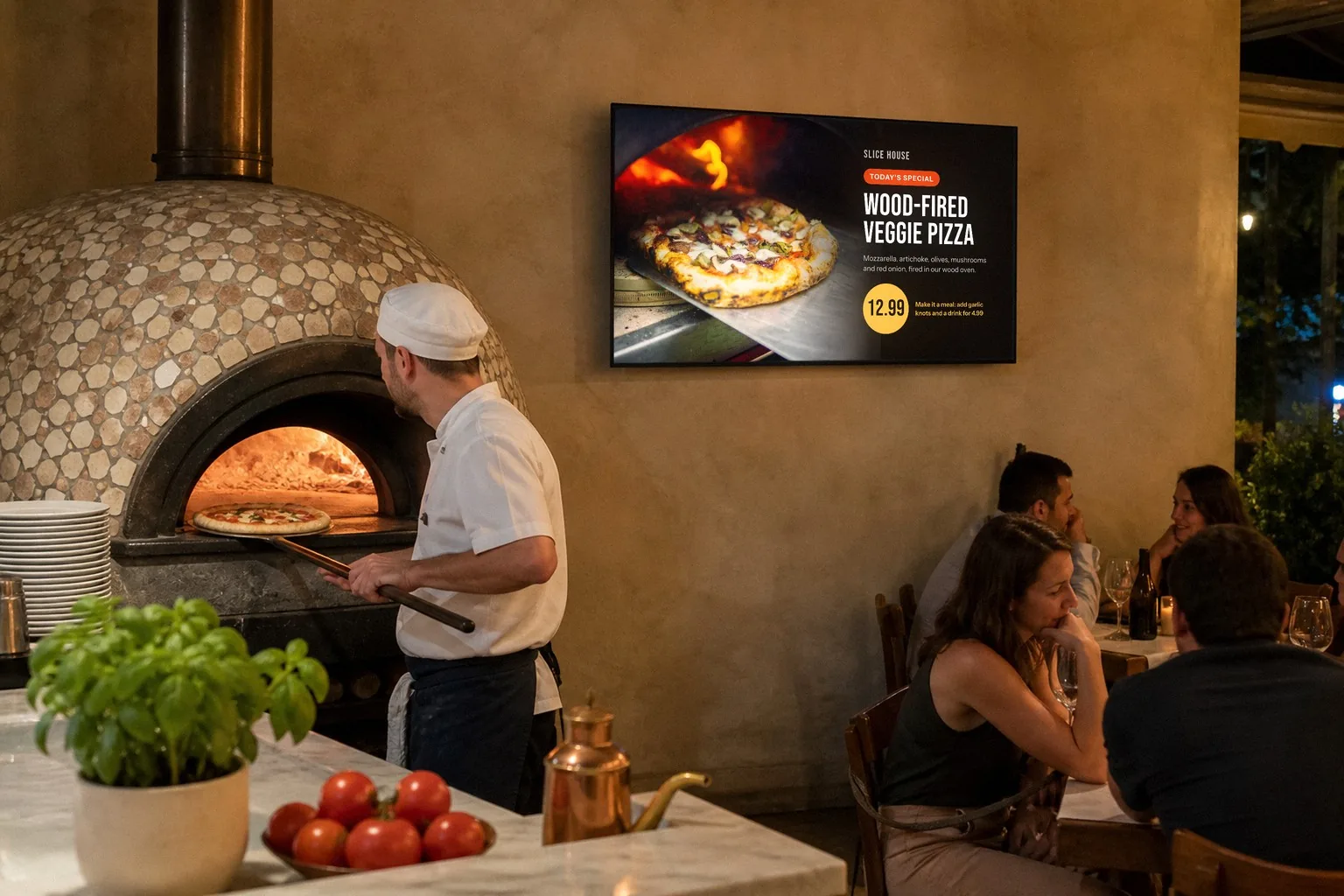
A special slide puts one dish in the spotlight, and a make-it-a-meal line pairs it with sides and a drink. The pizzeria is staged; the board is a sample Just a Menu design.
Dogs: rework them or take them off
- ✓Take it off. You make room for items that earn more, and a shorter menu is easier to read on a board.
- ✓Or rework it: a new recipe, a lower plate cost or a better price, then check it again next time.
- ✓Keep it if it earns its place another way. In the example, the veggie wrap is the only vegetarian main. A group with one vegetarian might go somewhere else without it.
Change a few things at a time. If you move, rename and reprice an item in the same week, you won’t know which change worked. Give a change a few weeks, then compare the next report.
Put the results on your menu board with Just a Menu
Menu engineering tells you what to change. The menu board is where guests see the change. With Just a Menu, every move from the last section is a quick edit to one menu, and your TVs, QR menu, print menus and website menu all follow.
When you want to…
Do this in Just a Menu
Move a star or a puzzle up
In Menu Workspace, drag the dots next to an item to reorder it. On the board, drag a category up or down.
Give a puzzle a photo and a description
Click the pencil on the item, write a short description and add a photo with Upload or Stock Gallery.
Feature a star or a puzzle
Pick it for a template’s feature spot, or let Scene Magic make a finished special slide from the dish in about a minute.
Pair a plowhorse with a drink
Choose Meal + drink combo in Scene Magic. The headline and price fill in from your menu.
Show it at the right time
Schedule each slide by day and time: the lunch special at lunch, happy hour at 4.
Change a price
Change it once in Menu Workspace. On Square, Toast, Clover or Oracle, change it in your POS and your boards follow automatically.
Take a dog off
Delete it in Menu Workspace. On a POS? Items you delete in Square, Toast, Clover or Oracle come off in Just a Menu too.
Specials play in the loop with your menu, so they never cover it. Every board, print menu and social post that uses an item you changed is re-made for you. Menus you’ve already printed are the one exception: those need a reprint. How Just a Menu boards work
Design is included. We build custom boards from your menu, and you can change anything in JAM Canvas. For layout rules, like how many items fit on a screen and how big the text should be, see how to design a digital menu board.
Good to know: Just a Menu doesn’t run your sales numbers. Your item sales report comes from your POS. Just a Menu is where you put the results to work.
How often to re-run it
Menu engineering is a check-up, not a one-time project. Costs, prices and guests’ tastes keep moving, and so will your groups.
- ✓Monthly or quarterly. Monthly suits a menu that changes a lot; quarterly suits a steady one. Use the same length of period each time, so you can compare.
- ✓After a price change, to see what it did to sales and margin.
- ✓When a supplier cost jumps. A star can turn into a plowhorse when its plate cost goes up.
- ✓After a menu change, like new items, dropped items or a seasonal menu.
Drinks work the same way. Run them as their own category, with the cost of each pour as the plate cost. Work out cost per pour. For more ways to sell drinks, see how to increase beverage sales.
Raising prices on your plowhorses? Tell guests simply and before it happens: how to word a price increase notice.
Questions
What is menu engineering?
Menu engineering is a way to sort every item on your menu by popularity and profit. Popularity is the item’s share of units sold in its category. Profit is its contribution margin: menu price minus plate cost. Each item becomes a star, plowhorse, puzzle or dog, which tells you what to feature, reprice, sell harder or cut.
What are stars, plowhorses, puzzles and dogs?
Stars are popular and earn more than average. Plowhorses are popular but earn less. Puzzles earn more but don’t sell enough. Dogs don’t sell much and earn less. Feature your stars, nudge plowhorse prices or costs, give puzzles a better spot and a special, and rework or drop your dogs.
What is the 70% rule in menu engineering?
It’s the popularity test. Divide 100% by the number of items in the category to get an even share, then take 70% of it. With 10 items, the even share is 10%, so an item needs at least 7% of units sold to count as popular.
How often should I do menu engineering?
Monthly or quarterly works for most restaurants, plus after a price change, a jump in a supplier cost or a new menu. Use the same length of period each time so you can compare the results.
Does menu engineering work for drinks?
Yes. Run drinks as their own category, apart from food, and use the cost of each pour as the plate cost. If you sell a lot of drinks, give cocktails, beer and wine their own categories.
How does a digital menu board help with menu engineering?
It makes acting on the results quick. With Just a Menu, you can move a star or puzzle up, add a photo, run a Scene Magic special and schedule it by time of day, with no reprint. Change a price once, or in Square, Toast, Clover or Oracle, and your boards follow automatically. Your sales numbers still come from your POS.
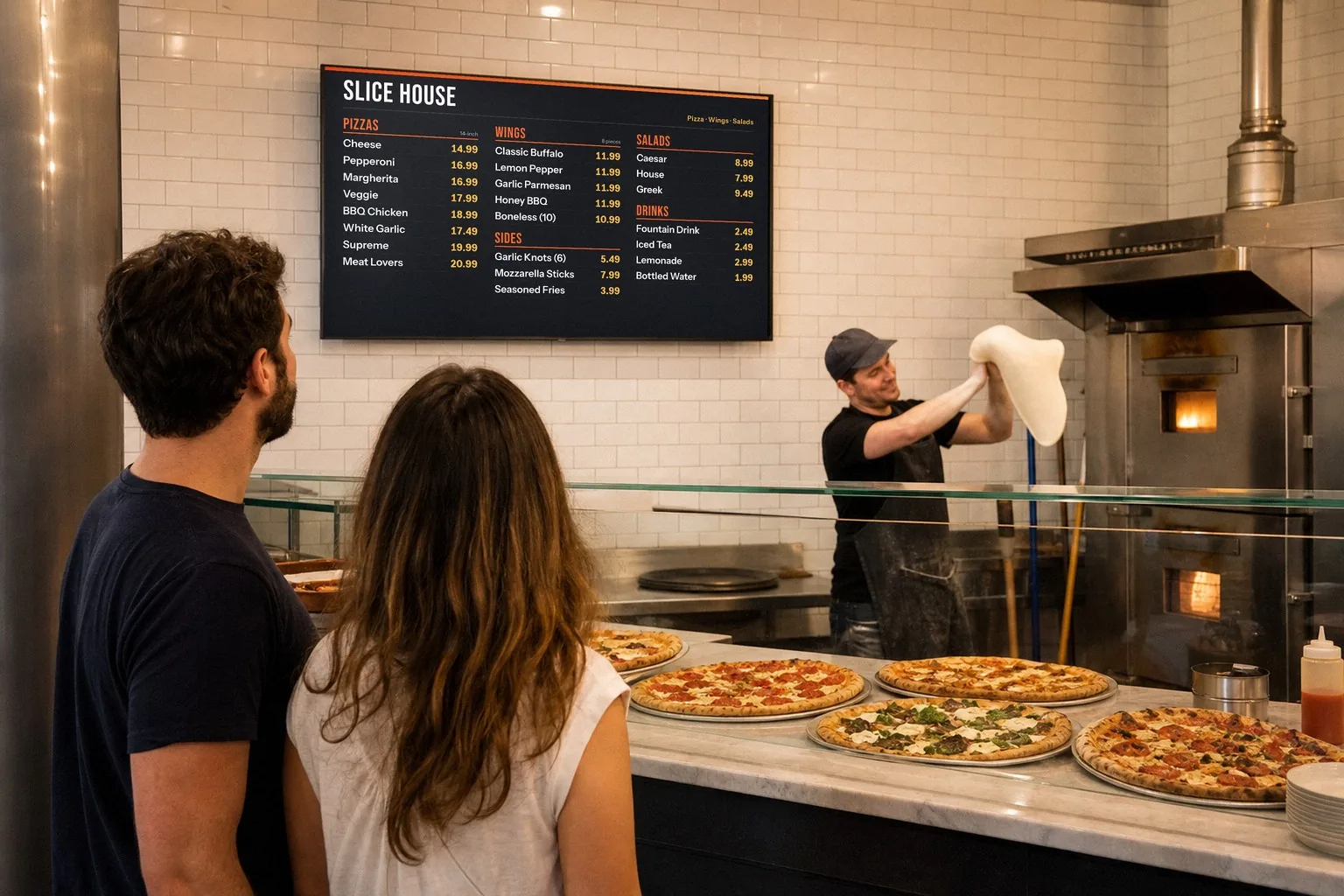

POS integrations
On Square, Toast, Clover or Oracle? Change a price there and your boards follow on their own.
See POS integrations →
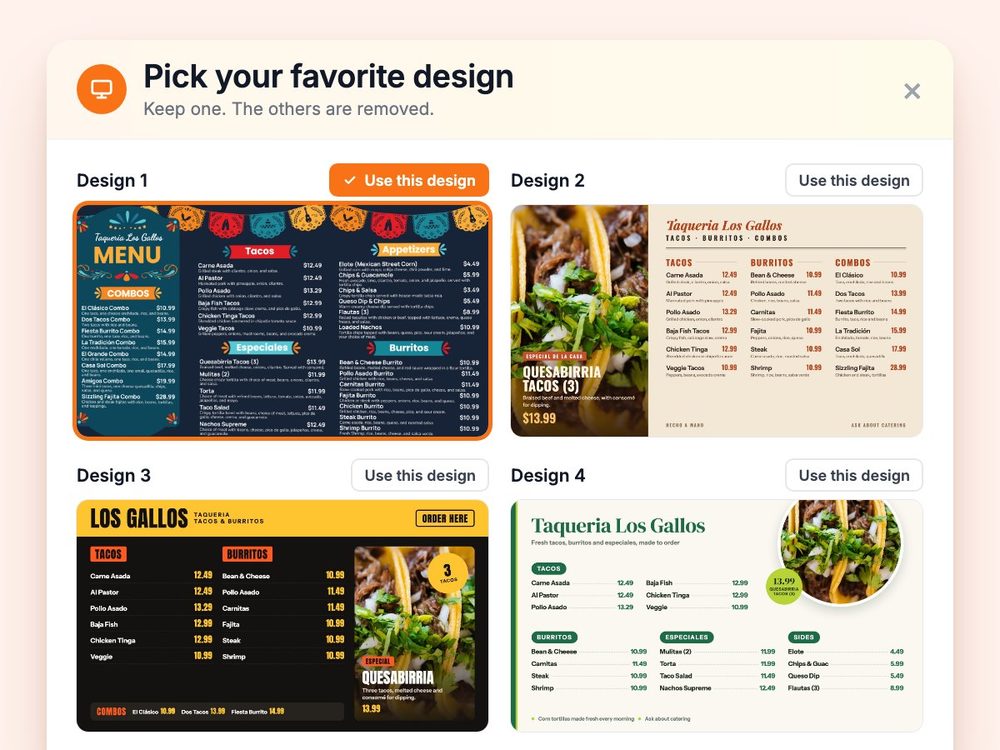
Our demo menu
Menu board design, done for you
Design is included. We build boards from your menu, and you can change anything in JAM Canvas.
See menu board design →
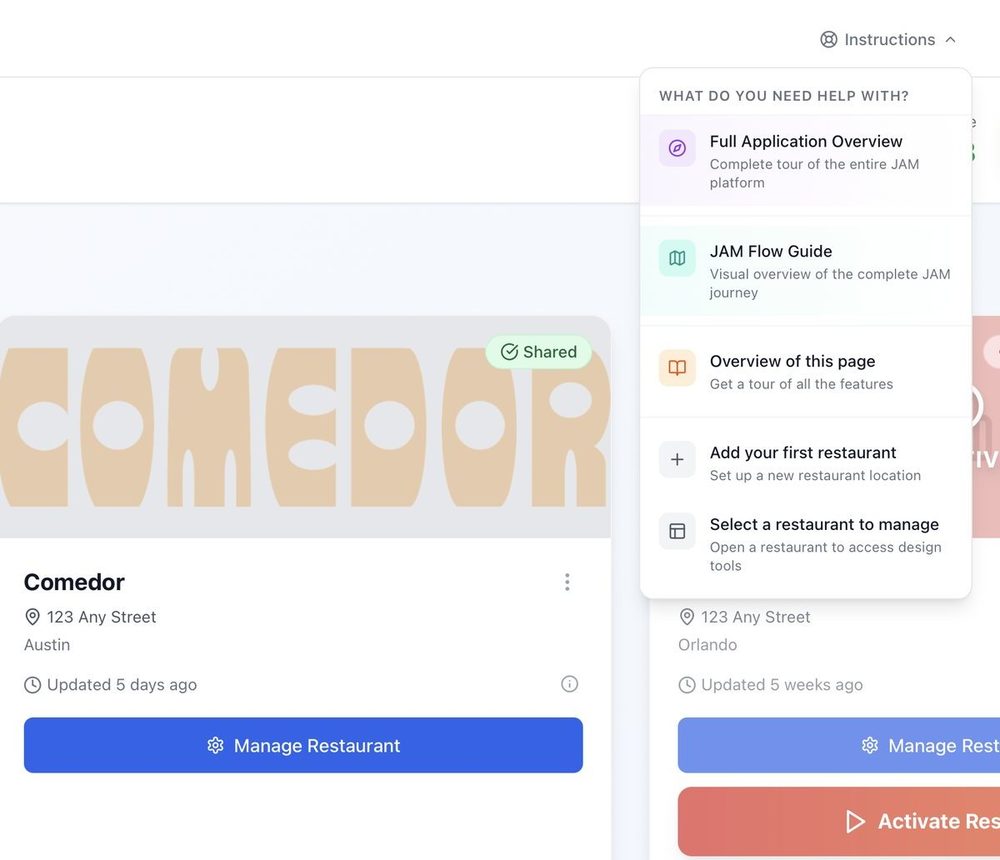
Getting started
From a photo of your menu to your TV, in four steps.
Read the guide →
Know your stars? Put them where guests look.
Once you’re set up, snap a photo of your menu and Just a Menu builds custom boards for your TVs, plus a QR menu and print menus. Then move items, add photos and run specials from one menu, and every board follows.
Talk to a real person. We reply within one business day.
Illustration
Questions about your menu? Email support@justamenu.com or call (202) 886-2442.